
How-to
How to restart a Samsung TV (soft reset and cold boot)
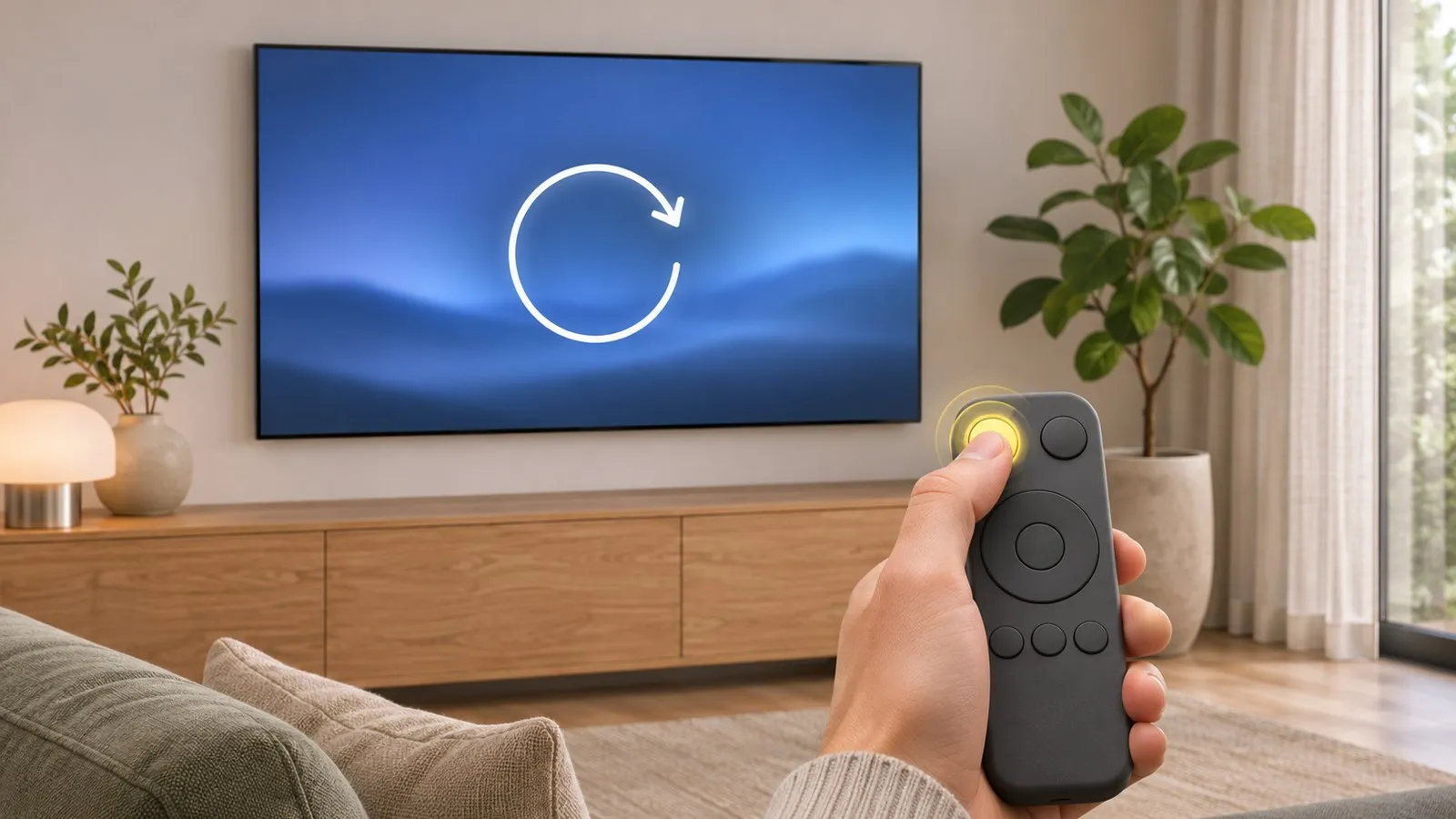
Pressing power puts a Samsung TV into standby — it doesn't restart it. Two ways to give it a genuine fresh start.
Quick answer
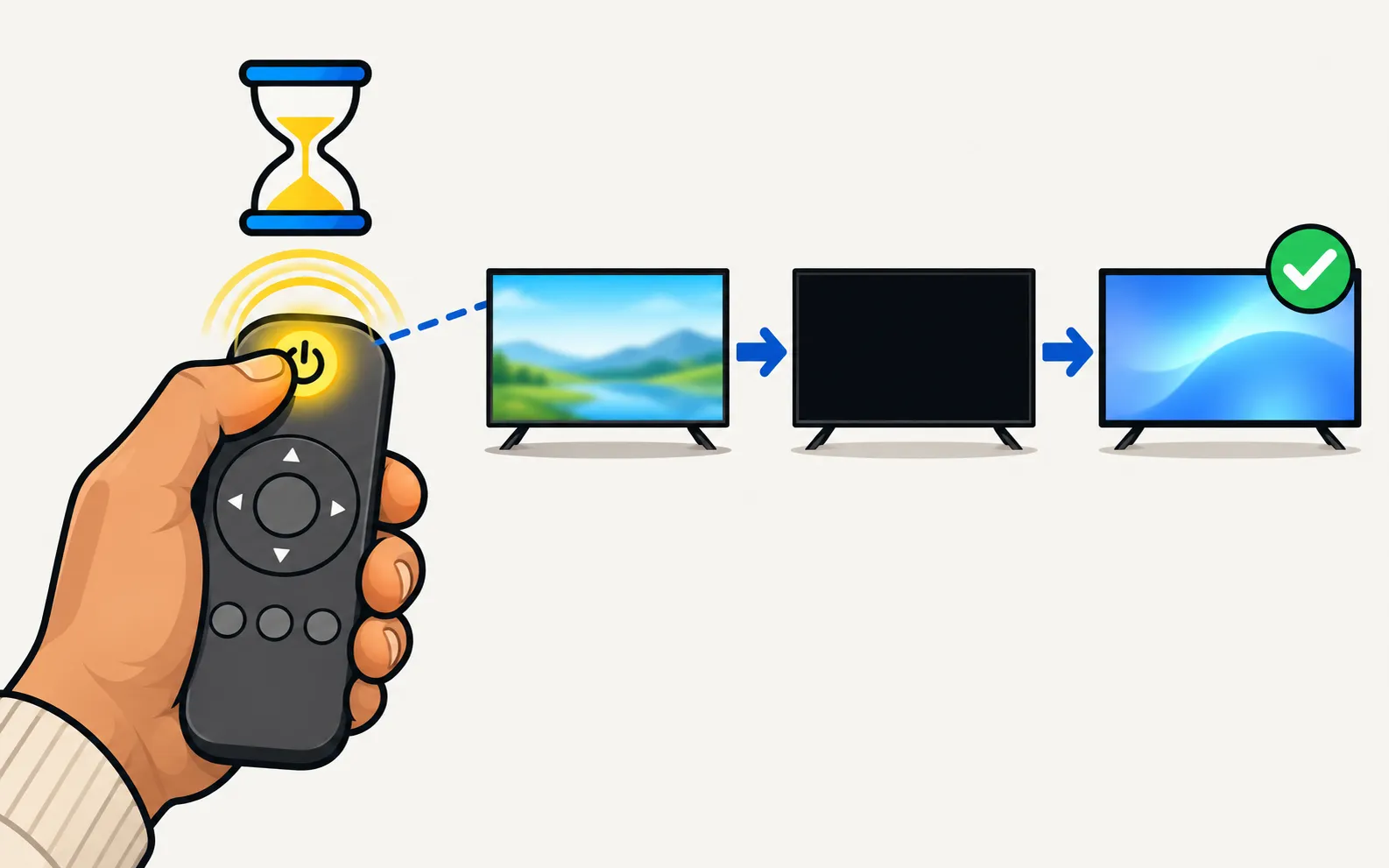
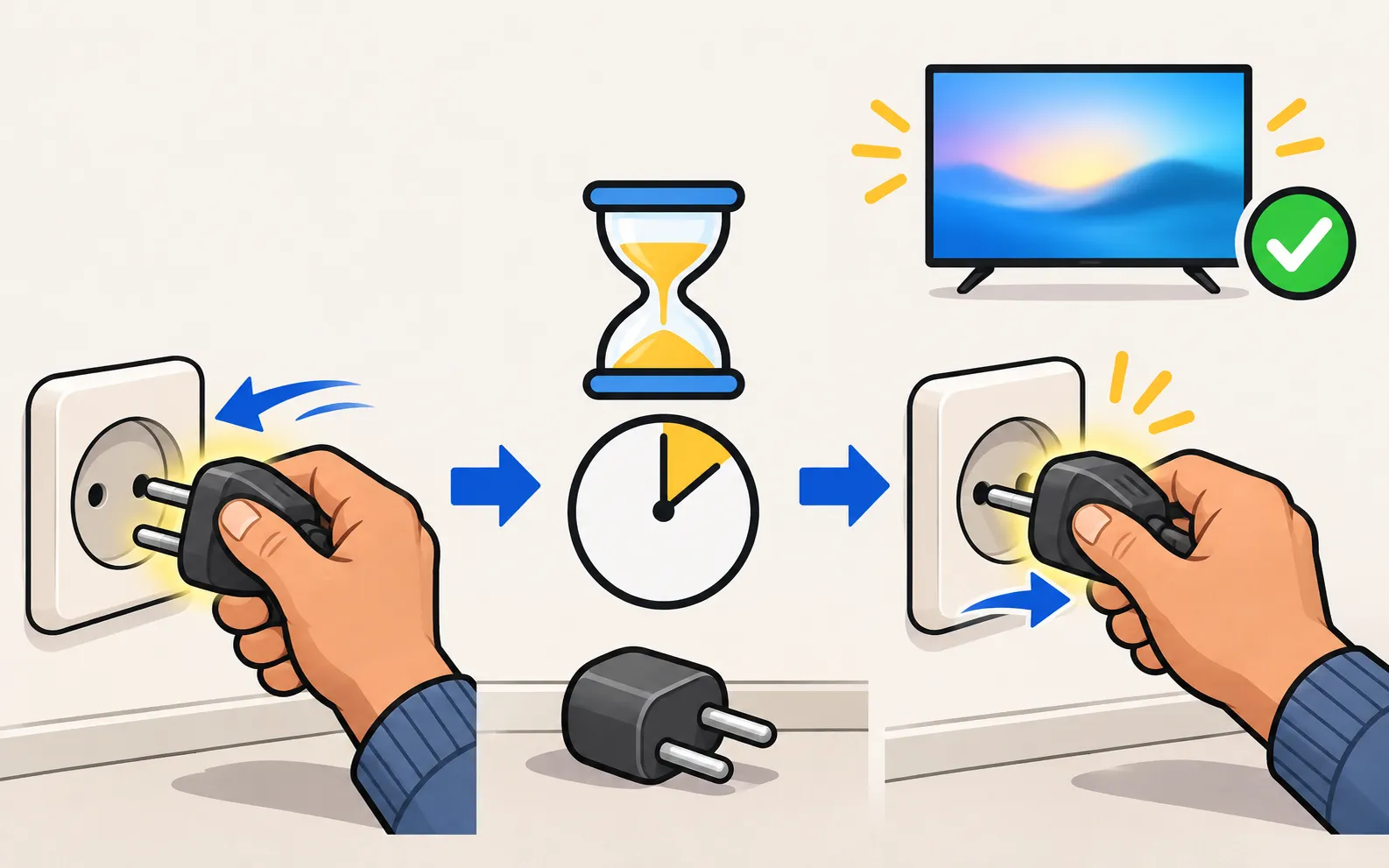
To restart a Samsung TV, press and hold the power button on the remote while the TV is on until it switches off and back on — Samsung calls this a cold boot. Or unplug the TV (and any One Connect box) for 30 seconds and plug it back in. A normal press of power only sends the TV to standby, which doesn't clear app or memory problems.
Why standby isn’t a restart
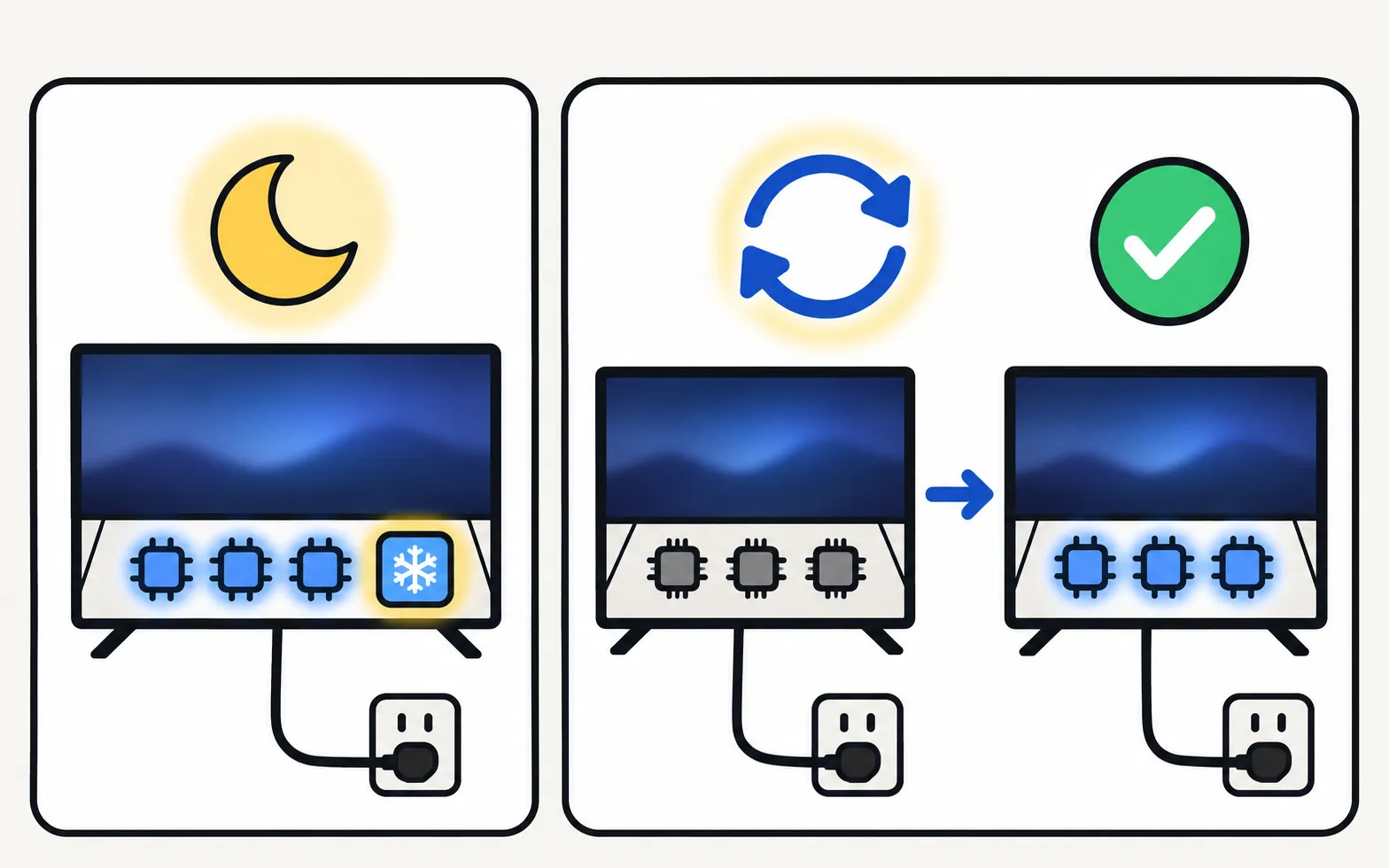
Modern TVs never fully switch off with a normal press of power: they go into standby so they can start quickly, receive updates and respond to phones. Problems such as a frozen app, no sound or a laggy menu can survive standby. A cold boot clears them.
Method 1: hold the remote’s power button (cold boot)
-
With the TV on, press and hold Power
On the TV remote. -
Keep holding
Until the TV switches off and back on — Samsung’s US guide describes this as a cold boot. -
Check the problem
If it’s still there, use Method 2.
Method 2: unplug for 30 seconds (the full restart)
-
Unplug the TV
From the wall — and the One Connect box, if your TV has one. -
Wait 30 seconds
Samsung’s troubleshooting guides use this interval for a full power cycle. -
Plug it back in and turn it on
With the remote or the TV’s control button.
When to restart — and when to do more
| Problem | Restart first? | Then |
|---|---|---|
| App frozen or won’t load | Yes | Apps not working |
| No sound | Yes (cold boot) | No sound |
| Slow menus | Yes | Slow or freezing |
| Wi-Fi dropped | Yes, router first | Won’t connect to Wi-Fi |
| Restarts on its own | — | Keeps restarting |
| Settings messed up | No | Factory reset (last resort) |
No remote?
Use the TV’s own control button to switch it off, or unplug it. If a phone remote is set up, it can switch the TV off too — Power off on any connected Samsung Smart TV from 2010 on. For a true restart, unplugging is the way without a remote. Everything else you can do without one is in control a Samsung TV without a remote.
Frequently asked questions
Is restarting the same as a factory reset?
No. A restart keeps all your settings and apps; a factory reset erases them. Always try a restart first.
How long should I unplug the TV?
Samsung's troubleshooting guides use 30 seconds.
Can I restart the TV from my phone?
A phone remote can switch the TV off (and on, with Power On with Mobile), but that's standby, not a cold boot. Hold the remote's power button or unplug the TV for a true restart.
My TV restarts by itself. Is that normal?
An occasional restart to install an update is normal. Repeated restarts are a problem — see the boot-loop guide.
Sources
- Samsung TV has very low or no audio (TSG10002215) — Samsung US · Samsung · checked November 11, 2026
- Samsung UK support: TV apps won't open — Samsung UK · Samsung · checked November 10, 2026
- How to cold boot, reboot, restart or reset your Samsung Smart TV — Samsung UK · Samsung · checked November 11, 2026
- Samsung TV will not turn on (troubleshooting by standby light, TSG10002218) — Samsung US · Samsung · checked November 11, 2026
Related guides

Troubleshooting
TV keeps restarting
Samsung TV stuck restarting or rebooting to the logo? Isolate power, HDMI and USB devices, check Anynet+, update or reset safely, and spot a board fault.

How-to
Factory reset
Factory reset a Samsung TV: the menu path for each year since 2013, default PIN 0000, what a reset erases, lighter resets first, and how without a remote.

Troubleshooting
Apps not working
Samsung TV apps won't open, crash or keep loading? Power-cycle, check the internet, update the TV, reinstall the app, then reset Smart Hub — in Samsung's order.

Troubleshooting
Slow or freezing
Speed up a slow or freezing Samsung TV: cold boot, clear app cache in Device Care, delete unused apps, update the software and reset Smart Hub as a last step.

Topic
Power
Fix Samsung TV power problems: a TV that won't turn on, a blinking red standby light, a TV that turns itself on or off, or one stuck restarting.