
Troubleshooting
App not available on your Samsung TV? Causes and workarounds
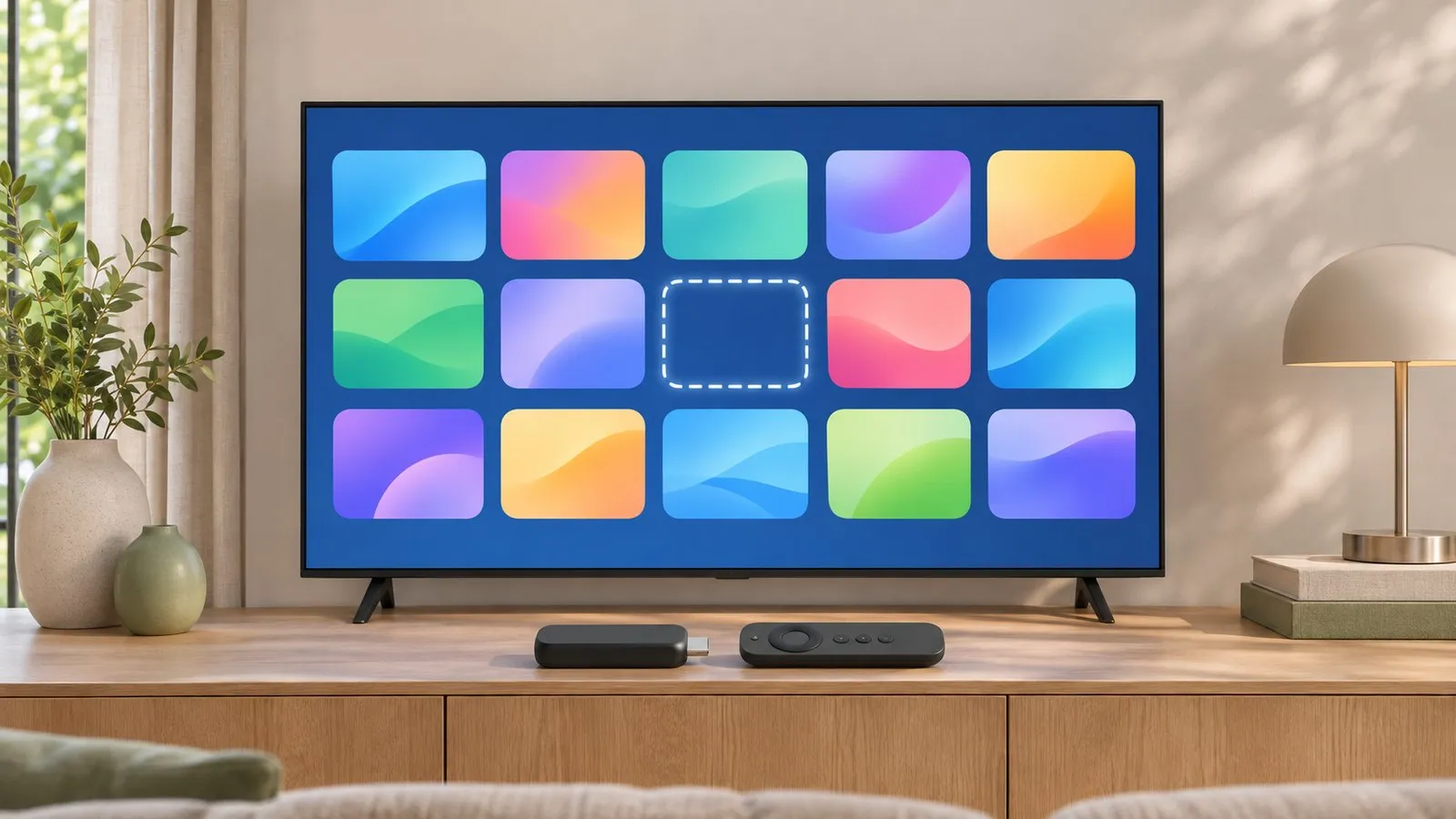
Samsung's app store shows different apps depending on where the TV is set up and how old it is. Some gaps can be closed; most need a workaround.
Quick answer
Apps on Samsung TVs depend on your country (region) and the TV's model year: app makers choose where they publish and which older TV software they support. Update the TV and search again; check the app maker's list of supported devices. If the app isn't offered for your TV, a streaming stick or box on HDMI, casting from the app on your phone, or a laptop over HDMI are the reliable workarounds.
Why an app is missing
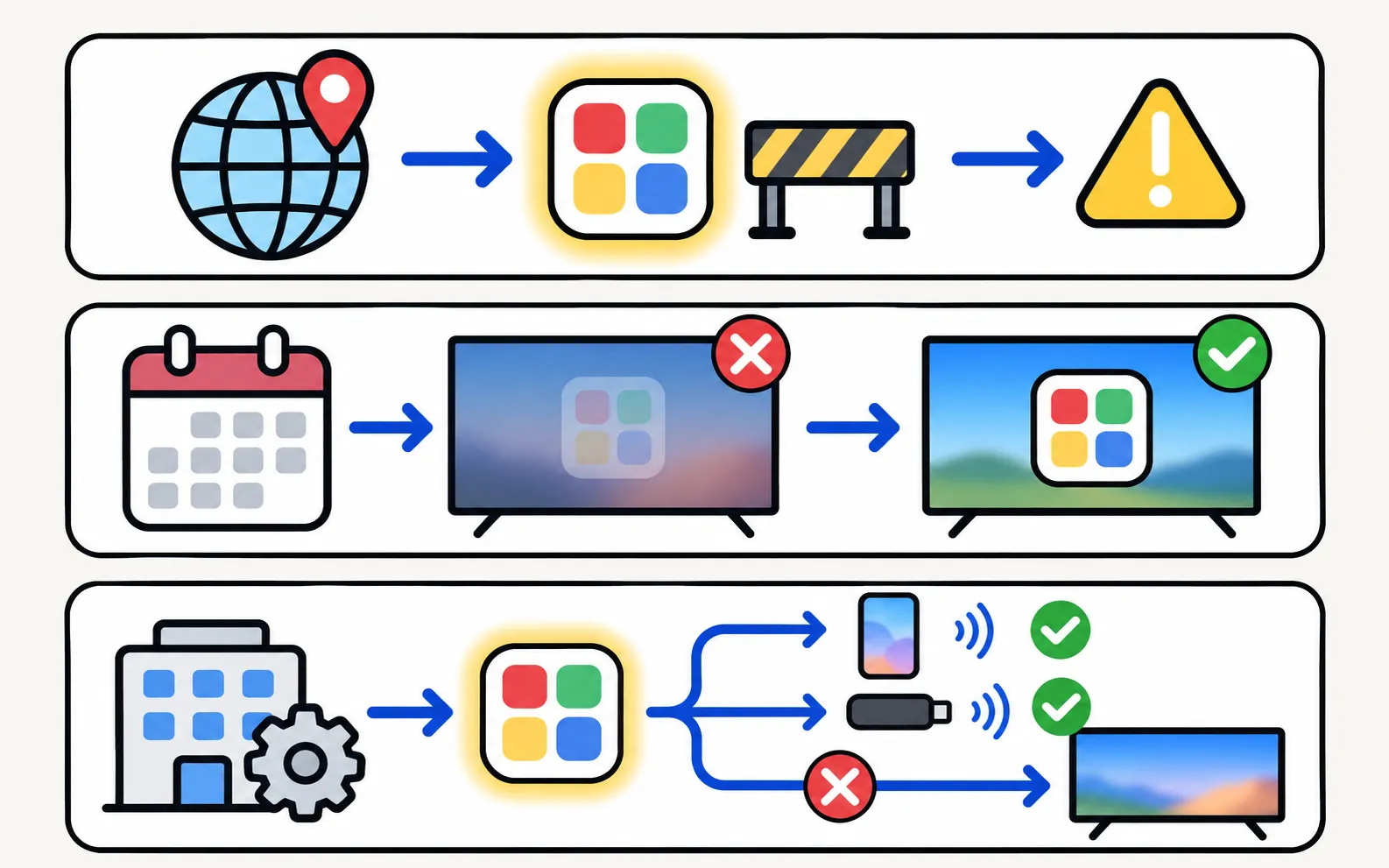
| Reason | Can you fix it? |
|---|---|
| Not offered in your country | Not on the TV; use a streaming device or cast from your phone |
| Not supported on your TV’s model year | No; use a streaming device |
| Store hasn’t refreshed | Often yes — update and restart |
| Smart Hub terms not accepted | Yes — accept them when you open Apps |
| App maker ended support | No; use a streaming device |
Try these first
-
Update the TV
Settings, Support, Software Update — Samsung recommends updates for app problems (software update). -
Restart properly
Unplug for 30 seconds (restart). -
Search by name
Use the search icon in Apps; some apps aren’t listed in categories. -
Check the app maker's device list
Most streaming services publish which Samsung TV years they support.
Workarounds that work
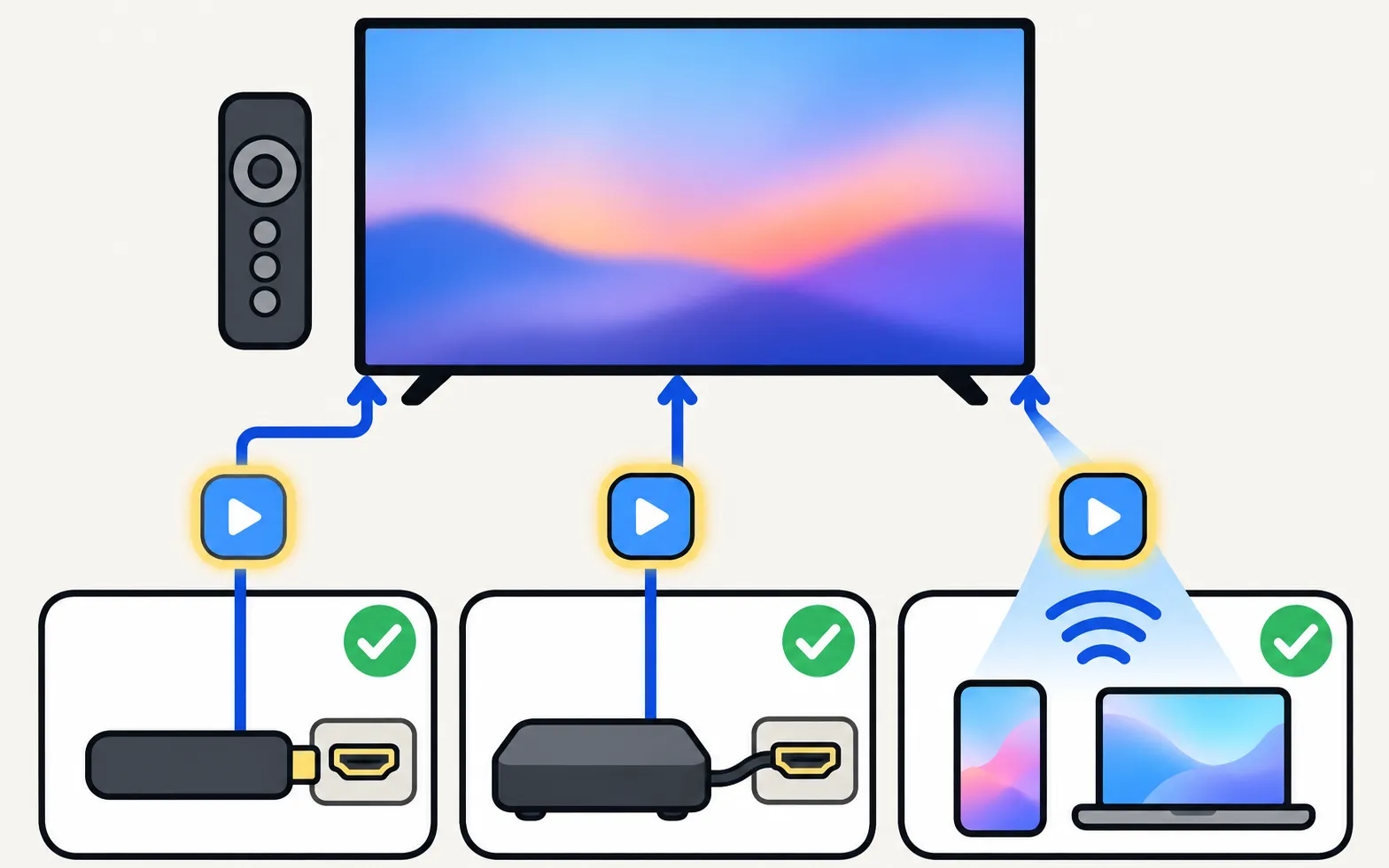
- Streaming stick or box: Fire TV, Roku, Chromecast with Google TV or Apple TV on a free HDMI port bring their own app stores (connect a streaming device).
- Cast from your phone: many apps can cast or AirPlay to a Samsung TV (AirPlay, Chromecast question).
- Mirror your phone: works for apps that allow screen capture — protected apps like Netflix show black when mirrored.
- Laptop over HDMI: the browser version of most services works on a laptop connected to the TV (Windows laptop, Mac).
Specific apps
Availability notes for popular services are maintained in streaming apps on Samsung TVs and live TV apps. Android apps and APKs are explained in can you install APKs on a Samsung TV?.
Frequently asked questions
Can I change my Samsung TV's region to get more apps?
Region-related settings exist, but changing them can affect channels, apps and services, and isn't supported by Samsung for unlocking apps. App licences are tied to countries anyway; use a streaming device instead.
Why did an app vanish after years?
App makers end support for older TV software. The app may disappear from the store or stop working; a streaming stick restores current apps.
Can I sideload an app?
No — Samsung TVs run Tizen and don't install Android APK files.
Sources
- [2022] How to install apps and manage downloaded apps on your Samsung TV — Samsung UK · Samsung · checked November 11, 2026
- Samsung UK support: TV apps won't open — Samsung UK · Samsung · checked November 10, 2026
- Update the software on your Samsung smart TV or monitor (ANS00062224) — Samsung US · Samsung · checked November 11, 2026
Related guides
How-to
Install and delete apps
How to download apps on a Samsung Smart TV, keep them updated, delete or reinstall them, and what to do when Delete is greyed out — with Samsung's own steps.
Reference
Streaming apps
Get Disney+, Apple TV, Max, Prime Video or Crunchyroll on a Samsung TV: how to install them, which TV years each supports, and what to do if an app is missing.
Explainer
APKs and Google Play
No: Samsung Smart TVs run Tizen, not Android, so APK files and Google Play won't install. Why sideloading guides mislead, and safe ways to get Android apps.
How-to
Streaming devices
Plug a Fire TV, Roku, Apple TV or Chromecast into a Samsung TV: right HDMI port and power, input, one-remote control via Anynet+, 4K HDR and soundbar audio.
How-to
Language, region and time
Wrong menu language on a Samsung TV? Change it back (paths by year since 2013), even if you can't read the menus, plus audio, subtitle language and the clock.