
Reference
How to get Disney+, Max, Prime Video and Apple TV on a Samsung TV
Whether an app appears on your Samsung TV depends on three things: your TV's model year and platform, your country, and the streaming service's own device list.
Quick answer
Open Apps on the TV, search for the service and select Install. Samsung says Disney+ works on most Samsung Smart TVs from 2016 onward (Tizen), but not on older Orsay-based TVs. The Apple TV app arrived on 2019 Samsung TVs and select 2018 models through a firmware update. If an app doesn't appear in search, your TV or region isn't supported — use a streaming device or a console instead.
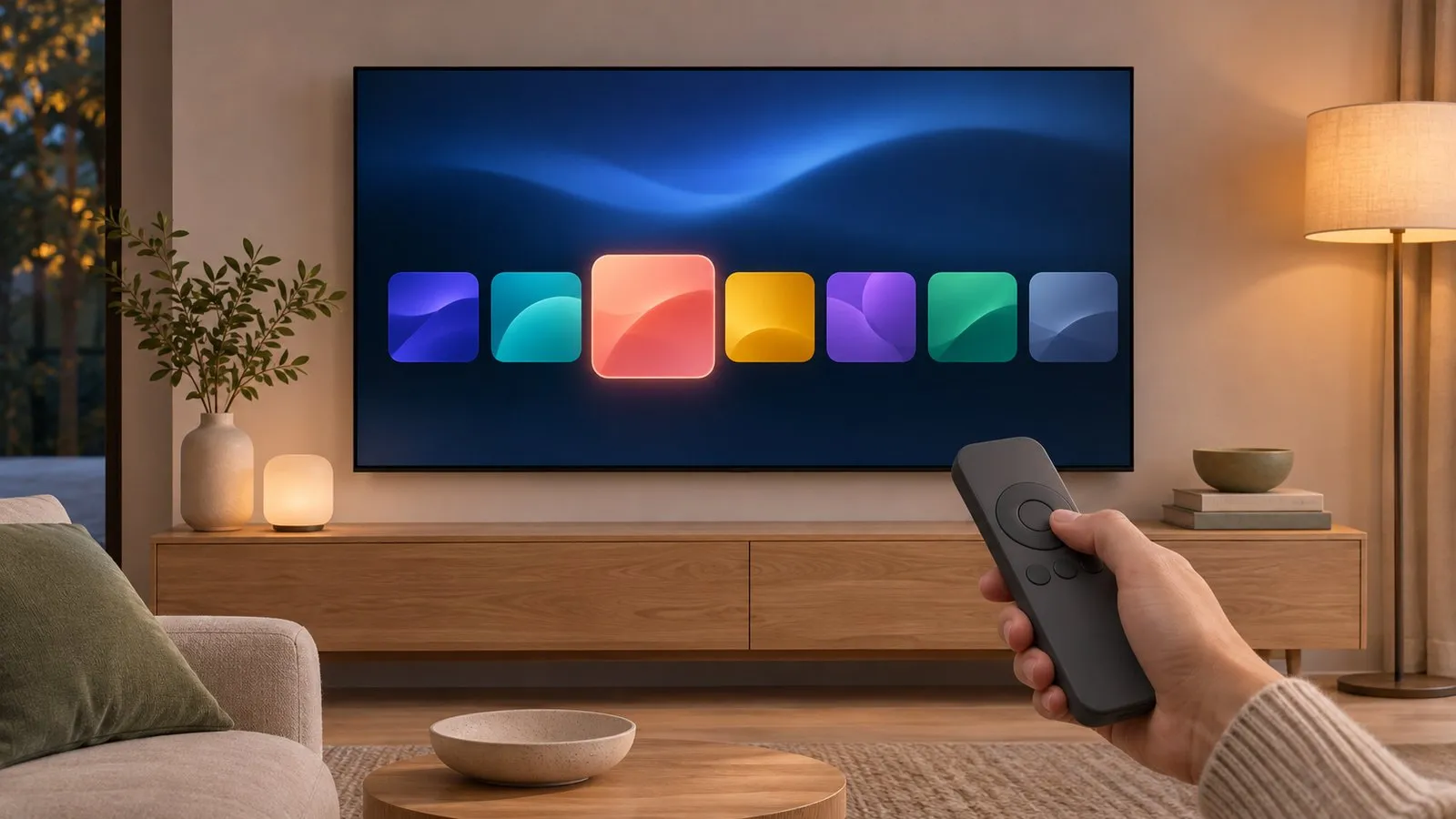
Install any streaming app
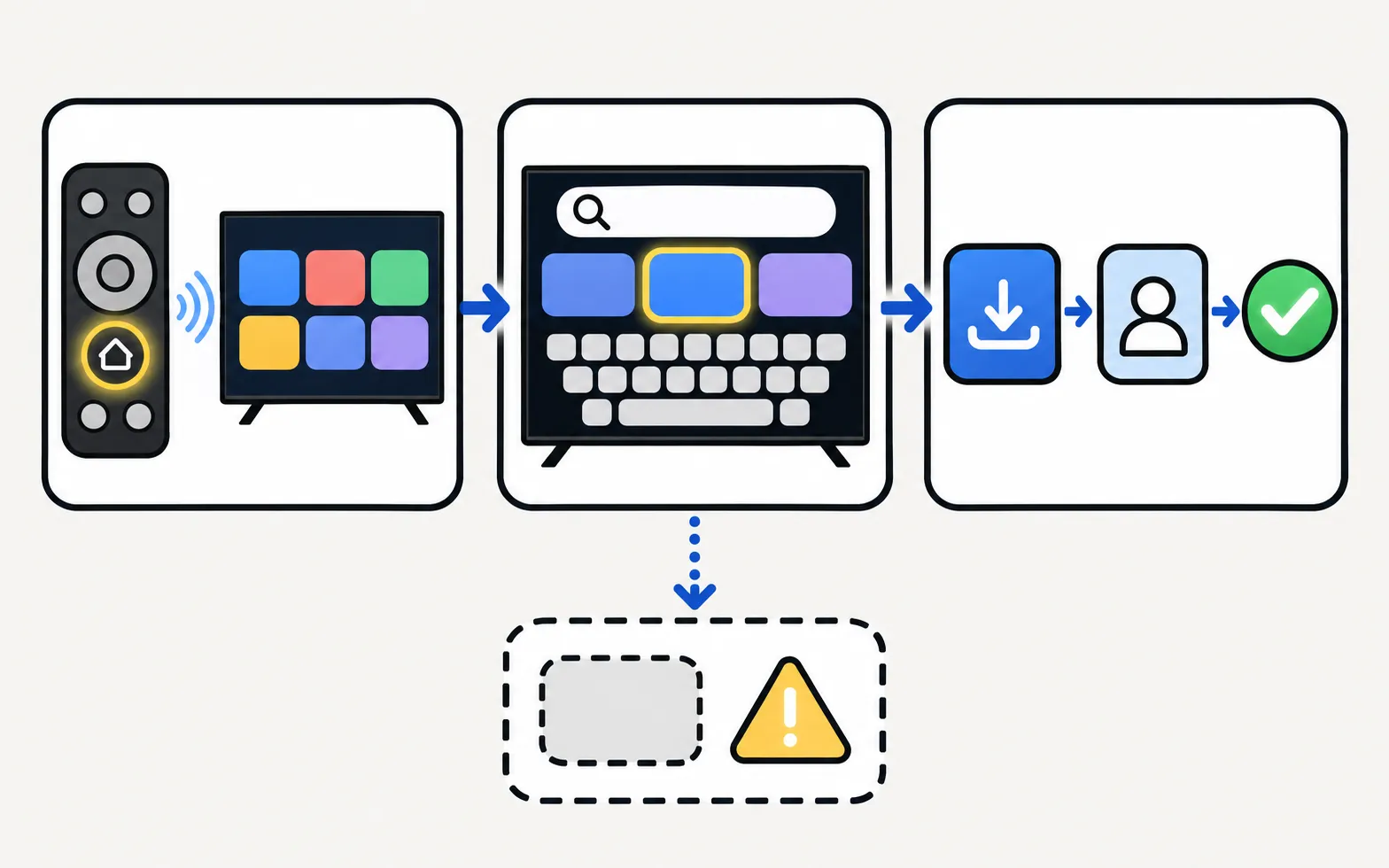
-
Open Apps
Press Home and choose Apps. -
Search
Use the search icon and type the service name. -
Install
Select the app and choose Install, then open it and sign in.
Details and updating: install, update and delete apps. App stuck on loading or crashing? See apps not working.
Service by service
| Service | What we could verify | Where to check |
|---|---|---|
| Disney+ | Samsung: compatible with most Samsung Smart TVs released since 2016 running Tizen; not on Orsay-based TVs | The Disney+ help centre’s device list |
| Apple TV app | Launched May 2019 on all 2019 Samsung smart TVs and select 2018 models via firmware update; Apple TV+ needs a subscription and may not be available in every region | Apple’s list of supported smart TVs |
| Max (HBO Max) | Support depends on Max’s own device list for your country | Max’s help centre |
| Prime Video | Depends on your region and TV — search Apps | Prime Video’s help pages |
| Crunchyroll | Depends on your region and TV — search Apps | Crunchyroll’s help pages |
| Netflix and YouTube | Fixes for both have their own guides | Netflix · YouTube |
We only list support rules we could confirm from Samsung or a reliable report. Service device lists change — the service’s own help centre is the final word.
The Frame and other lifestyle TVs
The Frame and Samsung’s other lifestyle TVs are Tizen smart TVs too, so the same rules apply: search Apps, and if a service is missing, check its device list for your model year.
When an app isn’t available
- Region: some services aren’t offered in every country’s Samsung store — see app not available.
- Model year: older TVs lose support over time; check the model year guide for your TV’s platform.
- Use another device: a streaming stick, box or console on HDMI runs almost every service — see streaming devices.
- Mirror or cast from a phone or laptop: see screen mirroring.
Free channels without a subscription: free TV apps. Live TV services: live TV apps.
Frequently asked questions
Why can't I find Disney+ on my Samsung TV?
Samsung says that if Disney+ doesn't appear, it's a strong sign your TV isn't compatible, or the service isn't available in your region. Older Orsay-based TVs (before 2016) can't run it.
Which Samsung TVs have the Apple TV app?
It launched in May 2019 on all 2019 Samsung smart TVs and select 2018 models via a firmware update; Samsung notes availability varies by model and region and that the app may be discontinued by Apple at any time.
An app I used to have has disappeared. Why?
Services sometimes stop supporting older TVs. Check the service's own help pages; if your TV is no longer supported, a streaming stick or console brings the app back.
Can I install apps from outside Samsung's store?
No — Samsung TVs run Tizen and don't install Android APKs or Google Play apps. See the APK guide.
Sources
- How to get Disney+ on my Samsung Smart TV — Samsung UK · Samsung · checked November 11, 2026
- Apple TV app & AirPlay on Samsung Smart TVs — Samsung Lebanon · Samsung · checked November 11, 2026
- Samsung smart TVs gain AirPlay 2 and Apple TV app (13 May 2019) — 9to5Mac · Media · checked November 11, 2026
Related guides
Troubleshooting
App not available
Can't find an app in your Samsung TV's store? Why apps depend on your country and TV year, what you can safely change, and workarounds that actually work.
How-to
Install and delete apps
How to download apps on a Samsung Smart TV, keep them updated, delete or reinstall them, and what to do when Delete is greyed out — with Samsung's own steps.
Troubleshooting
Apps not working
Samsung TV apps won't open, crash or keep loading? Power-cycle, check the internet, update the TV, reinstall the app, then reset Smart Hub — in Samsung's order.

Troubleshooting
Netflix not working
Netflix won't open, shows an error or black screen, or buffers on a Samsung TV? Read the code, restart, update, reinstall Netflix and, last, reset Smart Hub.
How-to
Streaming devices
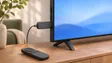
Plug a Fire TV, Roku, Apple TV or Chromecast into a Samsung TV: right HDMI port and power, input, one-remote control via Anynet+, 4K HDR and soundbar audio.