
Reference
YouTube TV, Xfinity and Spectrum on Samsung TVs: which models work
Live TV services each set their own minimum Samsung model year. Know yours, and you'll know in seconds whether the app will appear.
Quick answer
YouTube TV supports Samsung smart TVs from 2017 onward. Xfinity Stream runs on Samsung Smart TVs from 2018 to current and needs Xfinity TV and Internet service installed. Spectrum publishes its own Samsung model-year list. Samsung TV Plus, Samsung's free live channel service, is available on 2016–2023 Samsung Smart TVs in the US. On older TVs, use a streaming device.
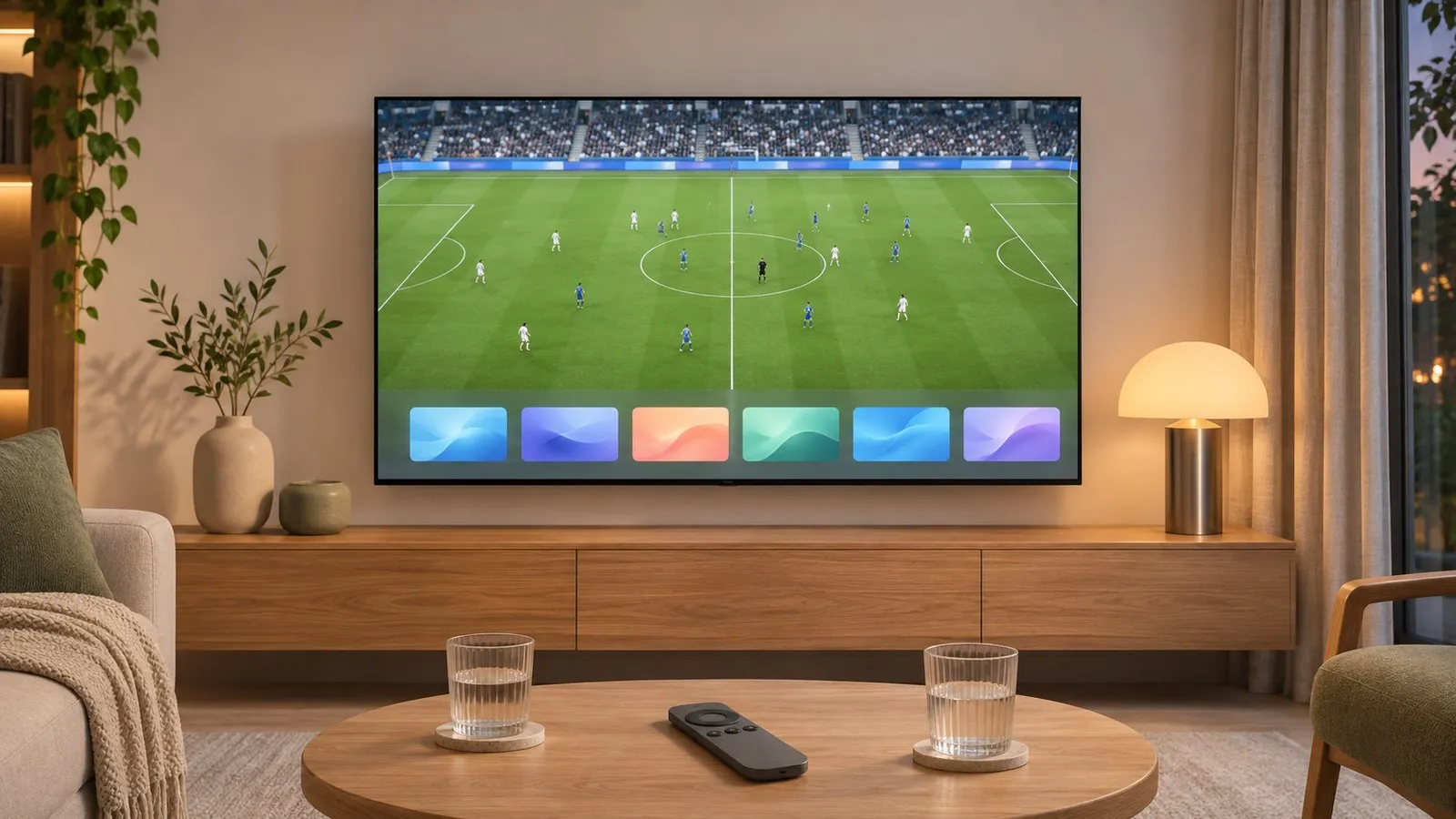
Which Samsung TVs each service supports
| Service | Samsung TVs | Source |
|---|---|---|
| YouTube TV | Samsung smart TVs, 2017 and newer | YouTube TV Help |
| Xfinity Stream | Samsung Smart TVs 2018 to current; not 2017 | Xfinity |
| Spectrum TV App | Samsung Smart TVs from a minimum model year in Spectrum’s own list | Spectrum support |
| Samsung TV Plus | 2016–2023 Samsung Smart TVs (US page), free, internet required | Samsung |
Device lists change; the service’s help centre has the final word. Find your TV’s year with the model number decoder.
Install a live TV app
-
Open Apps
Press Home, then Apps, and search for the service. -
Install and open
Select Install, then open the app. -
Sign in or activate
Many services show a code on the TV to enter on a phone or computer.
Example: Xfinity Stream
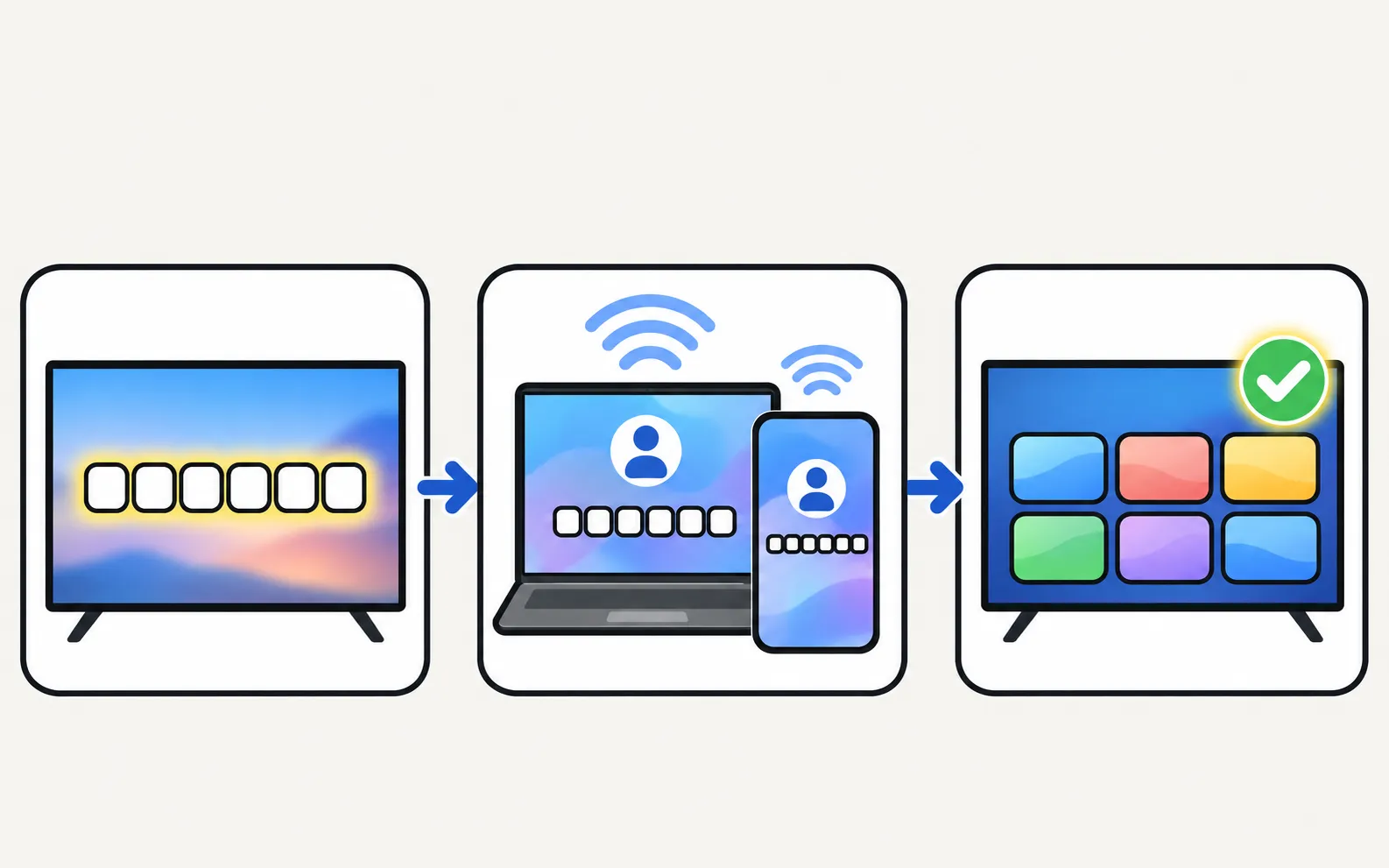
Xfinity’s steps: install Xfinity Stream from Apps, choose Sign in, go to xfinity.com/authorize on another device, enter the six-digit code from the TV and sign in with your Xfinity ID. Xfinity requires your Xfinity TV and Internet services to be installed first, a Samsung account linked to the TV, and recommends more than 2 GB of free memory on the TV.
If your TV is too old
- Streaming device: a stick or box on HDMI runs the current app — see streaming devices.
- Your provider’s box: cable providers may offer their own streaming box.
- Free channels: free TV apps and the TV’s own tuner with an antenna (antenna setup).
App installed but won’t load? See apps not working. Paid streaming services (Disney+, Max, Apple TV): streaming apps.
Frequently asked questions
Why isn't YouTube TV on my Samsung TV?
YouTube TV's help centre lists Samsung smart TVs from 2017 onward. On a 2016 or older TV, use a streaming device or console.
Why can't I find Xfinity Stream on my 2017 Samsung?
Xfinity says the app is available on Samsung Smart TVs from 2018 to current and is no longer available on 2017 models.
Do live TV apps work outside my home or country?
Many restrict where you can watch. Check your service's location rules in its help centre.
Is there free live TV on Samsung TVs?
Yes — Samsung TV Plus is free, needs only an internet connection and offers hundreds of live channels in the US. See free TV apps.
Sources
- Watch YouTube TV on supported devices — YouTube TV Help (Google) · Samsung · checked November 11, 2026
- Activate the Xfinity Stream app on LG, Samsung, and Xumo Smart TVs — Xfinity · Samsung · checked November 11, 2026
- Samsung TV Plus — Samsung US · Samsung · checked November 11, 2026
Related guides
Reference
Streaming apps
Get Disney+, Apple TV, Max, Prime Video or Crunchyroll on a Samsung TV: how to install them, which TV years each supports, and what to do if an app is missing.
Explainer
Free TV apps
What Samsung TV Plus is, how it compares with Pluto TV and Tubi, how to find free channels on a Samsung Smart TV, and how to stop TV Plus starting by itself.
Troubleshooting
App not available
Can't find an app in your Samsung TV's store? Why apps depend on your country and TV year, what you can safely change, and workarounds that actually work.
How-to
Streaming devices
Plug a Fire TV, Roku, Apple TV or Chromecast into a Samsung TV: right HDMI port and power, input, one-remote control via Anynet+, 4K HDR and soundbar audio.
How-to
TV guide
Open the programme guide on a Samsung TV with either remote, see where its listings come from, and fix 'No information' by rescanning and checking reception.