
Explainer
Can you install APKs or Google Play on a Samsung TV?
Samsung TVs don't run Android. That one fact explains why APKs and the Play Store won't work — and what to do instead.
Quick answer
You can't install APK files or the Google Play Store on a Samsung Smart TV. Samsung's Smart TVs have run Samsung's own Tizen system since 2015, which uses a different app format and Samsung's own app store. To use Android TV apps, plug in an Android-based streaming device such as a Chromecast with Google TV or a Fire TV stick, or cast the app from your phone.
Why APKs don’t work
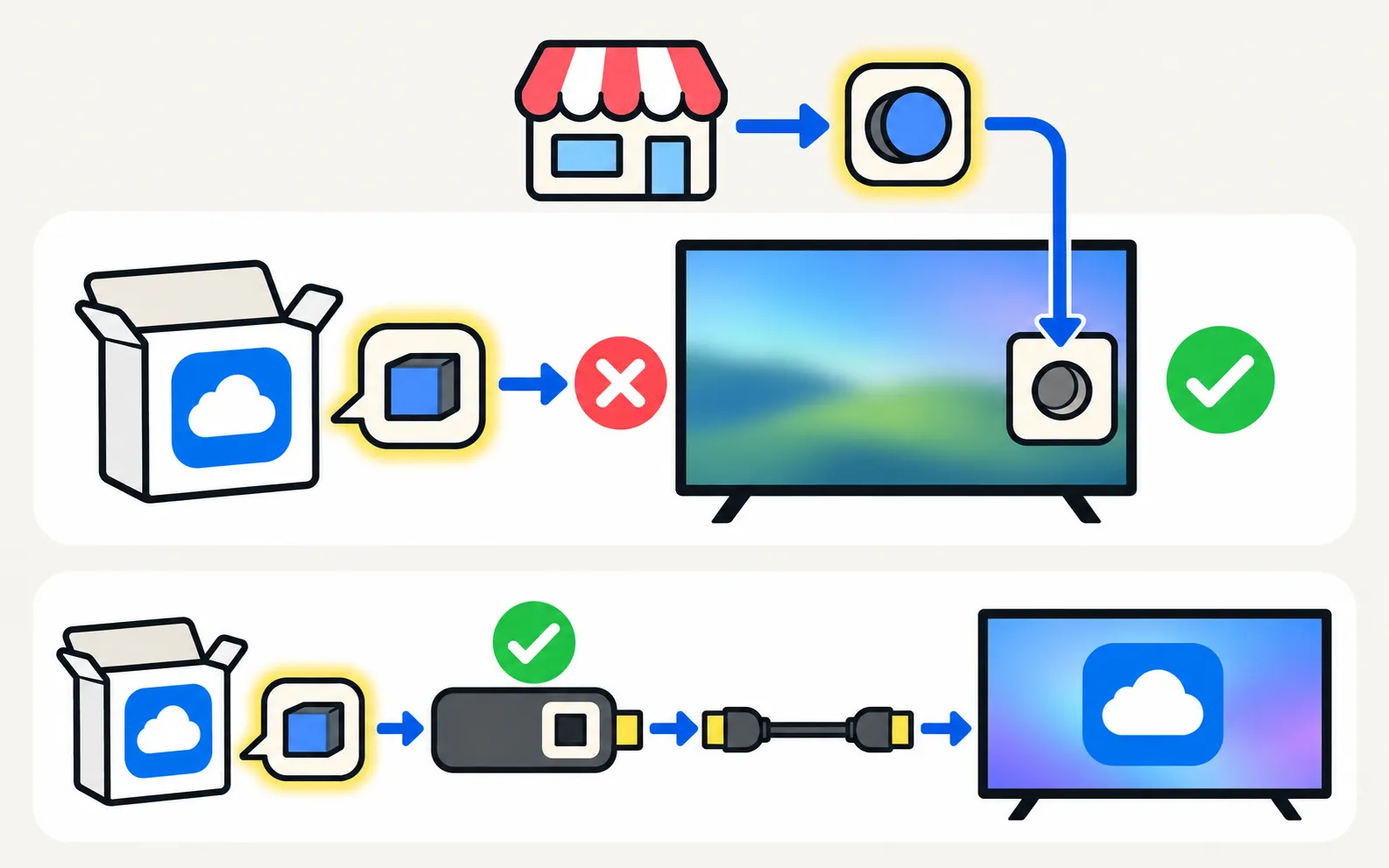
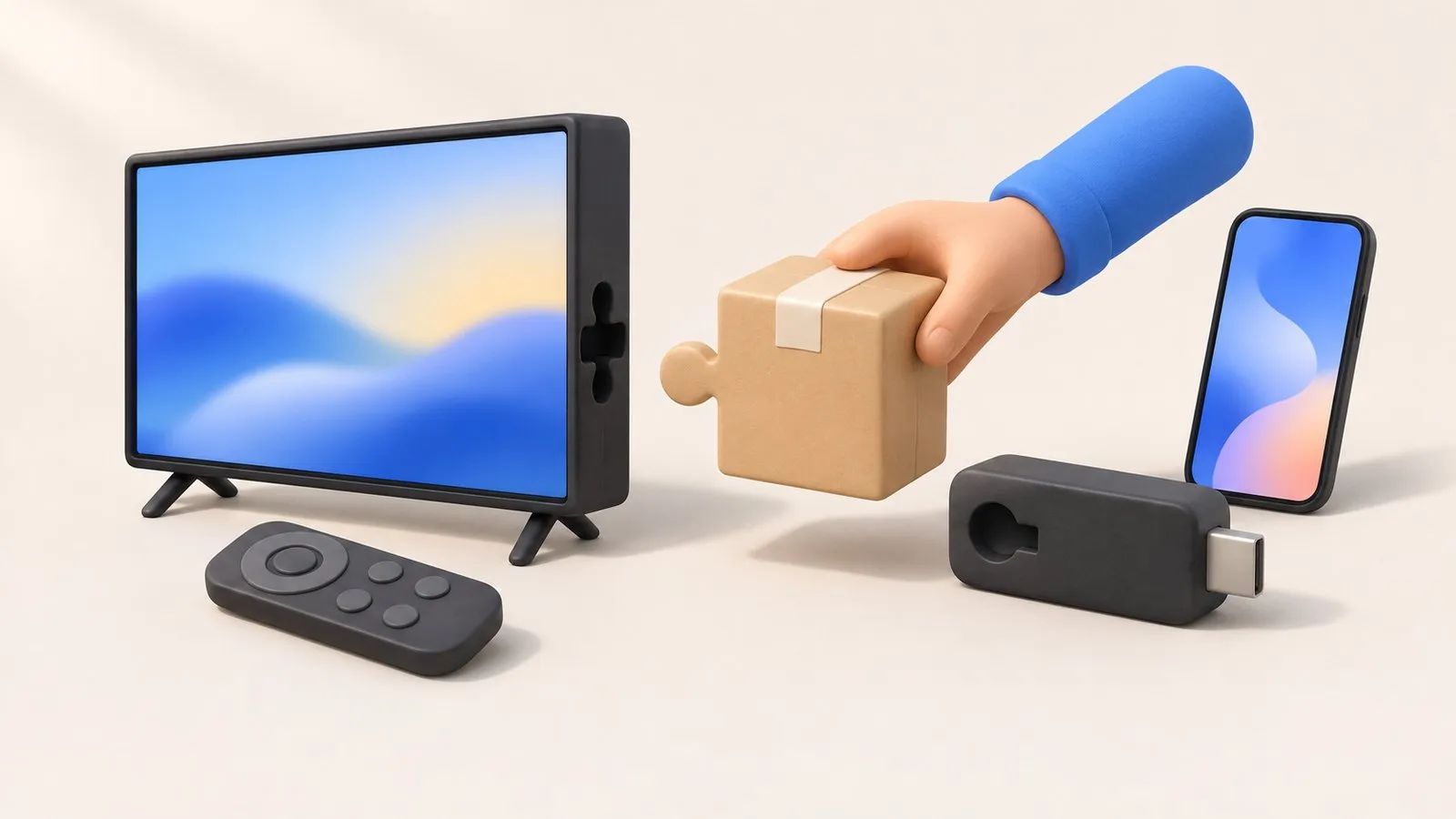
An APK is an Android app package. Samsung announced at CES 2015 that its Smart TVs would run Tizen, its own operating system, and they have used it since. Tizen apps are built differently and come from Samsung’s own store in Apps (Smart Hub). There’s no Android underneath to run an APK — so no file manager trick, USB stick or “APK installer” changes that.
What about developer mode?
Tizen has a developer mode for testing Tizen apps that developers build themselves. It doesn’t install Android apps or the Play Store, and we don’t recommend it for everyday users: apps installed that way aren’t reviewed, may stop working after updates, and can expose the TV to unvetted software.
Safe ways to get the app you want
| Option | How | Good for |
|---|---|---|
| Search Samsung’s store | Apps → search | Many major apps exist in Tizen versions |
| Streaming stick or box | Google TV / Android TV device or Fire TV on HDMI | Full Android-based app catalogues (connect a streaming device) |
| Cast from your phone | The app’s cast or AirPlay button | Video apps that support casting |
| Mirror your phone | Smart View, AirPlay or a mirroring app | Apps that allow screen capture (mirroring) |
If an app is missing from Samsung’s store, see app not available on your Samsung TV. Installing and managing Tizen apps: install, update and delete apps. Looking for Kodi, Plex or an IPTV player in particular? See IPTV, Plex, Kodi and Jellyfin on a Samsung TV.
Frequently asked questions
What about guides that show how to install APKs on a Samsung TV?
Many describe Android TVs from other brands, or developer tools for Tizen apps, not APKs. Tizen can't run Android APK files; developer mode is for testing Tizen apps and isn't a way to add Play Store apps.
Is there a Google Play Store for Samsung TV?
No. Samsung TVs use Samsung's own app store inside Smart Hub (Apps).
Which streaming stick gives me Android apps?
Devices running Google TV or Android TV, and Amazon's Fire TV (which runs Android-based Fire OS with Amazon's store), add Android-based app stores through an HDMI port.
Can I mirror an Android app instead?
Yes, if the app allows screen capture. Protected streaming apps show black when mirrored.
Sources
- Samsung launches its SUHD and UHD line-up (Tizen on 2015 Smart TVs) — Samsung Newsroom · Samsung · checked November 10, 2026
- [2022] How to install apps and manage downloaded apps on your Samsung TV — Samsung UK · Samsung · checked November 11, 2026
Related guides
Troubleshooting
App not available
Can't find an app in your Samsung TV's store? Why apps depend on your country and TV year, what you can safely change, and workarounds that actually work.
How-to
Install and delete apps
How to download apps on a Samsung Smart TV, keep them updated, delete or reinstall them, and what to do when Delete is greyed out — with Samsung's own steps.
How-to
Streaming devices
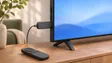
Plug a Fire TV, Roku, Apple TV or Chromecast into a Samsung TV: right HDMI port and power, input, one-remote control via Anynet+, 4K HDR and soundbar audio.
Reference
Tizen versions and updates
Which Tizen version your Samsung TV runs, how to check its software, how long Samsung updates TVs (the 2024 seven-year promise) and what One UI Tizen is.
Explainer
IPTV and media servers
Watch your own media and legal IPTV on a Samsung TV: Plex and media-server apps, Kodi and Jellyfin, DLNA from a PC or NAS, and when a streaming stick is better.