
How-to
Mirror a Mac or MacBook to a Samsung TV: AirPlay or HDMI
MacBooks and iMacs talk to many Samsung TVs over AirPlay — or plug in with a cable for a lag-free second screen.
Quick answer
On a Samsung TV with AirPlay (select 2018 and newer models), connect the Mac to the same Wi-Fi, open Control Center on the Mac, choose Screen Mirroring and select the TV, then type the code shown on the TV. Choose mirror or use as separate display. For older TVs or zero lag, connect the Mac to an HDMI port with a USB-C/Thunderbolt to HDMI adapter and select that input.
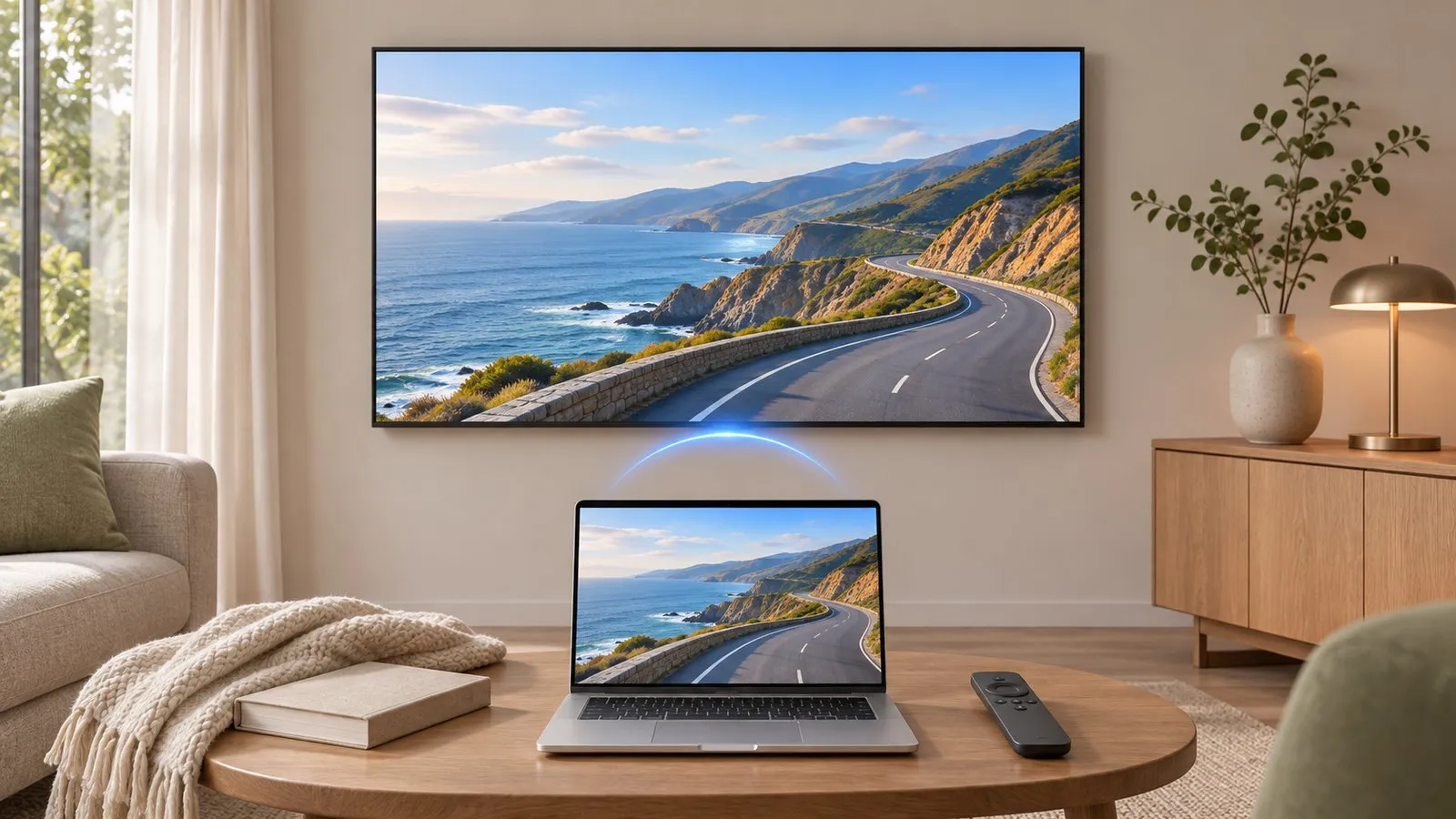
Option 1: AirPlay (wireless)
-
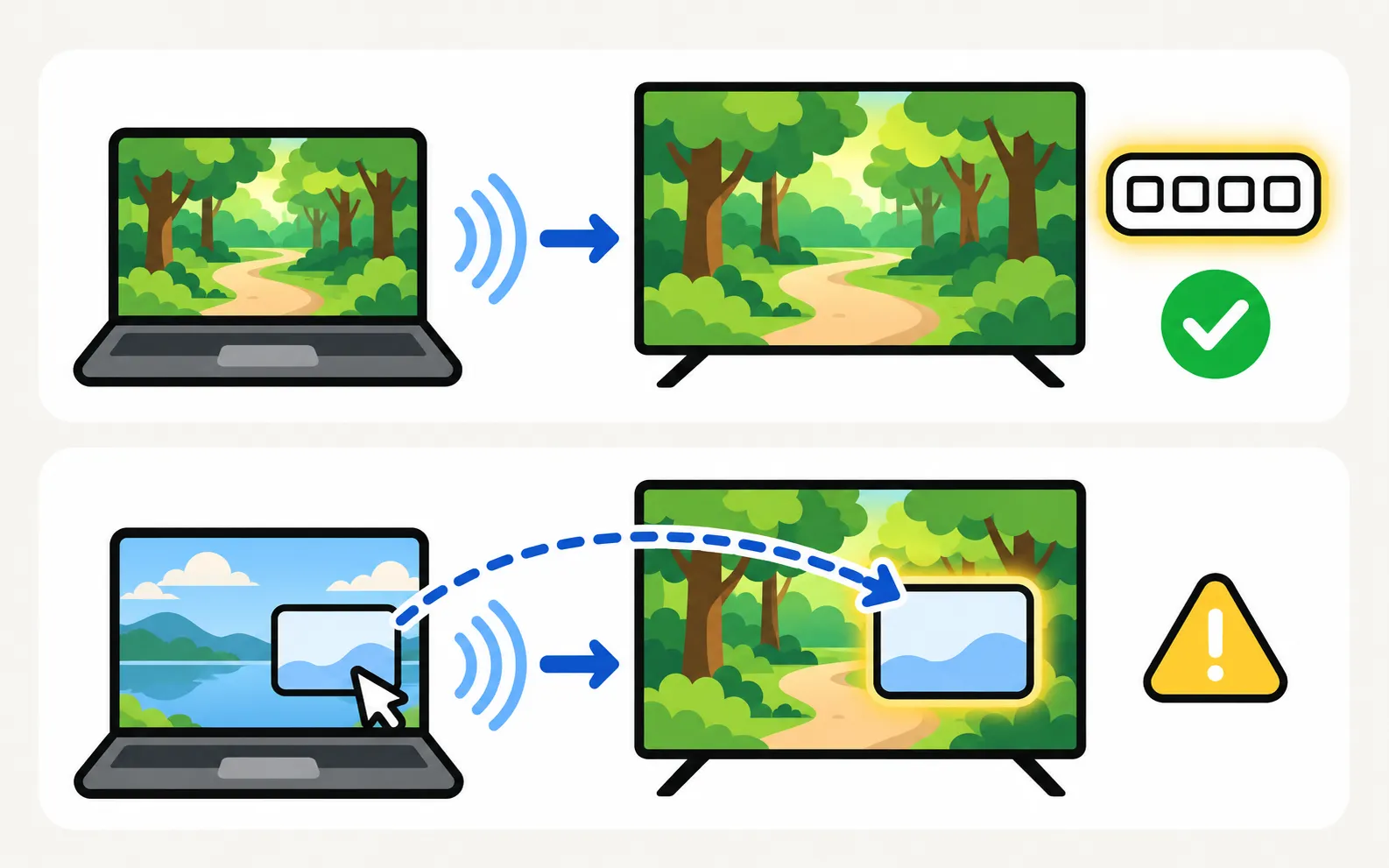
Check the TV
Samsung TVs with AirPlay show Apple AirPlay Settings in their menus (AirPlay on Samsung TVs). -
Same Wi-Fi
Connect the Mac and the TV to the same network. -
Open Screen Mirroring
In the Mac’s Control Center (or the menu bar), choose Screen Mirroring and select the TV. -
Enter the code
Type the code the TV shows, the first time. -
Mirror or extend
Choose to mirror the built-in display or use the TV as a separate display.
For videos, use the AirPlay button inside the video player — the TV then plays the stream itself, with less lag.
Option 2: HDMI cable
-
Connect
Mac HDMI port, or a USB-C/Thunderbolt to HDMI adapter, → a TV HDMI port. -
Select the input
Choose that HDMI input on the TV (change the input). -
Arrange displays
In the Mac’s display settings, choose mirror or extended, and the TV’s resolution.
If the TV shows No Signal, wake the Mac, reconnect the cable and try another port (HDMI no signal).
Problems?
- TV not listed or the code repeats: AirPlay not working.
- Edges cut off over HDMI: set the TV’s picture size to fit (picture size).
- Sound on the wrong device: pick the TV in the Mac’s sound output.
Frequently asked questions
Can I use the Samsung TV as a second display for my Mac?
Yes — in Screen Mirroring choose to use the TV as a separate display, or set the arrangement in the Mac's display settings when connected by HDMI.
Why is AirPlay sound coming from the Mac?
Select the TV as the sound output in the Mac's sound settings or Control Center.
Which Samsung TVs support AirPlay?
Samsung lists specific TVs from 2018 onwards; check for Apple AirPlay Settings in the TV's menus.
Sources
- How to stream to your TV using AirPlay — Samsung Ireland · Samsung · checked November 11, 2026
- My TV doesn't detect a device connected via HDMI — Samsung UK · Samsung · checked November 11, 2026
Related guides
How-to
Mirror an iPhone
Mirror or stream an iPhone or iPad to a Samsung TV with AirPlay: which TVs support it, how to turn it on, the on-screen code, and what to do on older TVs.
Troubleshooting
AirPlay not working
Samsung TV not showing in AirPlay, asking for a code every time or dropping out? Check support and the AirPlay switch, Wi-Fi, the code setting and updates.
How-to
Windows laptop to TV
Show a Windows laptop on a Samsung TV: an HDMI cable for the best result, or wireless with Windows Cast (Miracast), plus resolution, sound and a second screen.

Troubleshooting
HDMI no signal
Samsung TV says No Signal or won't detect HDMI? Wake the device, pick the right source, reconnect in Samsung's order, run HDMI Troubleshooting, check 4K 120 Hz.