
Troubleshooting
AirPlay not working on a Samsung TV: fixes
AirPlay problems on Samsung TVs usually come down to four things: the TV doesn't support it, AirPlay is switched off, the devices are on different networks, or software is out of date.
Quick answer
Make sure your Samsung TV supports AirPlay (2018 or newer, with Apple AirPlay Settings in its menu) and that AirPlay is turned on there. Put the iPhone, iPad or Mac on the same Wi-Fi network as the TV, with no VPN. Restart both, update the TV's software and iOS. If the TV keeps asking for a code, change Require Code in Apple AirPlay Settings to first time only.
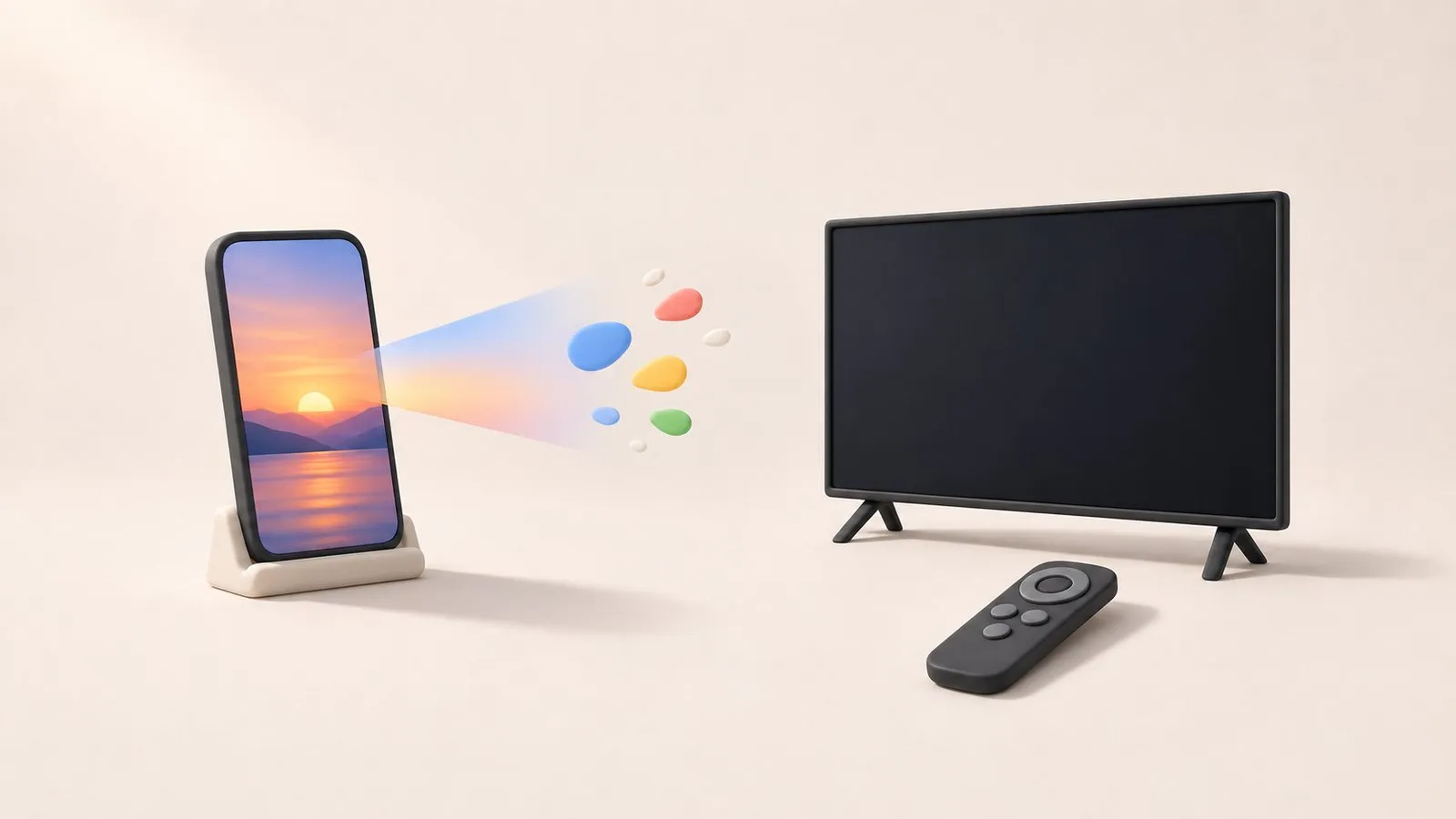
1. Does your TV support AirPlay?
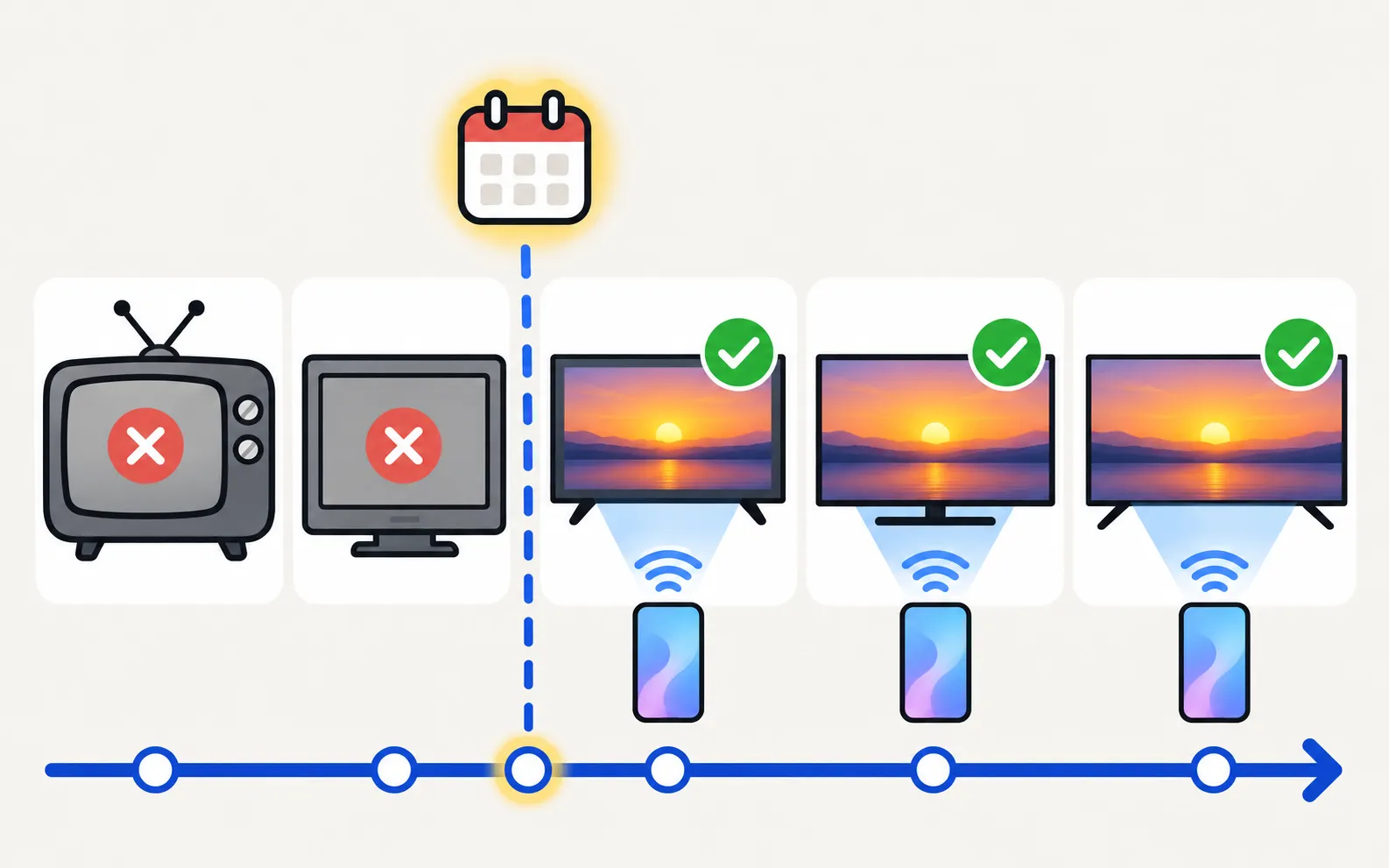
Samsung says AirPlay is available on specific Samsung TVs and monitors from 2018 onwards. The test: look for Apple AirPlay Settings in (under Connection on some newer models). No menu item means no AirPlay — see the alternatives in mirror an iPhone.
2. Turn AirPlay on
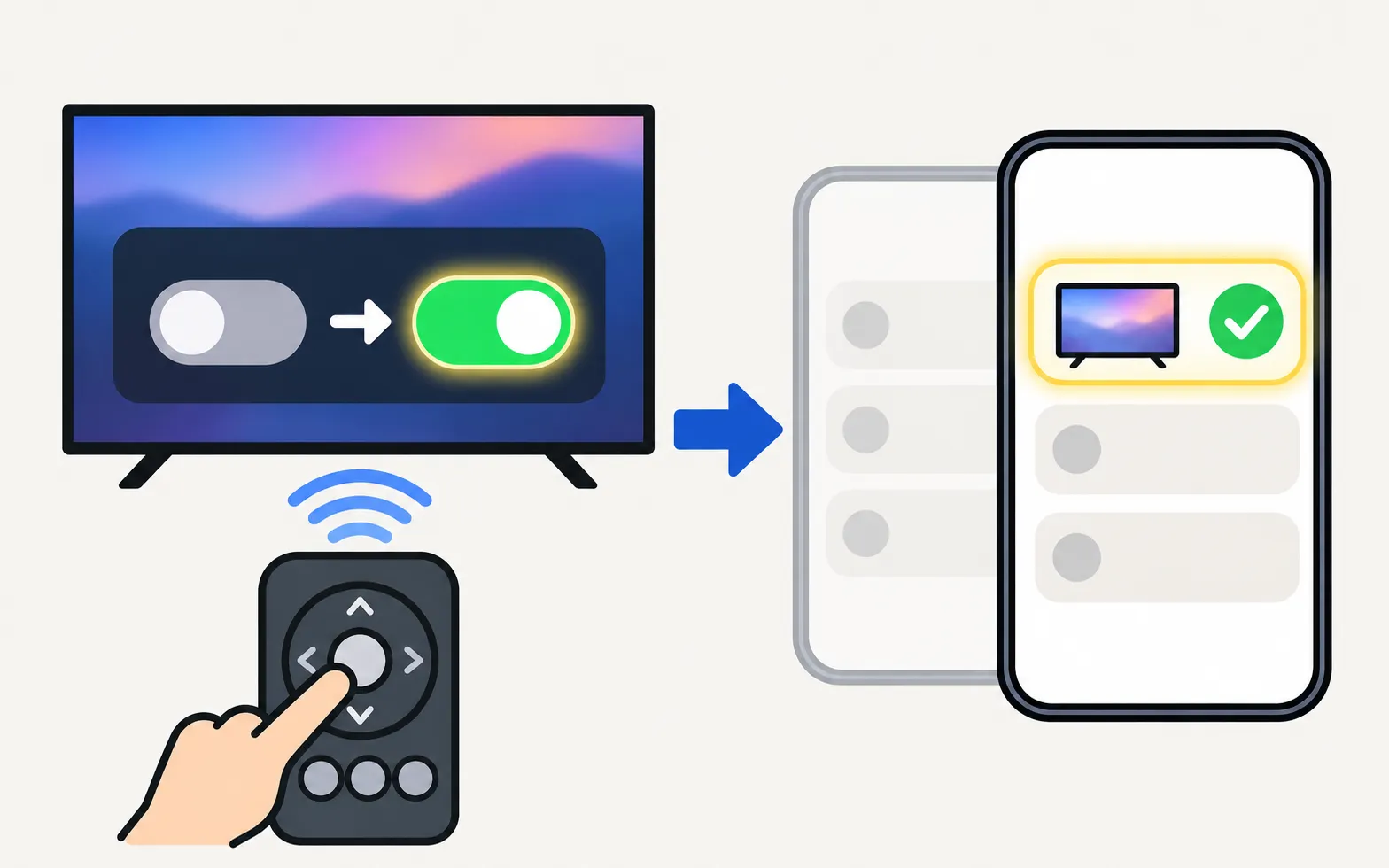
In Apple AirPlay Settings, make sure AirPlay is on.
3. Same network, no VPN
Samsung requires the Apple device and the TV on the same Wi-Fi network. Check the network name on both, avoid guest networks, and switch off any VPN on the iPhone or Mac. The same local-network rules apply as for any phone-to-TV connection (TV not showing up on your phone).
4. Fix the code prompt
| Problem | Fix |
|---|---|
| A code every time | In Apple AirPlay Settings, set Require Code to first time only |
| Code never accepted | Restart both devices; in Apple AirPlay Settings reset paired devices, then connect again |
| No code appears | Make sure the TV isn’t in a full-screen app that hides pop-ups; go to the home screen |
5. Restart and update
-
Restart both
Unplug the TV for 30 seconds; restart the iPhone, iPad or Mac. -
Update the TV
Settings, Support, Software Update (software update). -
Update the Apple device
Install the latest iOS, iPadOS or macOS.
6. Stutter, drops and quality
- Send videos with the AirPlay icon inside the video app instead of mirroring the whole screen — the TV then plays the stream itself.
- Strengthen Wi-Fi at the TV, or connect the TV by Ethernet (Wi-Fi keeps disconnecting).
- Protected content (some apps) may refuse to mirror and show black.
If nothing helps, use an HDMI adapter from your iPhone or Mac — dependable and delay-free.
Frequently asked questions
Why doesn't my Samsung TV appear in AirPlay?
Either the TV doesn't support AirPlay, AirPlay is off in its settings, or the Apple device is on a different network. Check those three first.
Why does the TV ask for an AirPlay code every time?
The Require Code setting is set to every time. In Apple AirPlay Settings you can choose to require a code only the first time a device connects.
AirPlay works but the video stutters. What can I do?
Improve Wi-Fi at the TV (5 GHz, closer router or Ethernet), and send videos with the AirPlay button in the video app rather than mirroring the whole screen.
Can I use AirPlay on a 2017 Samsung TV?
No — Samsung says AirPlay is available on specific TVs from 2018 onwards.
Sources
- How to stream to your TV using AirPlay — Samsung Ireland · Samsung · checked November 11, 2026
- How to fix Smart View connection and casting issues — Samsung UAE · Samsung · checked November 11, 2026
Related guides
How-to
Mirror an iPhone
Mirror or stream an iPhone or iPad to a Samsung TV with AirPlay: which TVs support it, how to turn it on, the on-screen code, and what to do on older TVs.

Troubleshooting
Mirroring not working
Samsung TV not showing up for screen mirroring, connection drops, black screen or no sound? Fixes for Smart View, AirPlay and mirroring apps, by symptom.
How-to
Mac to Samsung TV
Show a Mac on a Samsung TV with AirPlay (2018 and newer TVs) or HDMI: mirror or use the TV as a second display, and fix the code prompt, sound and resolution.
Troubleshooting
Won't connect to Wi-Fi
Samsung TV won't connect to Wi-Fi or can't find your network? Check signal and band, run Network Status, reset the network, set DNS, restart the router, update.
Troubleshooting
TV not showing up on your phone
Phone can't find your Samsung TV? Turn the TV fully on, put both on the same home Wi-Fi, switch off VPN and guest networks, and allow local network access.