
Explainer
Samsung TV replacement remote: which one fits your TV?
Most Samsung TVs respond to many Samsung remotes for the basics, but smart features depend on the remote's generation. Choose with the model code in hand.
Quick answer
Start with your TV's full model code (back label, or Settings, Support, About This TV). The safest replacement is an original Samsung remote listed for that model or the part number printed in the old remote's battery compartment. Cheaper infrared 'compatible' remotes usually handle power, volume and channels but lack the microphone and Bluetooth features of a Smart Remote. A phone remote can stand in on Smart TVs meanwhile.
Step 1: get the facts you need
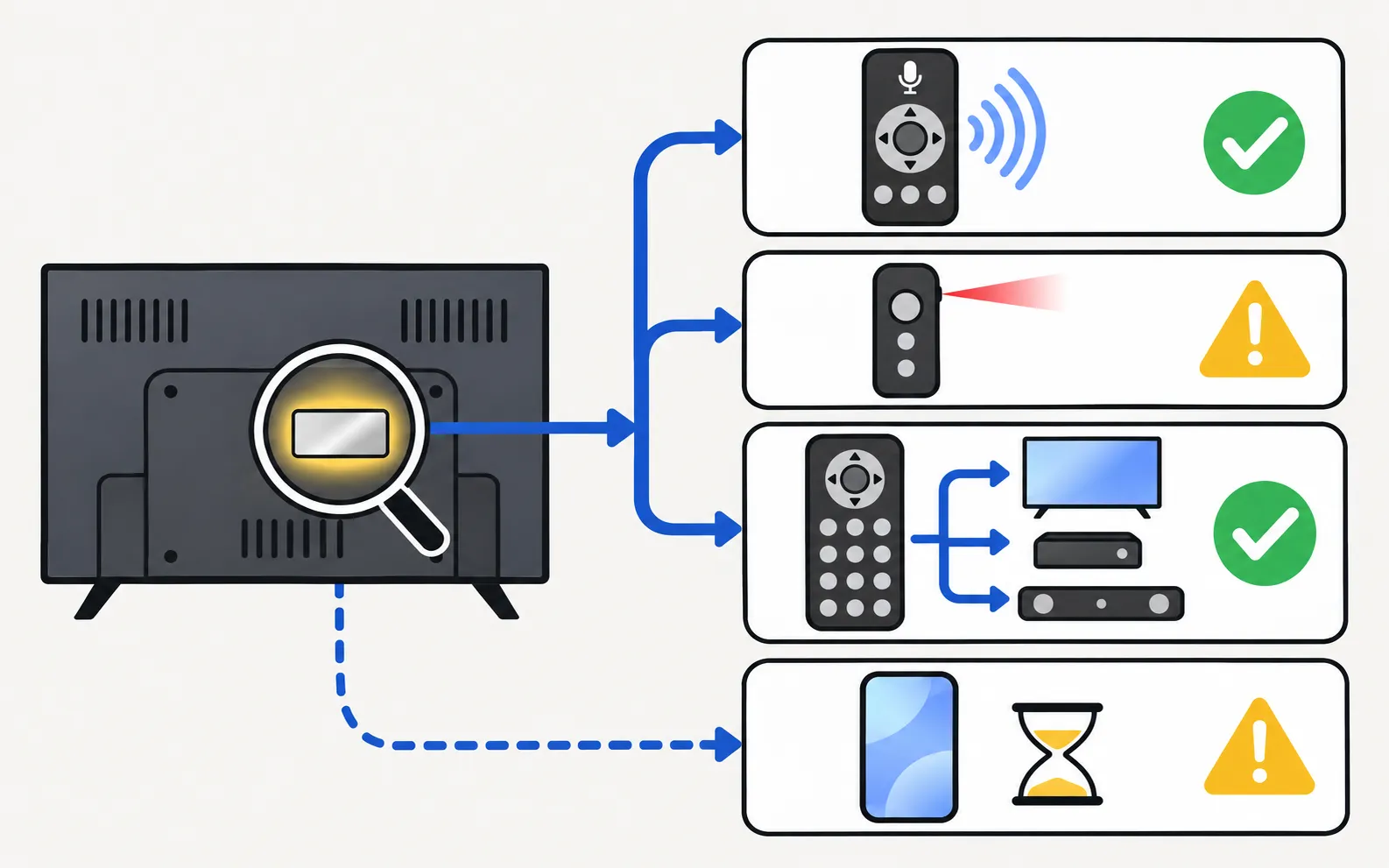
- Your TV’s full model code: on the label on the back, or on newer TVs in . Decode its year with the model number decoder.
- The old remote’s part number (if you still have it): usually printed inside the battery compartment or on the back, often starting with letters such as BN59-.
- Which remote type came with the TV: standard (number keys), Smart Remote or SolarCell (remote types).
Step 2: choose the type
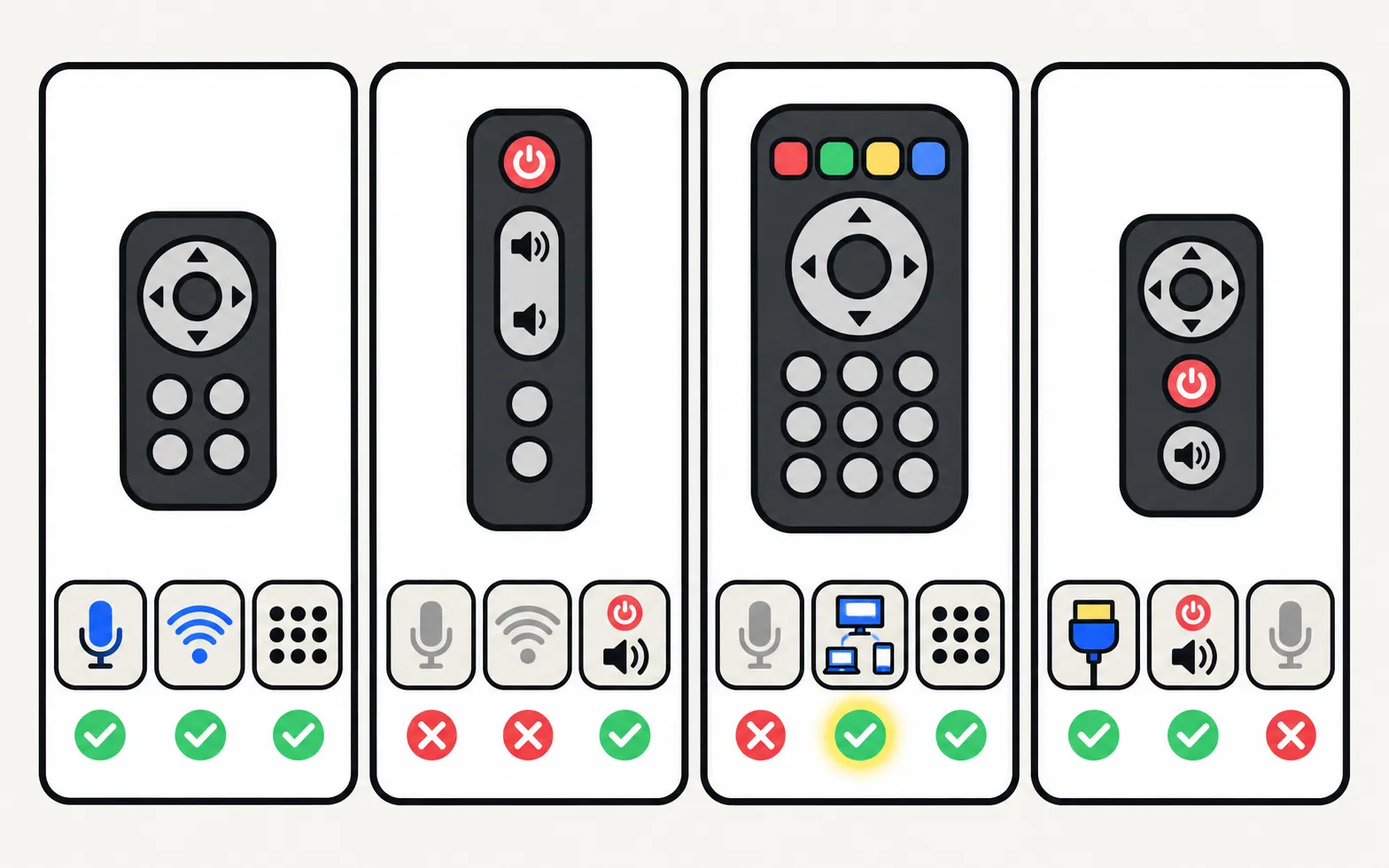
| Option | Pros | Cons |
|---|---|---|
| Original Samsung remote (by part number or model) | Same buttons, voice and Bluetooth features; pairs properly | Most expensive; sold through Samsung’s parts channels and authorised retailers |
| Compatible “replacement for Samsung” remote | Cheap, widely available | Usually infrared only: no microphone, no Bluetooth, some keys may not work; listings can be vague |
| Universal remote | Controls several devices | Generic layout; Samsung-specific keys missing (universal remote codes) |
| Another remote you own | Free: a streaming stick or soundbar remote can often power the TV and change volume via HDMI-CEC | Limited functions |
Step 3: set it up
- Standard or infrared replacement: insert batteries and point it at the TV — no pairing needed.
- Smart Remote: pair it — hold Return and Play/Pause together for 3–5 seconds close to the TV (pair a Smart Remote).
- Universal remote: enter or search for a Samsung code in its setup mode.
Before you buy: is the old one really dead?
Most “dead” remotes need fresh batteries, a reset or pairing. Five minutes with remote not working can save the purchase.
Meanwhile: use your phone
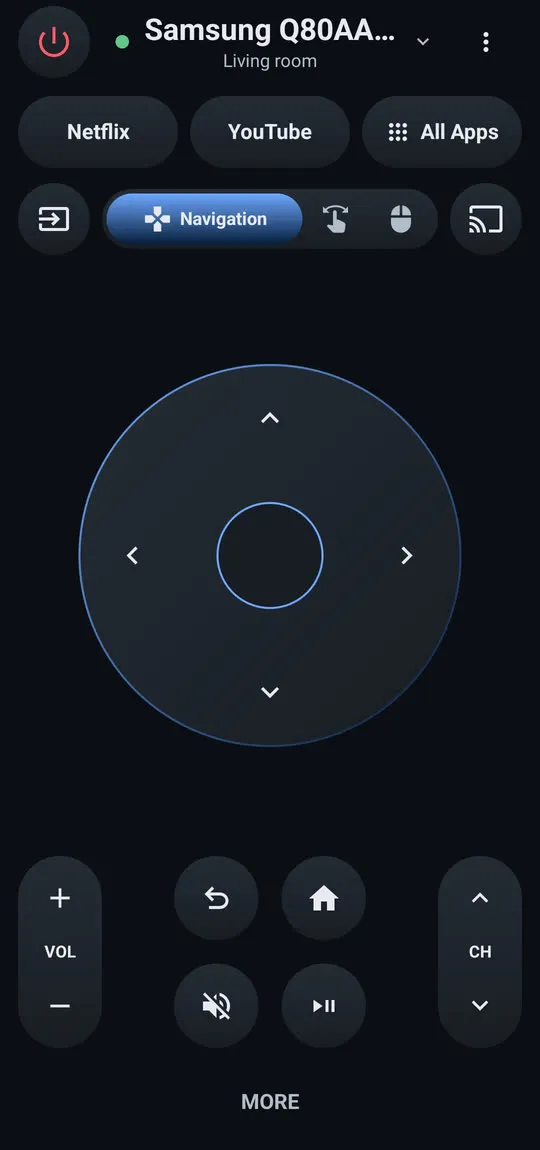
On a Samsung Smart TV that’s on your home Wi-Fi, a phone remote covers everything while you wait:
Remote buttons: power, volume, channels, navigation pad with OK, Home, Back, mute, play/pause and input, plus a MORE panel with extra keys.
Free, with no ads, no in-app purchases and no subscription. No account or sign-up needed.
Phone and TV must be on the same home network (not a guest network). The phone uses Wi-Fi; the TV can use Wi-Fi or Ethernet. No internet is needed, and mobile data can't be used.
To set it up, see getting started and check your model against the tested list. Phone options side by side, including SmartThings and iPhone: use your phone as a Samsung TV remote. No phone handy? The TV’s control button, a USB keyboard and HDMI-CEC are covered in control a Samsung TV without a remote.
All the stop-gap options are in lost your remote? What to do now.
Frequently asked questions
Will any Samsung remote work with my Samsung TV?
Basic infrared commands are shared across many Samsung TVs, so a standard Samsung remote often controls power, volume and channels. Smart features (voice, Bluetooth, some shortcut keys) depend on the remote matching the TV's generation.
Do I need to pair a replacement Smart Remote?
Yes. Point it at the TV from close by and hold Return and Play/Pause for 3–5 seconds until the TV says it's connected.
Can I buy a SolarCell remote for an older TV?
The SolarCell remote is designed for the TVs it ships with (2021 onwards). On older TVs it may control basics by infrared, but pairing and smart functions aren't guaranteed. Check the seller's model list against your full model code.
Is a universal remote a good idea?
For basic control of several devices, yes. You lose Samsung-specific keys and smart features. See the guide to universal remote codes.
Sources
- Samsung US support answer on TV model codes (ANS10006944) — Samsung US · Samsung · checked November 10, 2026
- Pair your Samsung Smart Remote to your Samsung TV — Samsung Canada · Samsung · checked November 11, 2026
- Samsung US troubleshooting: remote is not working (TSG10002214) — Samsung US · Samsung · checked November 10, 2026
Related guides
How-to
Lost remote
Lost the Samsung TV remote? Where to look first, how to keep watching tonight with the TV's button or your phone, and how to get the right replacement.
Troubleshooting
Remote not working
Samsung TV remote not working? Reset it, do the 10-second phone-camera test, change or charge the battery, re-pair a Smart Remote and clear the TV's sensor.
Reference
Universal remote codes
Program a universal remote for a Samsung TV: try the Samsung button or preset first, look up codes from your remote's maker, or run the remote's code search.
How-to
Pair a Smart Remote
Pair or re-pair a Samsung Smart Remote or SolarCell remote: hold Return and Play/Pause near the TV. How to reset it first, and what to do when pairing fails.
Tool
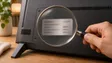
Model code decoder
Type your Samsung TV model code to see its model year, size, series, region and what the Samsung TV Remote app can do on it. Covers 2010–2026 codes.
Guide
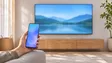
Phone as a remote
Control a Samsung TV from your phone: Android remote apps, SmartThings, Samsung's 2025 Mobile Remote, IR-blaster phones and iPhone — what each needs and does.