
Reference
Universal remote codes for Samsung TVs: how to find the right one
There is no single Samsung code. Each universal remote brand numbers its code library differently, so the right code always comes from the maker of your remote.
Quick answer
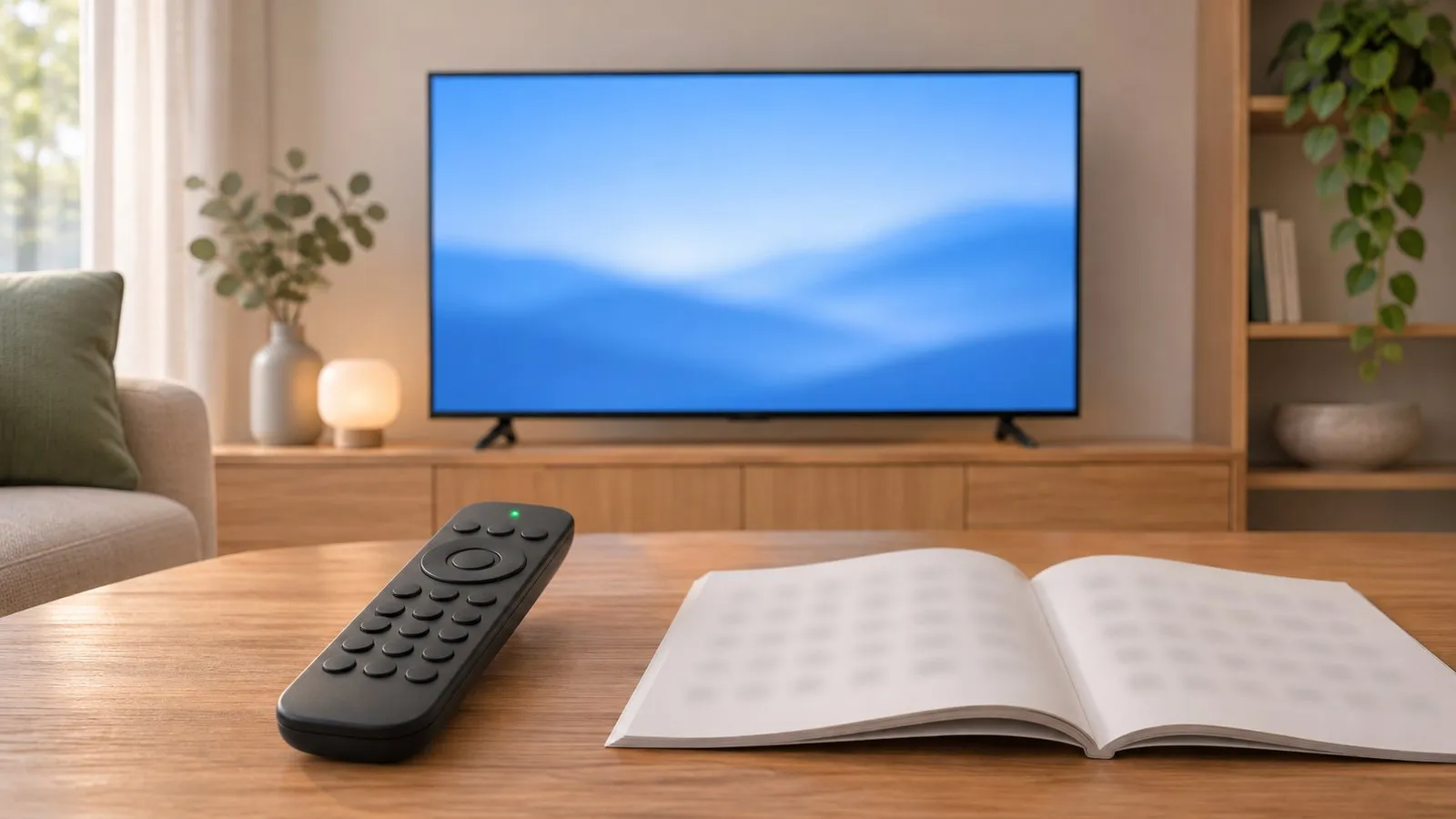
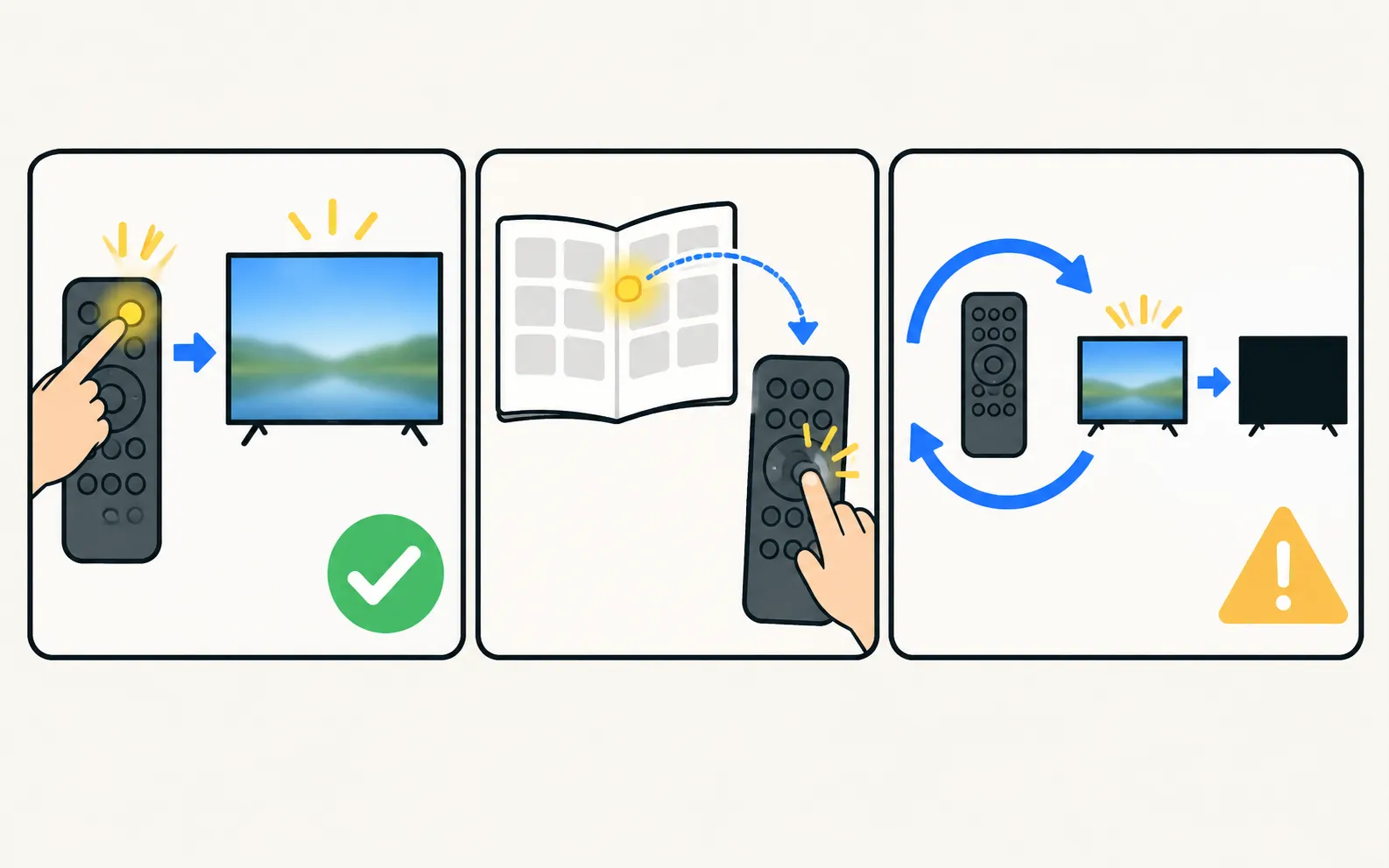
Samsung says most universal remotes come with Samsung codes preprogrammed, and if those don't work you need extra Samsung codes from the remote's manufacturer. So: use the remote's TV or Samsung preset first, then the Samsung codes in its own manual or online lookup, and finally its automatic code search. Codes from one remote brand don't work on another.
What Samsung says
Samsung’s US support page puts it simply: a universal remote has to be programmed with a code to control a Samsung TV; most of the time these codes are preprogrammed; and if the remote doesn’t work, you need additional Samsung codes from the remote’s manufacturer. Samsung also notes that some functions may not be available with a universal remote, and advises checking that a remote says it’s compatible with Samsung before you buy it.
Three ways to set it up
1. Use the preset
Many universal remotes have a Samsung preset or a TV key preprogrammed for popular brands. Try it before entering any code — it’s the setup the remote maker expects to work first.
2. Enter a code from your remote’s maker
Look in this order:
- The code list printed in the remote’s manual, under TV › Samsung.
- The code-list version printed on the remote or inside the battery compartment, if your brand uses versions — codes differ between versions.
- The maker’s online code lookup for your exact remote model.
Try codes in the order listed. After each code, test power, volume, channel and input — a code can switch the TV off but miss other keys.
3. Run the automatic code search
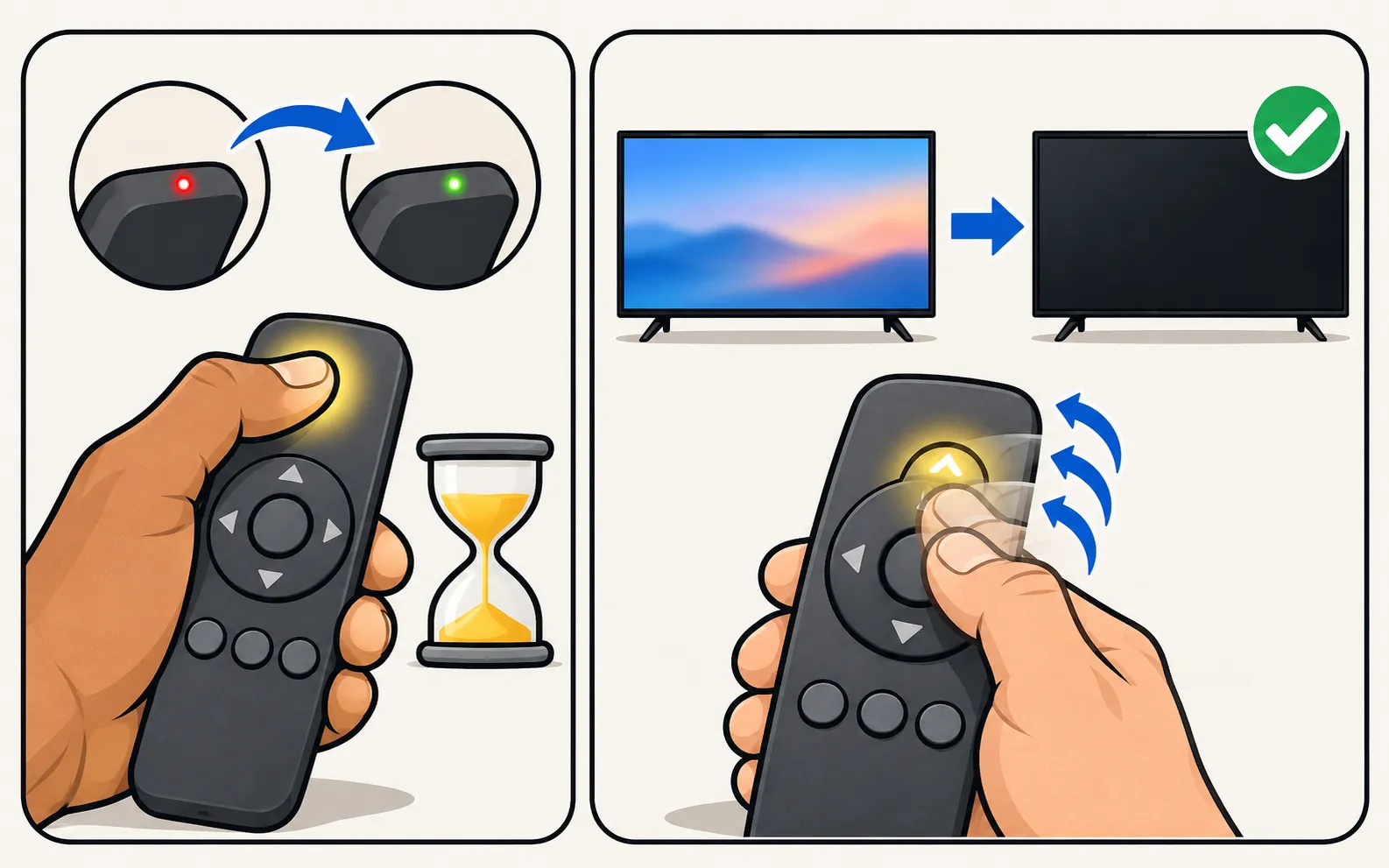
If no listed code works, most remotes have a search mode: you hold a setup key, then press a key repeatedly until the TV turns off, and save. Xfinity’s XR11 is a typical example:
-
Turn the TV on
Point the remote at it. -
Enter setup mode
Hold Setup until the light changes from red to green. -
Start the search
Enter 9-9-1; the light blinks green twice. -
Step through codes
Press CH ^ repeatedly until the TV turns off. -
Save
Press Setup, then test the TV power key.
The key sequence differs by brand; follow your remote’s manual. Cable and streaming remotes are covered in control a Samsung TV with a cable or streaming remote.
If nothing works
- New batteries in the universal remote, and nothing blocking the TV’s sensor.
- Check the TV still responds to its own remote or the control button under the screen (remote not working).
- Bluetooth-only features such as voice or the Smart Remote’s pointer won’t transfer to an infrared remote.
- A replacement Samsung remote is listed in replacement remotes.
- No working remote at all for now? See control a Samsung TV without a remote, or use your phone as the remote.
Frequently asked questions
Why don't you list Samsung codes?
Codes are specific to each remote brand and code-list version — a GE remote's Samsung code means nothing to a One For All or a cable remote. Lists copied between websites are often wrong, so we point you to your remote maker's own list instead.
Will a universal remote do everything my Samsung remote does?
No. Samsung warns that some features and functions may not be available with a universal remote. Power, volume, channels, input and menu navigation are the usual basics.
Does a universal remote work with any Samsung TV?
Most infrared universal remotes can control Samsung TVs, but check that the remote says it's compatible with Samsung before buying, as Samsung advises.
Can I use my phone instead?
Yes, if the TV is a Smart TV on your home network — a phone remote app needs no codes.
Sources
- Find a replacement remote control for your Samsung TV, Smart Monitor, or projector — Samsung US · Samsung · checked November 11, 2026
- Pair, program, and factory reset your Xfinity remote — Xfinity · Samsung · checked November 11, 2026
Related guides
How-to
Cable and streaming remotes
Make an Xfinity, Roku, Fire TV or Apple TV remote turn your Samsung TV on and off and change volume: turn on Anynet+ (HDMI-CEC), then run the device's TV setup.
Explainer
Replacement remote
Choose a replacement remote for a Samsung TV: original by part number, compatible remotes, Smart Remote vs infrared, universal remotes and what copies lack.
Troubleshooting
Remote not working
Samsung TV remote not working? Reset it, do the 10-second phone-camera test, change or charge the battery, re-pair a Smart Remote and clear the TV's sensor.
Guide
Phone as a remote
Control a Samsung TV from your phone: Android remote apps, SmartThings, Samsung's 2025 Mobile Remote, IR-blaster phones and iPhone — what each needs and does.