
How-to
Program an Xfinity, Roku or Fire TV remote to control a Samsung TV
One remote for everything is possible with most Samsung TVs. It works in one of two ways — infrared codes or HDMI-CEC — and knowing which one your box uses makes setup painless.
Quick answer
First turn on Anynet+ (HDMI-CEC) on the Samsung TV, under External Device Manager. Then run your box's own TV-control setup: on Xfinity say “Program remote” into the voice remote; on Roku open Settings › Remotes & devices › Remotes; on Fire TV open Settings › Equipment Control › Manage Equipment › TV; on Apple TV open Settings › Remotes and Devices › Home Theater Control.
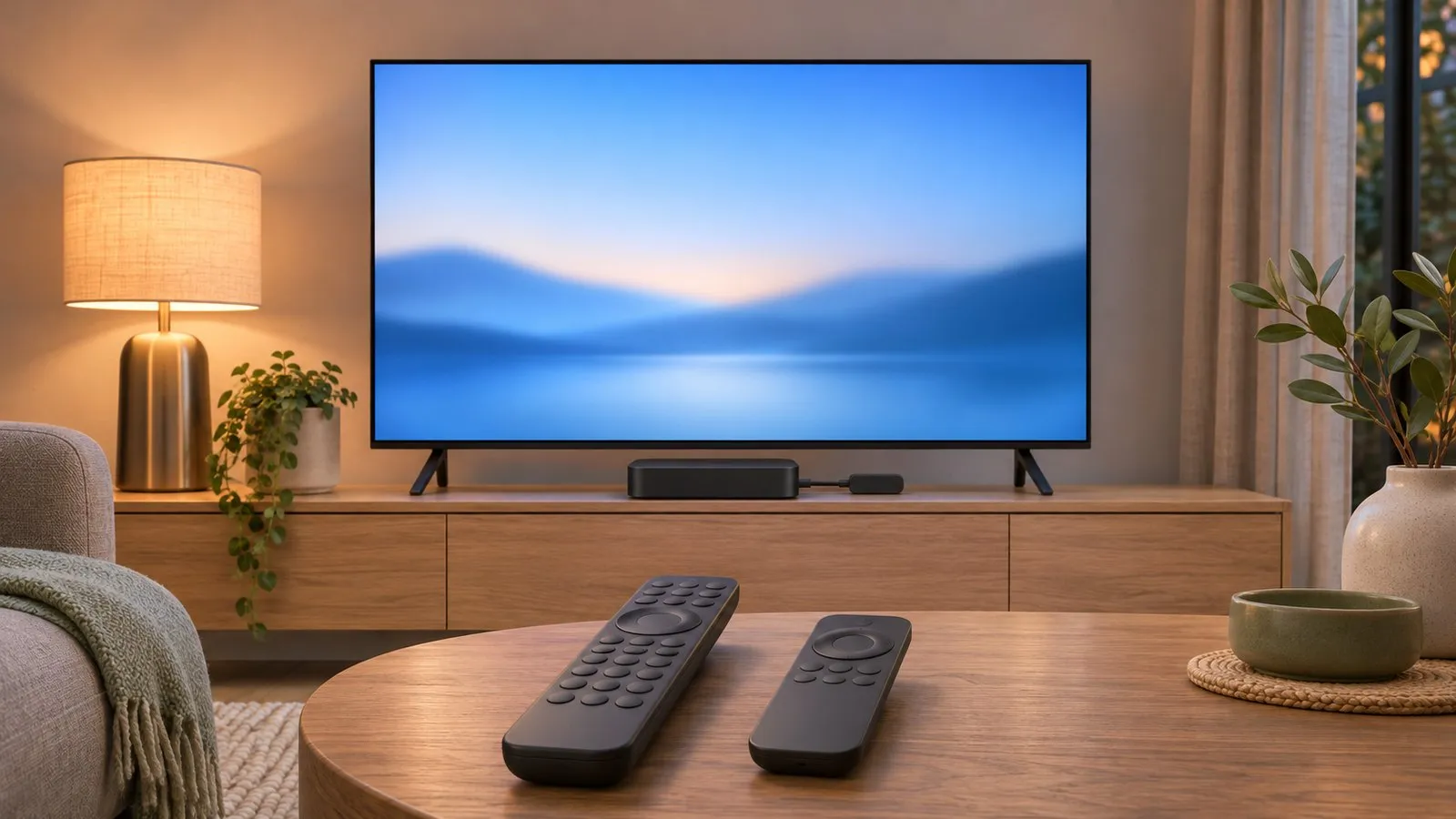
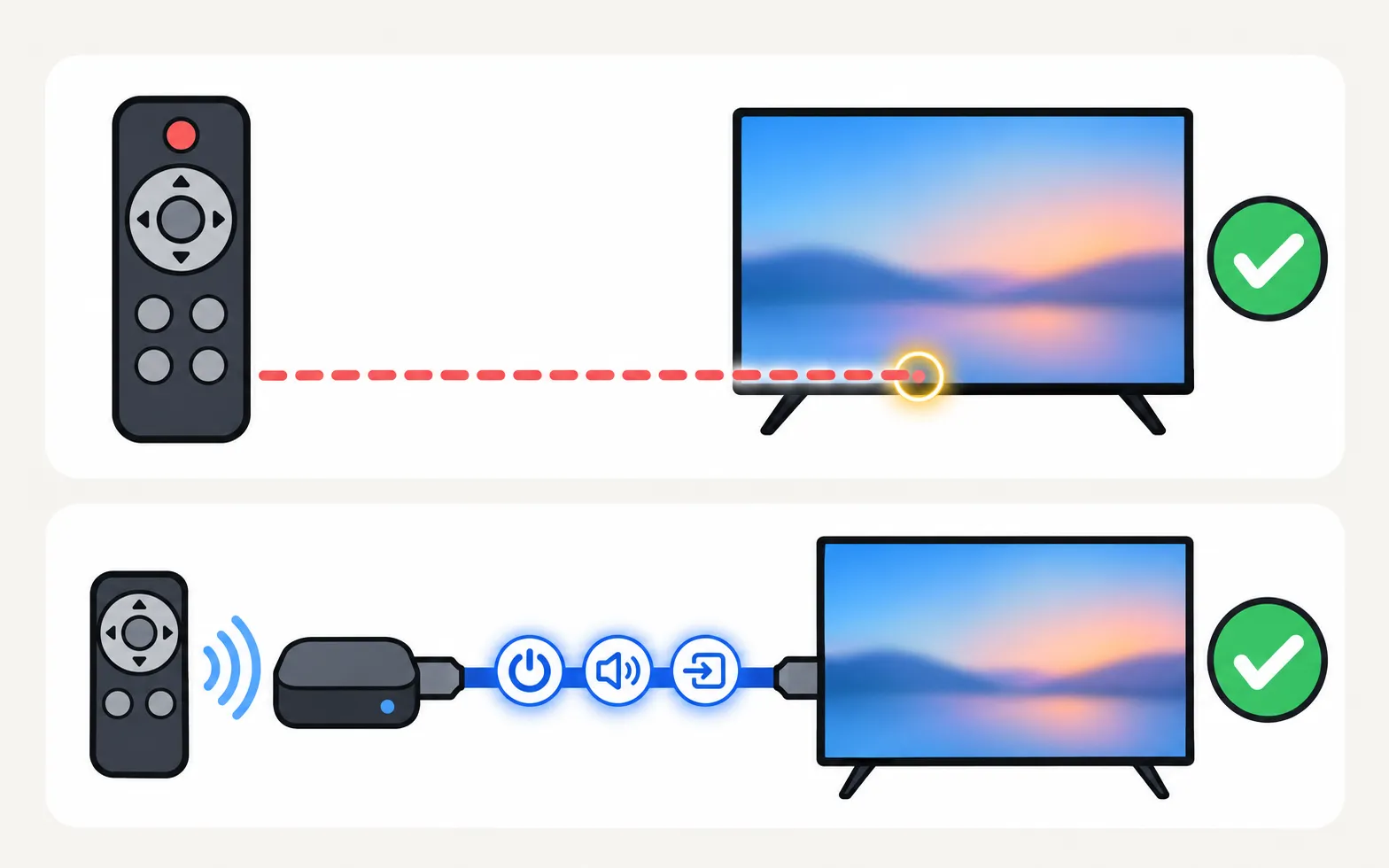
Step 1: turn on Anynet+ on the Samsung TV
Samsung’s name for HDMI-CEC is Anynet+. Streaming boxes use it to switch the TV on and off and, often, to change the volume.
Paths changed between model years, so check which year your Samsung TV is before you start.
TVs from 2025 and newer
TVs from 2023–2024
TVs from 2022
TVs from 2017–2021
Step 2: run your device’s TV-control setup
Xfinity
Xfinity’s support page describes two methods:
- Voice remotes (including XR16): aim at the TV box, press the microphone button and say “Program remote”. Follow the prompts, choose Yes to control TV power and volume, enter your TV brand (Samsung), then test the volume and select It Works!
- XR11 with a Setup button: turn the TV on, hold Setup until the light turns green, enter 9-9-1, press CH ^ until the TV turns off, then press Setup to save.
Xfinity also offers a Remote Code Lookup tool for each remote model (the model number is under the battery cover).
Roku players
Roku: press Home, then , choose your voice remote and select Set up remote for TV control. Turn the TV volume up and point the remote at the TV during setup. Roku notes that some TVs allow only volume control, not power, and that HDMI-CEC must be on in the TV.
Amazon Fire TV
From the Fire TV home screen: , then Change TV. Confirm Samsung as the make, test the power button when asked, and let the Fire TV update the remote. HDMI-CEC should be on in the TV.
Apple TV 4K
Apple: . Choose Turn On Your TV with Your Remote (or Control TVs and Receivers if you use a receiver). Under Volume Control, Auto is Apple’s recommendation; HDMI uses HDMI-CEC; TV via IR is for TVs without CEC; Learn New Device teaches the remote your TV’s volume codes.
Satellite and other cable boxes
Most use either a TV-setup wizard in the box’s menu or a code entry like Xfinity’s. Use your provider’s own instructions for your remote model — they list the Samsung codes for that remote. The general method is in universal remote codes.
Volume goes to the soundbar, not the TV?
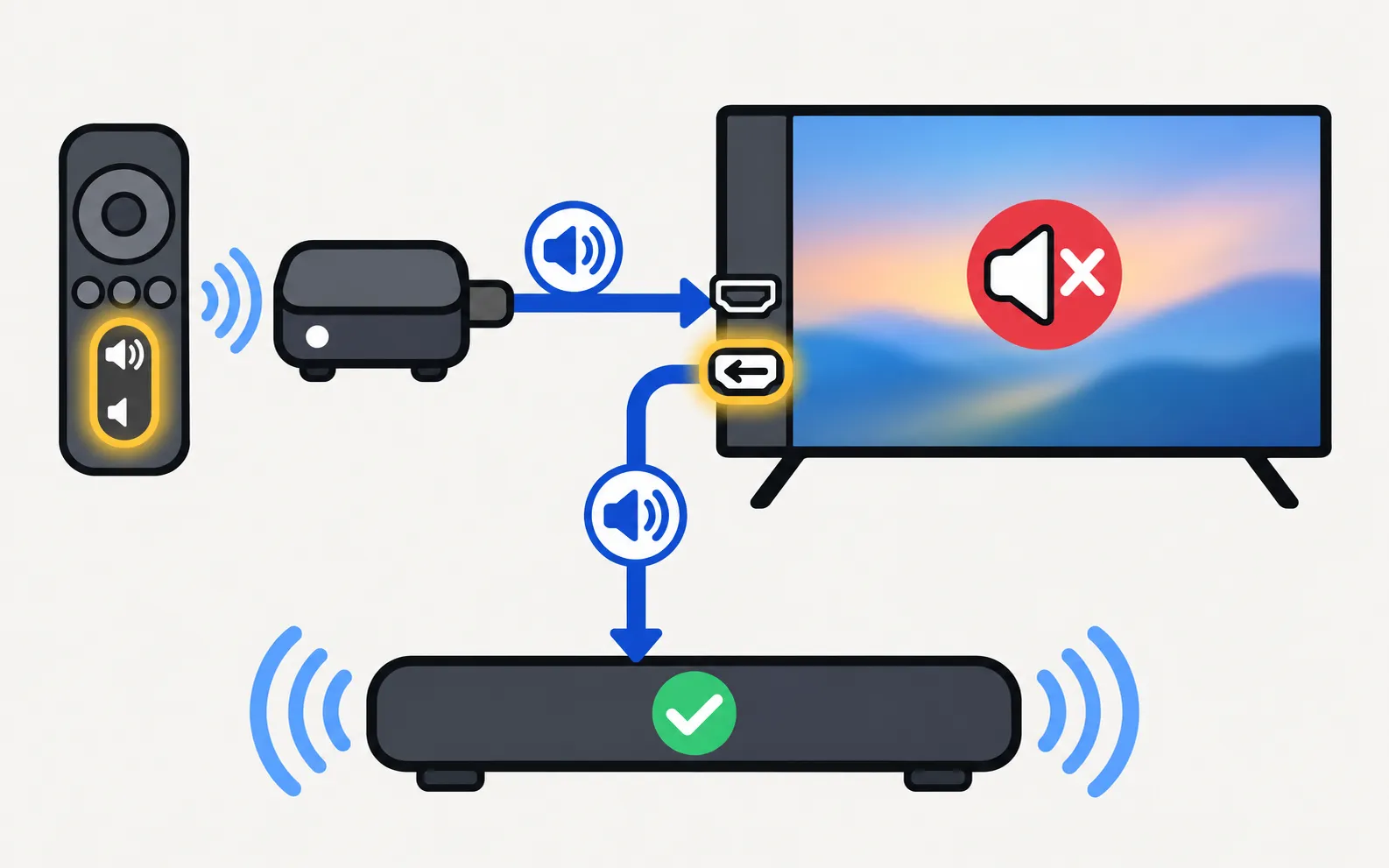
With a soundbar on HDMI ARC or eARC, volume commands may need to reach the soundbar instead. Streaming boxes usually handle this through HDMI-CEC; Roku notes its remotes can’t control soundbars directly, but the player can control sound when everything is connected by HDMI with CEC on. See soundbar and HDMI ARC.
Turned on Anynet+ and now the TV wakes by itself?
That’s the trade-off of HDMI-CEC: the box can wake the TV. If it happens when you don’t want it to, see Samsung TV turns on by itself.
Other ways to control the TV
If the box’s remote can’t do what you need — menus, settings, inputs — see control a Samsung TV without its remote. On a Smart TV on your home Wi-Fi, a phone can replace the Samsung remote completely: use your phone as a Samsung TV remote.
Frequently asked questions
Do I have to turn on Anynet+?
For streaming devices that use HDMI-CEC (Roku, Fire TV, Apple TV's HDMI option), yes. Samsung calls HDMI-CEC Anynet+. Cable remotes that use infrared codes work without it.
My box turns the TV on, but the TV also turns on when I don't want it to.
That's Anynet+ at work. See why a Samsung TV turns on by itself for how to find and turn off the trigger.
The remote controls the soundbar but no longer turns the TV off.
Some cable remotes overwrite the TV power code when you add an audio device. Rerun the provider's setup and choose the TV again; check the provider's support page for your remote model.
Will my Samsung TV respond to an infrared remote at all?
Samsung says a remote from your cable or satellite box may work with your Samsung TV, and that some functions may not be available with non-Samsung remotes.
Sources
- Pair, program, and factory reset your Xfinity remote — Xfinity · Samsung · checked November 11, 2026
- How to set up your Roku voice remote to control your TV — Roku · Samsung · checked November 11, 2026
- Control your TV and volume with the Siri Remote (Apple TV User Guide) — Apple · Samsung · checked November 11, 2026
- How to pair an Amazon Fire TV Stick remote to your TV's volume — How-To Geek · Media · checked November 11, 2026
- What is eARC and how to set on Samsung Smart TV (incl. Anynet+ paths 2014–2026) — Samsung Australia · Samsung · checked November 11, 2026
- Find a replacement remote control for your Samsung TV, Smart Monitor, or projector — Samsung US · Samsung · checked November 11, 2026
Related guides

Reference
Universal remote codes
Program a universal remote for a Samsung TV: try the Samsung button or preset first, look up codes from your remote's maker, or run the remote's code search.

Troubleshooting
TV turns on by itself
Samsung TV switching itself on at night or in the morning? Read the Event Log's power-on reason, then turn off Anynet+, Power On with Mobile or the trigger.
How-to
Streaming devices
Plug a Fire TV, Roku, Apple TV or Chromecast into a Samsung TV: right HDMI port and power, input, one-remote control via Anynet+, 4K HDR and soundbar audio.

Troubleshooting
Soundbar and HDMI ARC
No sound from a soundbar on HDMI ARC or eARC? Use the ARC port, turn on Anynet+, set Sound Output and Digital Output Audio Format, enable eARC and fix dropouts.
Troubleshooting
Remote not working
Samsung TV remote not working? Reset it, do the 10-second phone-camera test, change or charge the battery, re-pair a Smart Remote and clear the TV's sensor.