
Troubleshooting
Samsung remote voice button not working? Bixby and Alexa setup
The microphone button on a Samsung Smart Remote only works when three things line up: a paired remote, a chosen voice assistant and an internet connection.
Quick answer
To use voice on a Samsung TV, pair the Smart Remote (hold Return and Play/Pause near the TV), then choose a voice assistant in Settings, General (General & Privacy on newer TVs), Voice: Bixby needs a Samsung account, Alexa an Amazon account via the Alexa app. Hold the microphone button while you speak. Google Assistant was removed from Samsung TVs in early 2024.
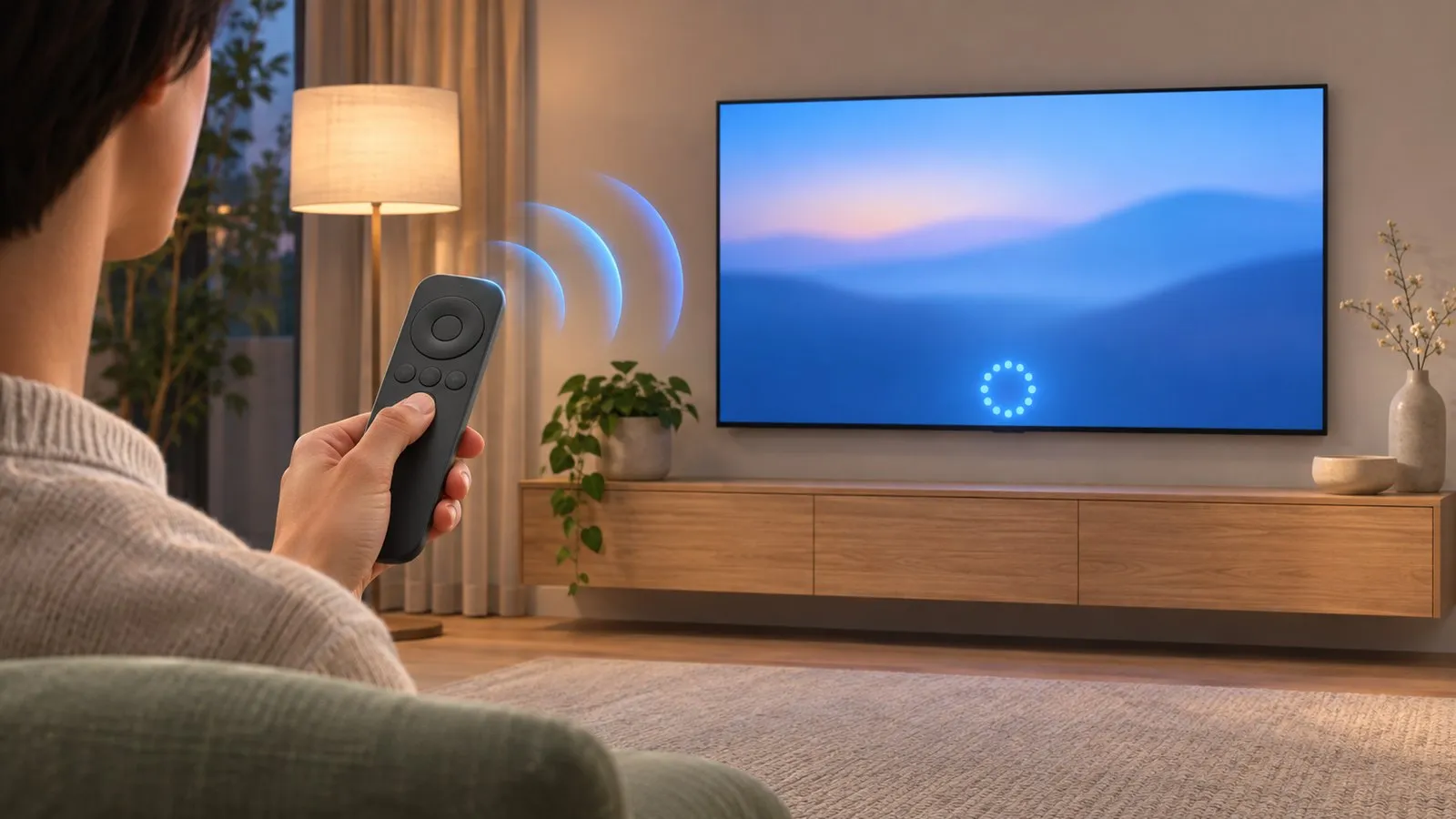
Why the voice button does nothing
-
Check the remote has a microphone
Only Smart Remotes with a microphone key support voice. Some entry models’ remotes don’t. -
Pair the remote
Voice travels over Bluetooth. If the remote’s light blinks twice when you press a button, Samsung’s LED guide says Bluetooth is disconnected — basic buttons still work by infrared, but voice doesn’t. Hold Return and Play/Pause for 3–5 seconds near the TV (pair a Smart Remote). -
Choose a voice assistant
See below — on some TVs no assistant is selected until you do it. -
Check the internet
Assistants need the TV online (Wi-Fi problems). -
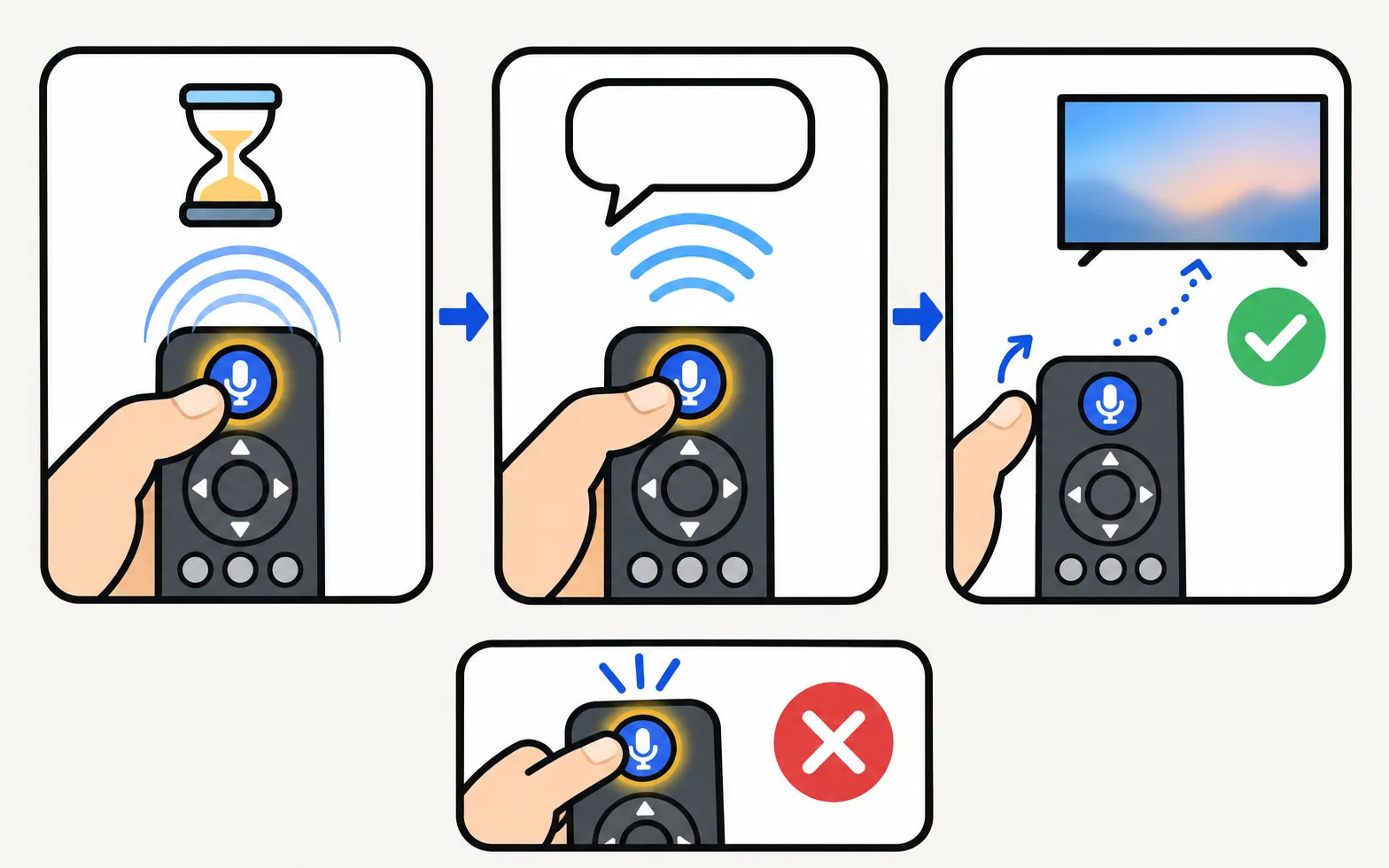
Hold, don't tap
Press and hold the microphone key while you speak, then release.
Set up Bixby or Alexa
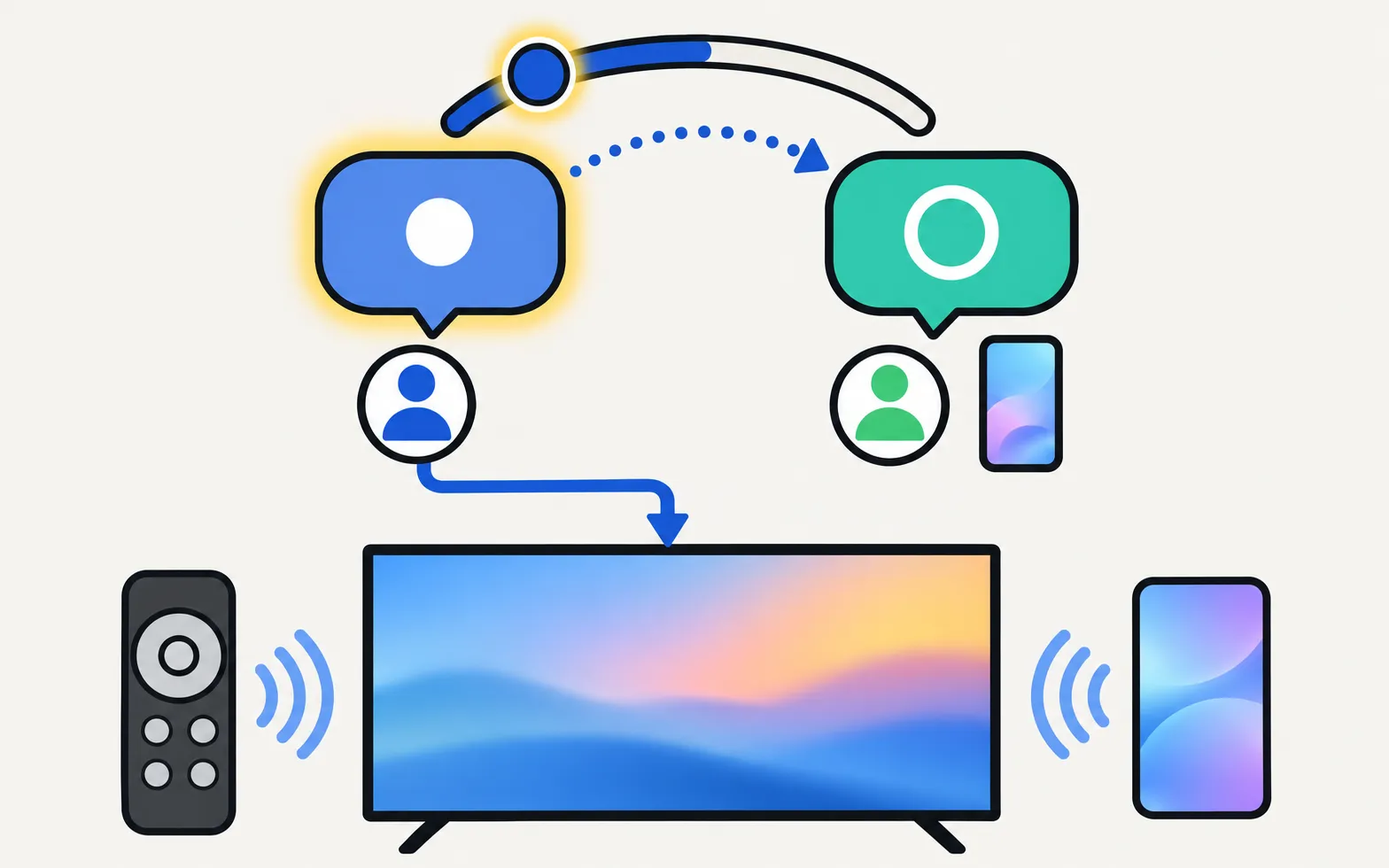
Samsung’s US guide gives this path; on 2022 and newer TVs, General is called General & Privacy and sits under All Settings:
| Assistant | What you need | How you use it |
|---|---|---|
| Bixby | Samsung account on the TV | Press the microphone key and speak (Samsung suggests “Hi, Bixby”) |
| Alexa (built-in, on supported models and regions) | Amazon account and the Amazon Alexa app on your phone; scan the QR code the TV shows | Say “Alexa” while pressing the microphone key |
Switching from Bixby to Alexa means going through Alexa’s setup again. Availability of each assistant depends on your model and country.
Google Assistant on Samsung TVs
Some recent Samsung TVs offered Google Assistant as a built-in voice assistant in some regions. In early 2024 Samsung removed it (reported by 9to5Google, 2 February 2024). If you relied on it:
- Use Bixby or Alexa on the TV, where available.
- Use Google Home or Alexa speakers to control the TV from outside — see control a Samsung TV with Alexa or Google Home.
Voice by phone instead
Phone keyboards support voice typing, which helps for search boxes on the TV: keyboard and mouse on a Samsung TV. It won’t run Bixby or Alexa commands, but it does put spoken words into the TV’s search field.
The AI button on newer remotes
Samsung’s Vision AI Companion, a generative assistant announced in September 2025 and rolled out by software update in some markets, opens with the remote’s AI button — see Samsung Vision AI explained.
Don’t confuse with Voice Guide
If the TV reads menus aloud, that’s Voice Guide, an accessibility feature switched on by holding the volume key: turn off Voice Guide.
Frequently asked questions
Why did Google Assistant disappear from my Samsung TV?
Samsung removed Google Assistant from its TVs in early 2024, as reported by 9to5Google on 2 February 2024. Bixby and Alexa remain on supported models; Google Home can still control some functions from outside the TV.
My TV keeps talking when I press buttons. Is that voice control?
No — that's Voice Guide, an accessibility feature. See the guide to turning off Voice Guide.
Does voice work without internet?
Voice assistants like Bixby and Alexa rely on online services, so they need the TV connected to the internet.
Can I use voice with a standard remote?
Only remotes with a microphone key support voice. Entry models such as the 2020 TU7000 and 2023 CU7000 ship with remotes without voice, according to RTINGS.
Sources
- Use Alexa with your Samsung TV or monitor (ANS10005261) — Samsung US · Samsung · checked November 11, 2026
- Report on the removal of Google Assistant from Samsung TVs — 9to5Google (2 Feb 2024) · Media · checked November 10, 2026
- Samsung Smart TV remote control LED guide — Samsung Canada · Samsung · checked November 11, 2026
- Pair your Samsung Smart Remote to your Samsung TV — Samsung Canada · Samsung · checked November 11, 2026
Related guides
How-to
Pair a Smart Remote
Pair or re-pair a Samsung Smart Remote or SolarCell remote: hold Return and Play/Pause near the TV. How to reset it first, and what to do when pairing fails.
How-to
Alexa and Google Home
Use Alexa or Google Home with a Samsung TV: built-in Alexa on supported models, linking via SmartThings, what voice can control, and the setting power-on needs.
How-to
Turn off Voice Guide
Samsung TV reading out every menu and button press? Turn off Voice Guide in seconds with the accessibility shortcut (hold the volume button) or in Settings.

Reference
Remote buttons explained
What every button on the Samsung Smart Remote does: 123/colour, Ambient, microphone, Return, Play/Pause, VOL and CH, plus the press-and-hold tricks most miss.
Explainer
Samsung account
What a Samsung account does on your TV, which features need one (SmartThings, Bixby, Art Mode uploads, some apps), which don't, and how to sign in or out.