
How-to
How to turn off Voice Guide on a Samsung TV (why it's talking)
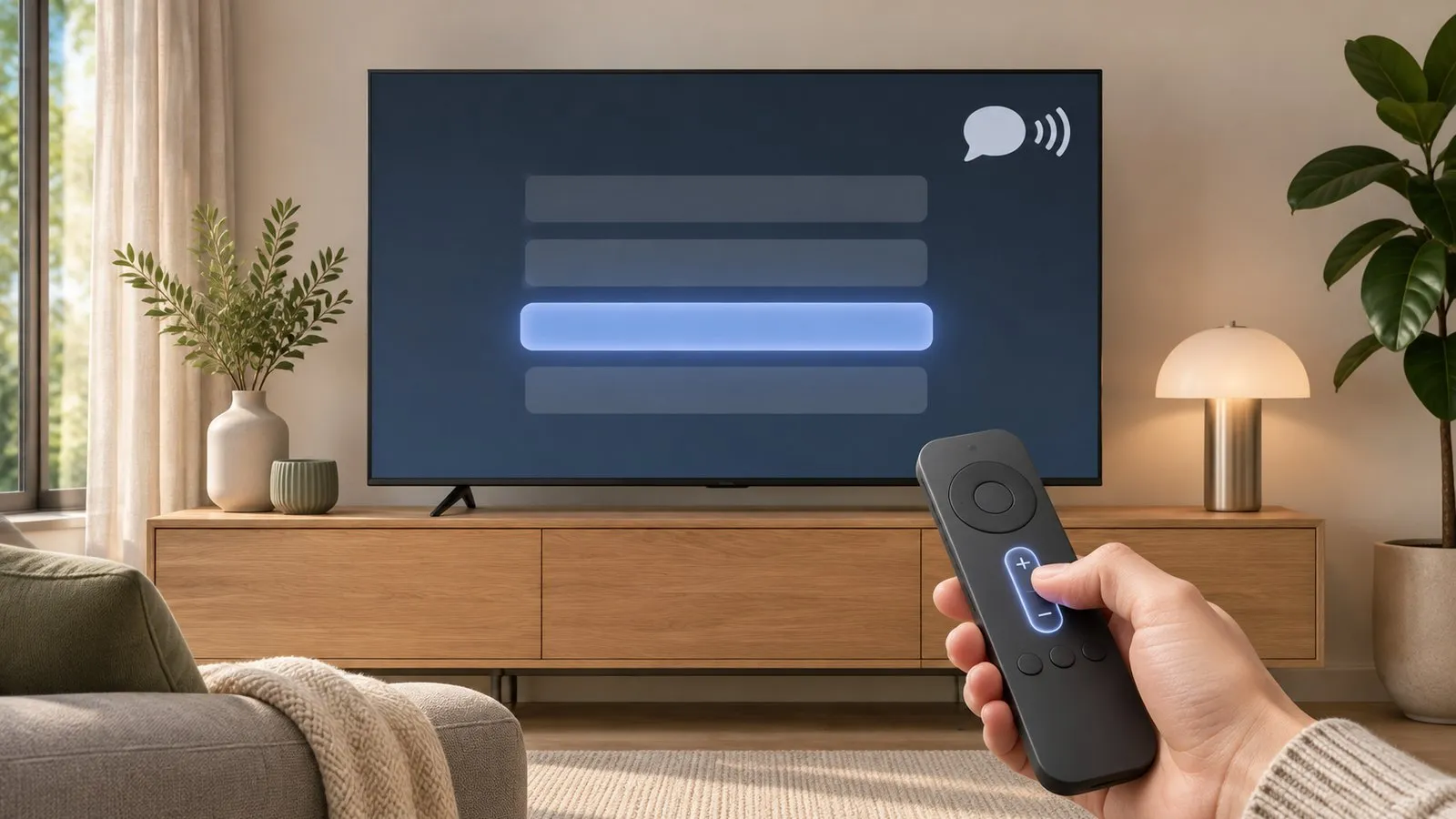
Voice Guide is an accessibility feature that reads the screen aloud. It's easy to switch on by accident — and just as quick to switch off.
Quick answer
Press and hold the volume button on the Samsung Smart Remote for about 2 seconds, select Accessibility shortcuts (or Voice Guide) and turn Voice Guide off. Or open Settings, All Settings, General & Privacy (General on older TVs), Accessibility, Voice Guide Settings and set Voice Guide to Off. If you only want quieter speech, Voice Guide Settings also controls its volume and speed.
The quick way: the accessibility shortcut
-
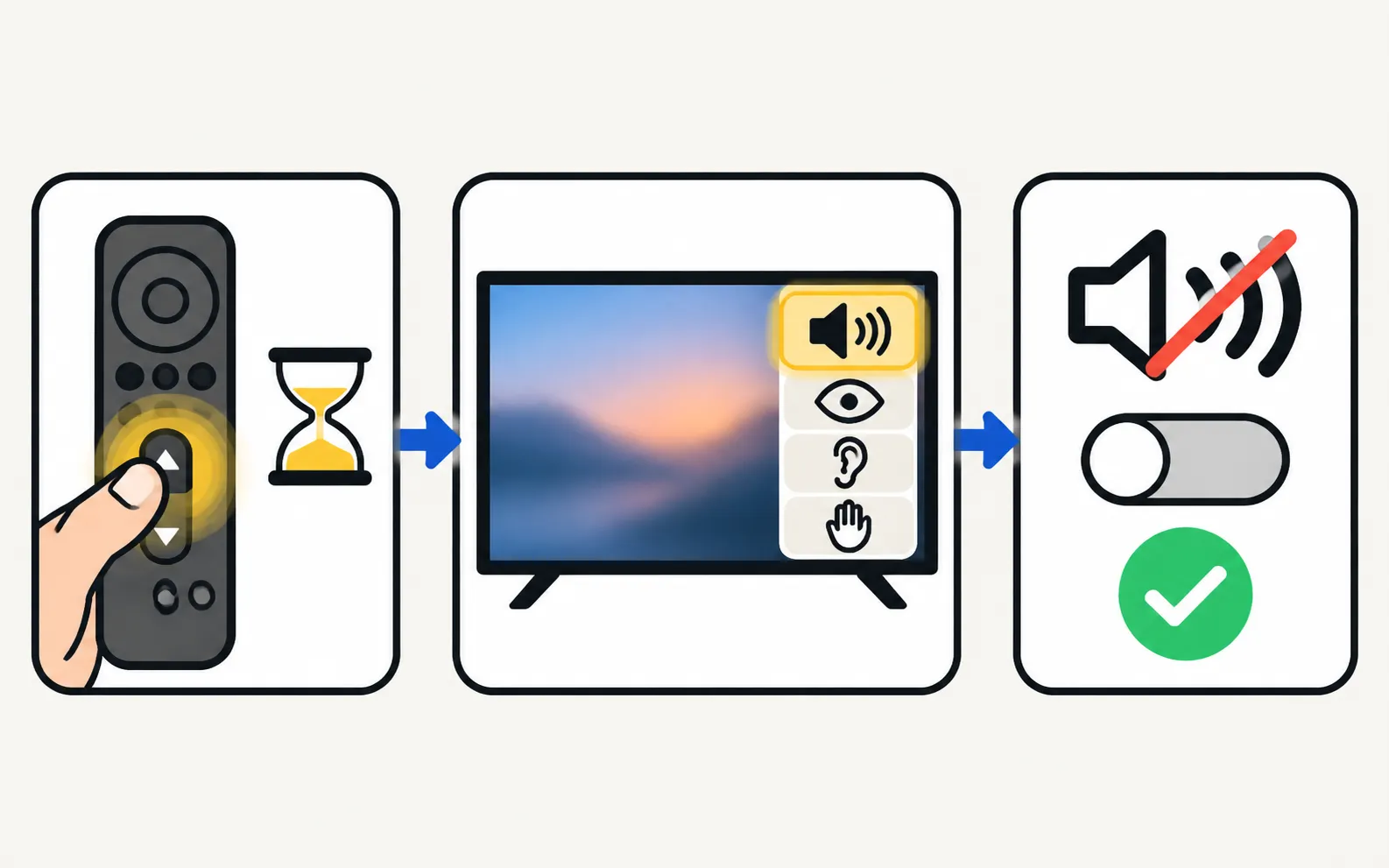
Hold the volume button
Press and hold the volume (+/–) button on the Samsung Smart Remote for at least 2 seconds. -
Open the shortcut menu
The Accessibility shortcuts menu appears. -
Switch Voice Guide off
Select Voice Guide to turn it off.
This is the same shortcut that usually turns Voice Guide on by accident — a long press on volume while watching.
The Settings way (every model)
Use the steps for your TV’s year; the model code decoder shows it if you’re unsure.
TVs from 2022 and newer
Set Voice Guide to Off.
TVs from 2017–2021
Set Voice Guide to Off.
Keep it, but tame it
If someone in your home relies on Voice Guide, Voice Guide Settings also adjusts its volume, speed and pitch, so it can stay on without dominating the sound.
Other voices that aren’t Voice Guide
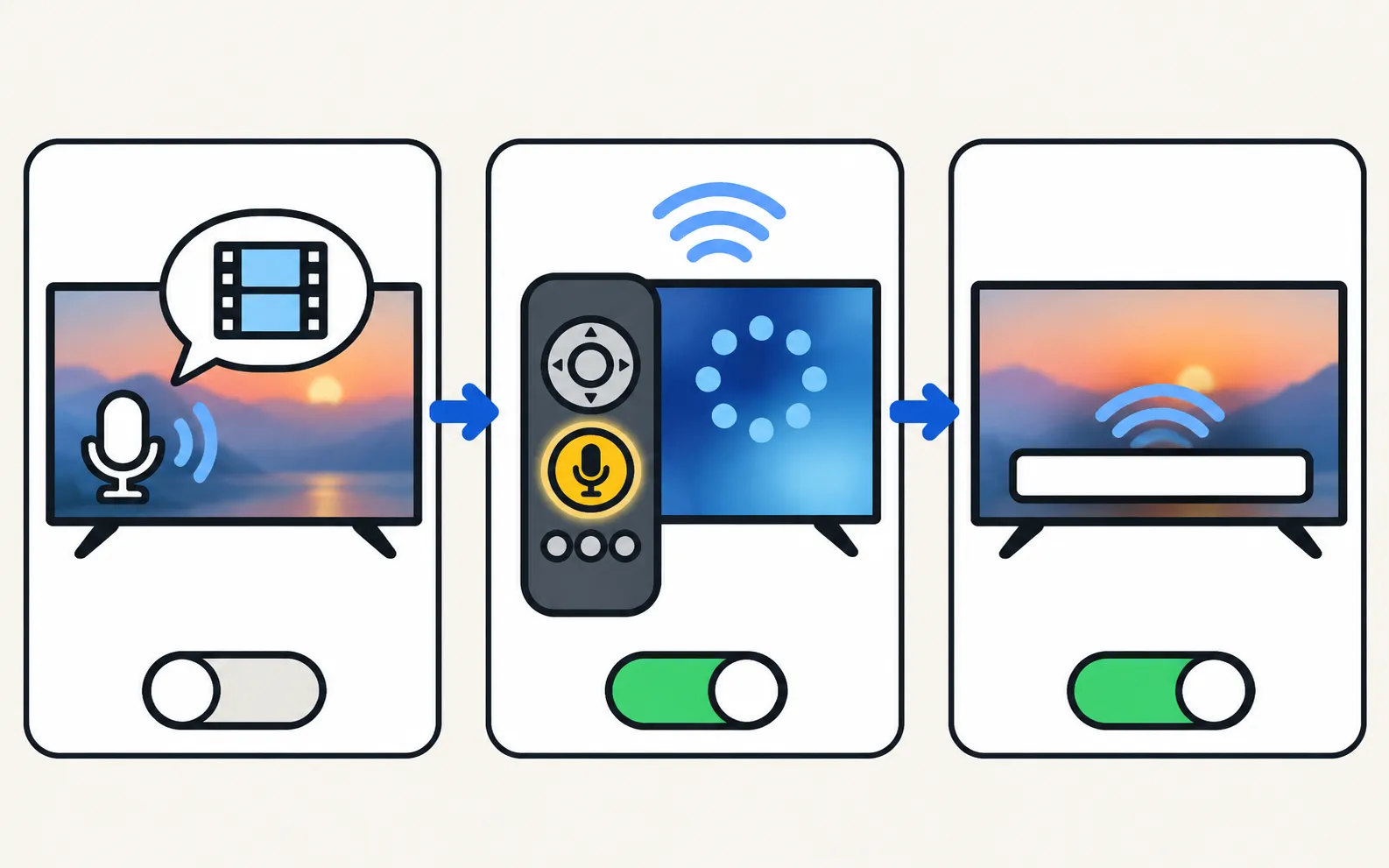
| What you hear | What it is | How to stop it |
|---|---|---|
| A narrator describing the action in a film or show | Audio Description (a programme feature) | Turn off Audio Description in Accessibility, or change the audio track |
| The TV answers or listens when you press a key | Voice assistant (Bixby, Alexa) | See voice control |
| Subtitles read aloud | Subtitle speech or Audio Description | Check Accessibility and the subtitle options (subtitles) |
It keeps coming back
- Samsung notes that the shortcut’s own voice guidance stays active even with Voice Guide off — that’s expected.
- A sticky or pressed volume key can reopen the shortcut. Check the remote isn’t wedged between cushions.
- If you prefer not to use voice features at all, see the other accessibility and voice settings in Samsung TV settings.
Frequently asked questions
How did Voice Guide turn on?
Usually by accident: Samsung notes that the accessibility menu opens when you hold the volume button on the remote, which is the typical way it gets switched on.
I turned Voice Guide off, but the TV still speaks in the shortcut menu. Why?
Samsung says voice guidance for the accessibility shortcuts stays active even when Voice Guide is off or muted.
The narration describes what happens in the programme. Is that Voice Guide?
No — that's Audio Description, a feature of the programme or channel. Turn off Audio Description in the accessibility settings, or switch the audio track in the app or broadcast.
My older remote has no volume button to hold. What then?
Use the Settings path. On some older remotes the accessibility shortcut uses a different key (for example AD/SUBT); the Settings path works on every model.
Sources
- Voice on Samsung TV or projector announces everything I do (TSG10002319) — Samsung US · Samsung · checked November 11, 2026
- How to disable the Voice Guide function on your Samsung TV — Samsung UAE · Samsung · checked November 11, 2026
Related guides

How-to
Subtitles and captions
Turn subtitles or closed captions on or off on a Samsung TV: Caption Settings, the accessibility shortcut, and why apps and set-top boxes have their own.

Troubleshooting
Voice control
Set up Bixby or Alexa on a Samsung TV, fix a microphone button that does nothing, and why Google Assistant disappeared from Samsung TVs in 2024.

Reference
Remote buttons explained
What every button on the Samsung Smart Remote does: 123/colour, Ambient, microphone, Return, Play/Pause, VOL and CH, plus the press-and-hold tricks most miss.

How-to
Language, region and time
Wrong menu language on a Samsung TV? Change it back (paths by year since 2013), even if you can't read the menus, plus audio, subtitle language and the clock.

Topic
Settings
Find and fix Samsung TV settings: software updates, factory reset, PIN, Voice Guide, subtitles, language, sleep timer, parental controls and menu paths by year.