
How-to
Samsung TV subtitles: turn captions on or off
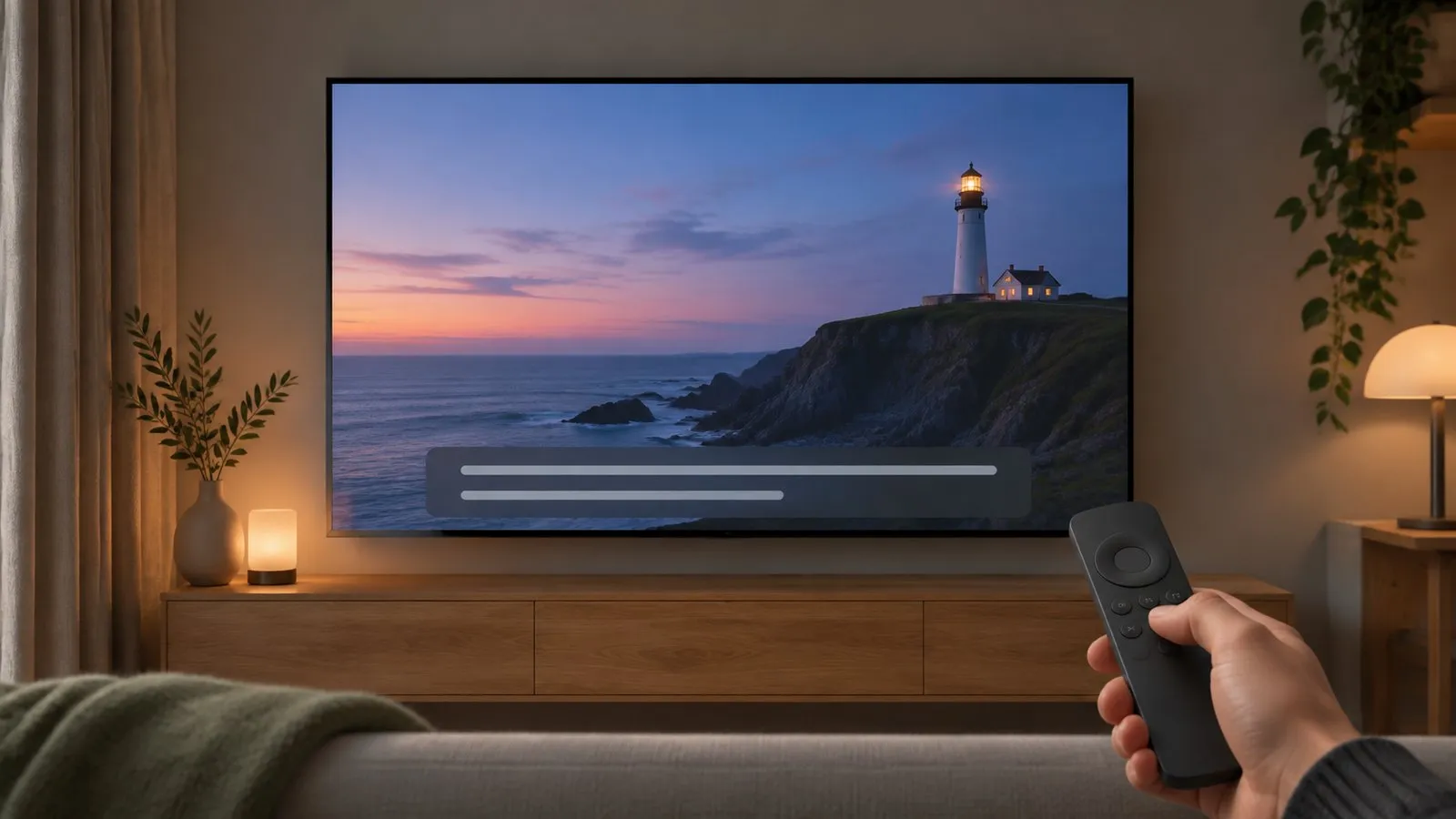
Subtitles can come from three places — the TV, an app, or a set-top box — and each has its own switch. Find which one is showing them.
Quick answer
For broadcast TV, open Settings, All Settings, General & Privacy, Accessibility, Caption Settings and turn Caption on or off (Subtitle Settings on some models). Holding the mute button — or the volume key on remotes without mute — opens Accessibility Shortcuts. Subtitles in Netflix, YouTube and other apps are set inside each app, and subtitles from a set-top box are set on the box.
Where are the subtitles coming from?
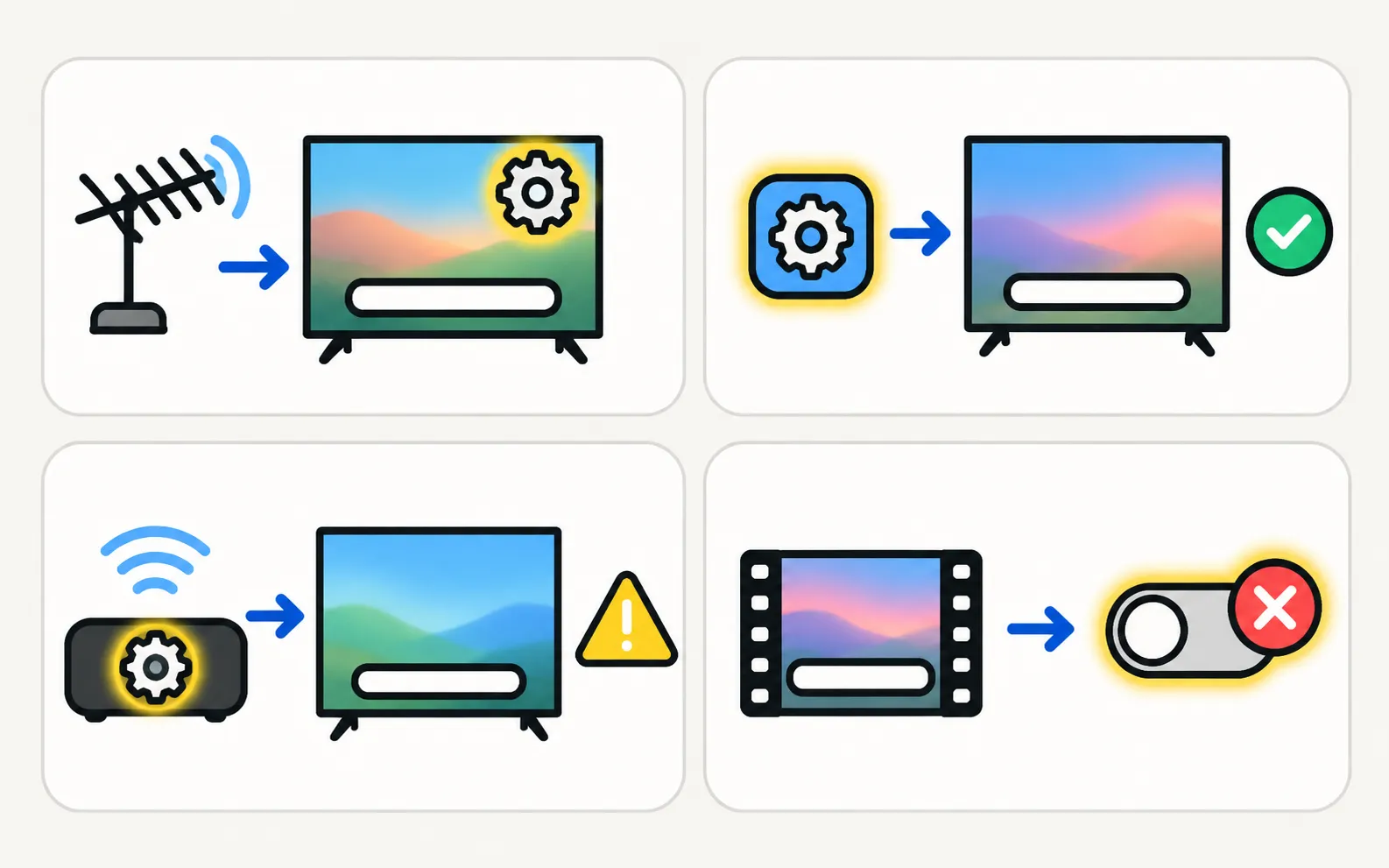
| Source | Where to switch them |
|---|---|
| Broadcast TV (antenna, TV tuner) | The TV’s Caption/Subtitle settings (below) |
| Apps (Netflix, YouTube, Prime Video…) | Inside the app’s playback options |
| Set-top box, streaming stick, Blu-ray | That device’s subtitle settings |
| Open captions | Burned into the video — can’t be turned off |
TV captions and subtitles
Samsung’s UK guide:
Turn Caption on or off. Some models and regions show Subtitle Settings instead. On 2017–2021 menus, Accessibility sits under General.
The quick shortcut
Samsung’s UK guide: press and hold the mute button to open the Accessibility Shortcuts menu; on remotes without a mute button, press and hold the volume key. Subtitle settings are listed there on supported models (remote buttons explained).
Customise the captions
Caption Settings may include options for caption size, font colour and background — useful if subtitles are hard to read from the sofa.
Related
- The TV speaking menus aloud: turn off Voice Guide.
- Narration of the action: Audio Description, also in Accessibility.
- Menus in the wrong language: language, region and time.
Frequently asked questions
I turned captions off but they're still there. Why?
They probably come from an app or a set-top box, or they're open captions burned into the video, which can't be turned off.
Can I change the caption size or colour?
On many models, Caption Settings includes digital caption options for size, background and font colour.
Are closed captions available everywhere?
Samsung notes closed captions are available only on select models and in select countries; many regions use Subtitle Settings instead.
Sources
- How to use Accessibility features on my Samsung Smart TV — Samsung UK · Samsung · checked November 11, 2026
- How do I turn on and use Closed Captions on my Samsung Smart TV — Samsung Saudi Arabia · Samsung · checked November 11, 2026
- Samsung TV user manual: About the Buttons on the Samsung Smart Remote (Q9F manual, via ManualsLib) — Samsung (hosted by ManualsLib) · Reference · checked November 11, 2026
Related guides
How-to
Turn off Voice Guide
Samsung TV reading out every menu and button press? Turn off Voice Guide in seconds with the accessibility shortcut (hold the volume button) or in Settings.

How-to
Language, region and time
Wrong menu language on a Samsung TV? Change it back (paths by year since 2013), even if you can't read the menus, plus audio, subtitle language and the clock.

Troubleshooting
Netflix not working
Netflix won't open, shows an error or black screen, or buffers on a Samsung TV? Read the code, restart, update, reinstall Netflix and, last, reset Smart Hub.
Topic
Settings
Find and fix Samsung TV settings: software updates, factory reset, PIN, Voice Guide, subtitles, language, sleep timer, parental controls and menu paths by year.