
How-to
Parental controls on a Samsung TV: lock apps, channels and ratings
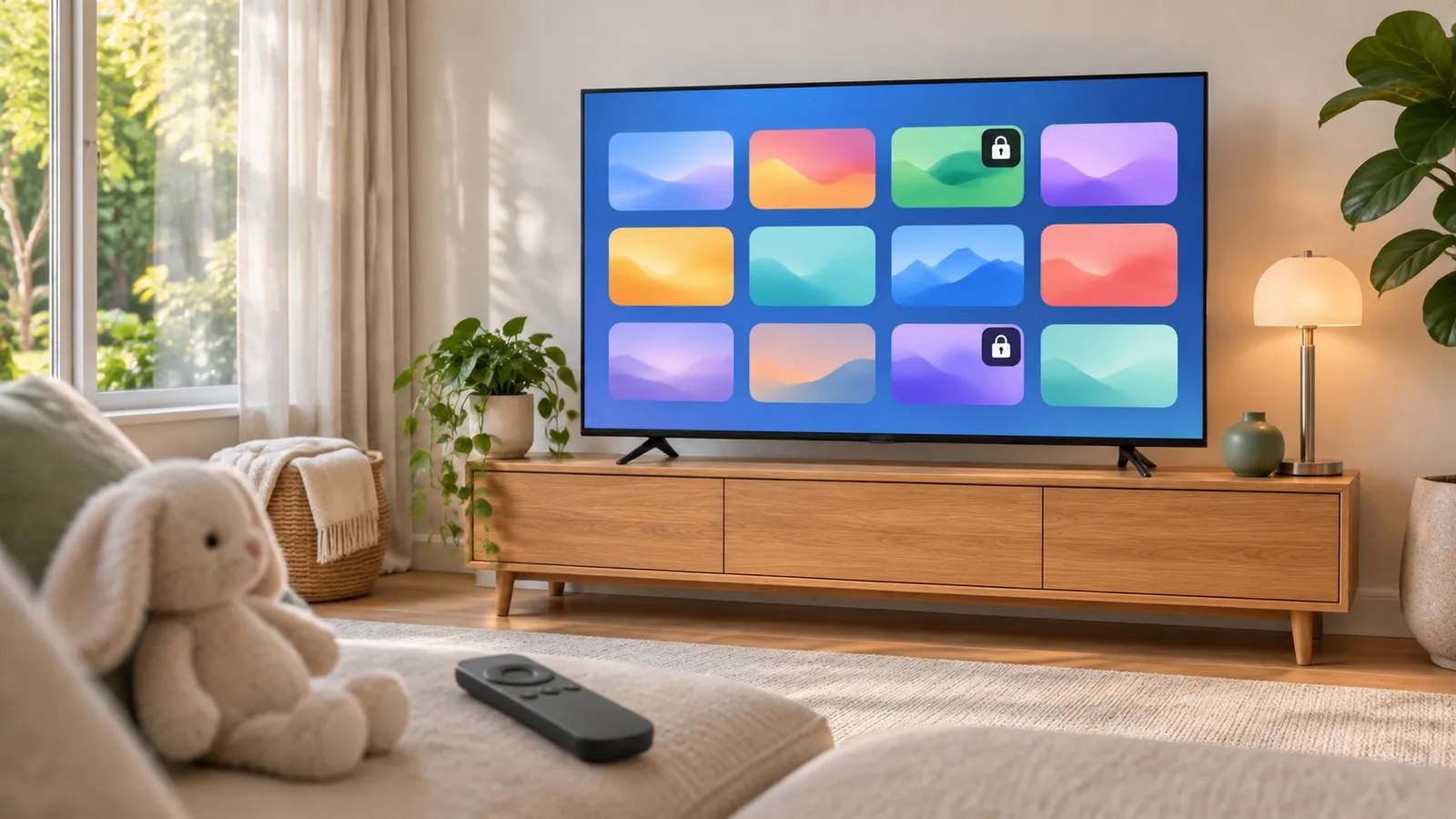
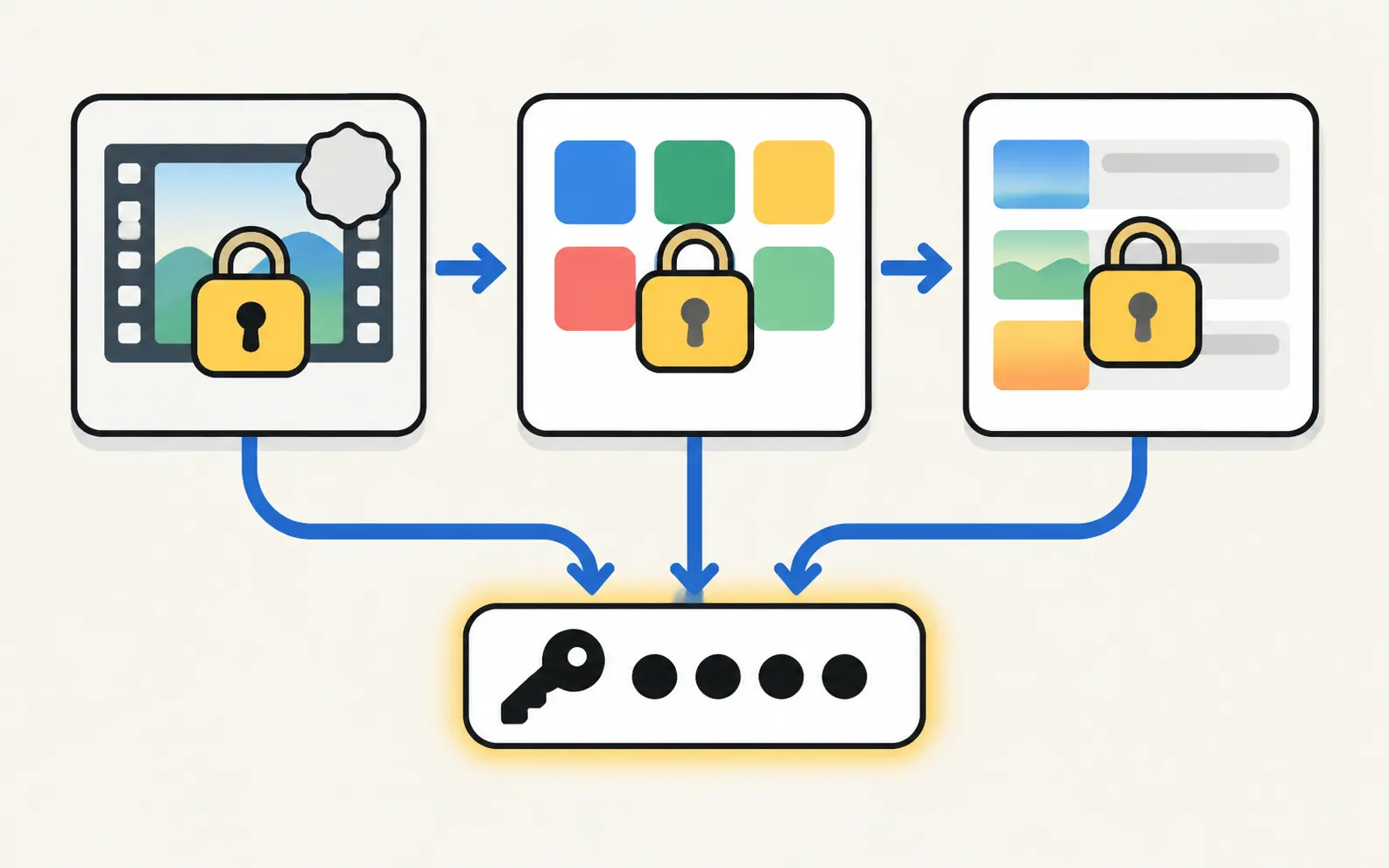
Samsung TVs have three locks — by age rating, by app and by channel — all protected by the TV's PIN. Set the PIN first, then pick the locks you need.
Quick answer
Change the TV's PIN from the default first. Then, on 2022–2026 Samsung TVs, open Settings › All Settings › General & Privacy › Parental Settings, where you'll find Programme Rating Lock, App Lock Settings and Channel Lock Settings. On 2017–2021 TVs, rating and channel locks are under Broadcast(ing) and app locks under Apps › App Settings. Rating locks don't block content from external devices.
1. Change the PIN first
Every lock uses the TV’s PIN. Samsung’s default is 0000 (1111 on TVs sold in France and Italy), so change it:
On 2017–2021 menus it’s under General › System Manager › Change PIN. More in Samsung TV PIN.
2. Programme Rating Lock
Blocks broadcast programmes at or above an age rating unless the PIN is entered.
Menu names depend on the model year. Not sure which year your TV is? Decode your model number first.
TVs from 2022 and newer
TVs from 2016–2021
Enter the PIN and choose the rating for your child’s age. Rating systems differ by country, and Samsung notes the lock doesn’t block programmes from external sources such as a set-top box.
3. App Lock
TVs from 2022 and newer
TVs from 2017–2021
TVs from 2016
Select the app, choose Lock and enter the PIN. To undo, choose Unlock and enter the PIN again.
4. Channel Lock
Two steps: mark the channels, then switch the lock on.
| Year | Mark channels | Switch the lock on |
|---|---|---|
| 2023–2026 | ||
| 2022 | Live TV Guide › Edit Channels › Lock | |
| 2017–2021 | Live TV › Channel List › Edit Channels › Lock | |
| 2016 | Live TV › Channel List › Edit Channels › Lock |
Channel locks apply to channels received by the TV’s own tuner. Channel editing is covered in edit and sort channels.
What TV locks can’t do
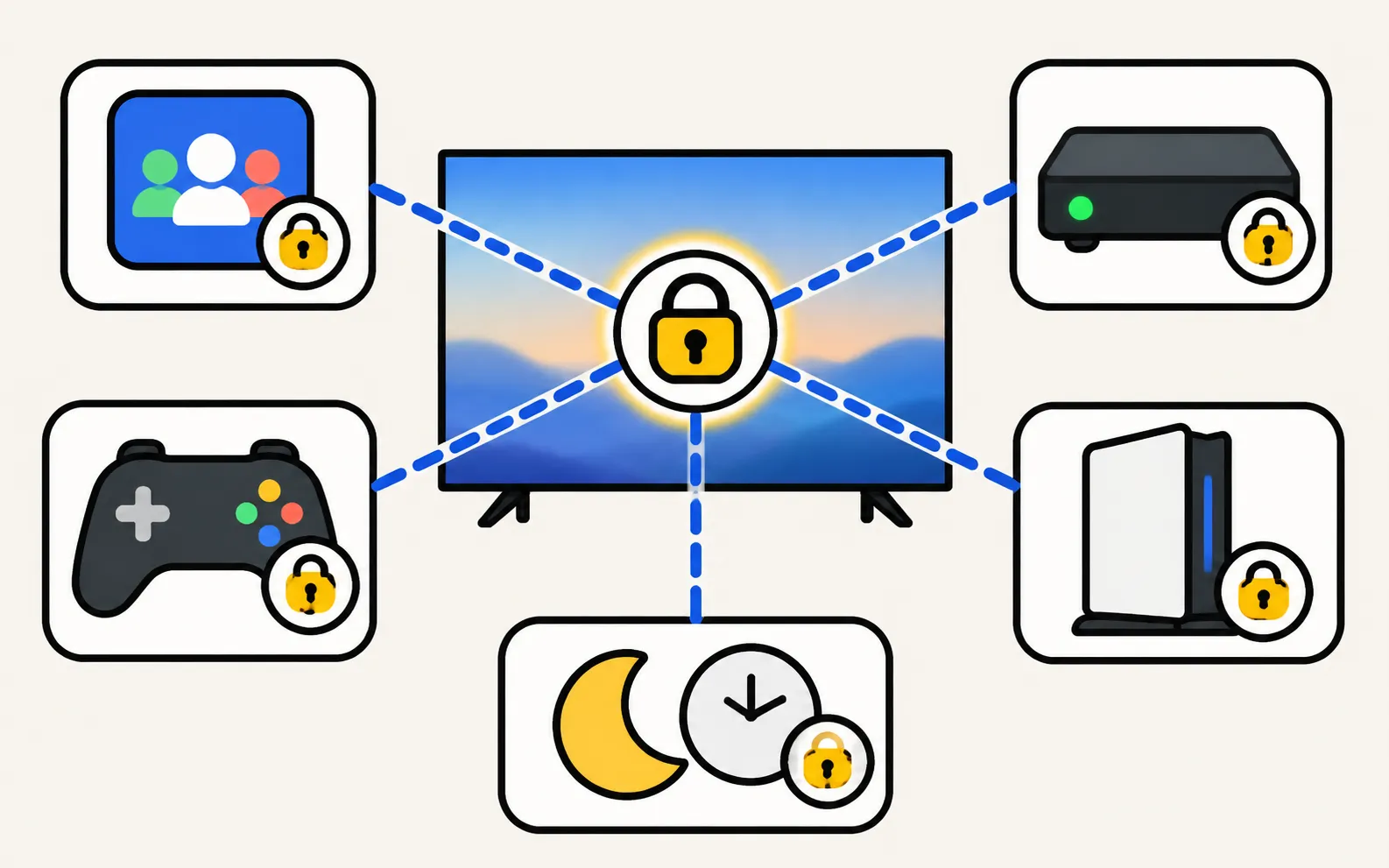
- Content inside apps: use each service’s profiles and maturity settings (Netflix, YouTube, Disney+ and others have their own).
- External devices: cable boxes, consoles and streaming sticks have their own parental controls.
- Games: the Gaming Hub has its own parental settings — see Gaming Hub.
- Screen time: a sleep or off timer can turn the TV off at a set time.
Samsung notes that menus may differ by model; the steps above come from Samsung Australia’s guide, written on a 2025 TV.
Frequently asked questions
What's the default PIN on a Samsung TV?
Samsung says the default is 0000, except on TVs sold in France and Italy, where it's 1111. Change it before you set up any lock, or anyone can undo them.
Can I lock YouTube or Netflix?
Yes, with App Lock — the app then asks for the PIN before it opens. For finer control (profiles, age ratings within the app), use the app's own parental settings.
Does Programme Rating Lock work on a cable box or console?
No. Samsung says the rating lock doesn't block programmes from external sources. Use the device's own parental controls.
I forgot the PIN. What now?
See the PIN guide for Samsung's reset steps for your remote; a factory reset also returns the PIN to its default.
Sources
- Using Parental Controls on your Samsung TV — Samsung Australia · Samsung · checked November 11, 2026
- How to use Parental Settings on a Samsung Smart TV or Smart Monitor — Samsung Singapore · Samsung · checked November 11, 2026
- How to reset your Samsung TV (ANS10005248) — Samsung US · Samsung · checked November 11, 2026
Related guides

How-to
Samsung TV PIN
The default Samsung TV PIN is 0000. Where the PIN is used (resets, app locks, parental controls), how to change it, and what to do if you forgot your own PIN.

How-to
Install and delete apps
How to download apps on a Samsung Smart TV, keep them updated, delete or reinstall them, and what to do when Delete is greyed out — with Samsung's own steps.
How-to
Edit channels
Open Edit Channels on a Samsung TV to delete, restore, reorder and lock channels, and build up to five Favourites lists — plus why a rescan undoes your changes.

Explainer
Samsung Gaming Hub
What Samsung Gaming Hub is, which TVs have it, what you need (controller, subscription, fast internet) and how to make cloud gaming smooth without a console.

Topic
Settings
Find and fix Samsung TV settings: software updates, factory reset, PIN, Voice Guide, subtitles, language, sleep timer, parental controls and menu paths by year.