
How-to
Samsung TV default PIN (0000): change it or fix a forgotten PIN
Samsung TVs ask for a four-digit PIN before resets and locked content. Unless someone changed it, it's 0000.
Quick answer
The default PIN on Samsung TVs is 0000. You'll need it for a factory reset, Reset Smart Hub, locking apps and parental controls. To change it, Samsung's US guide gives Settings, General, System Manager, Change PIN (General & Privacy on newer TVs). If you set your own PIN and forgot it, Samsung support can help you reset it.
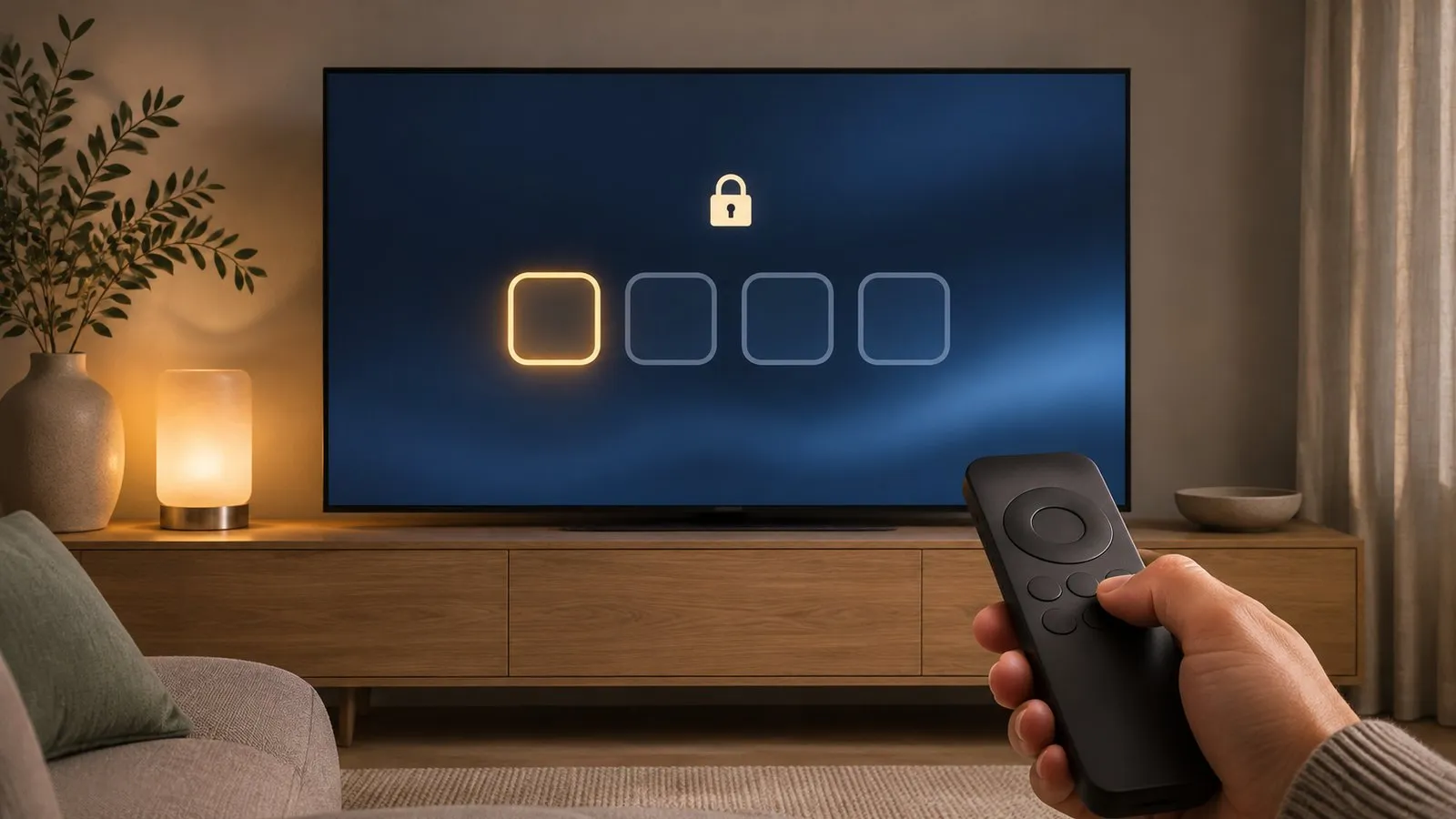
Where the PIN is used
| Task | Guide |
|---|---|
| Factory reset | Factory reset |
| Reset Smart Hub | Apps not working |
| Locking and unlocking apps | Install and delete apps |
| Parental controls, channel locks, ratings | Parental controls |
Samsung’s guides use 0000 as the default in each case.
Change the PIN
Samsung’s US guide: . On 2022 and newer menus, look under General & Privacy › System Manager.
-
Enter the current PIN
0000 if it was never changed. -
Enter the new PIN twice
Choose something memorable but not obvious (avoid 1234). -
Write it down
Somewhere safe — you’ll need it for resets.
Forgot your PIN?
Samsung’s UK support advises contacting Samsung Support, who can assist with resetting a forgotten PIN. Have your model code and serial number ready (back label). We don’t recommend online “master code” or service-menu tricks — they can change factory settings (diagnostics and the service menu).
Entering the PIN without number keys
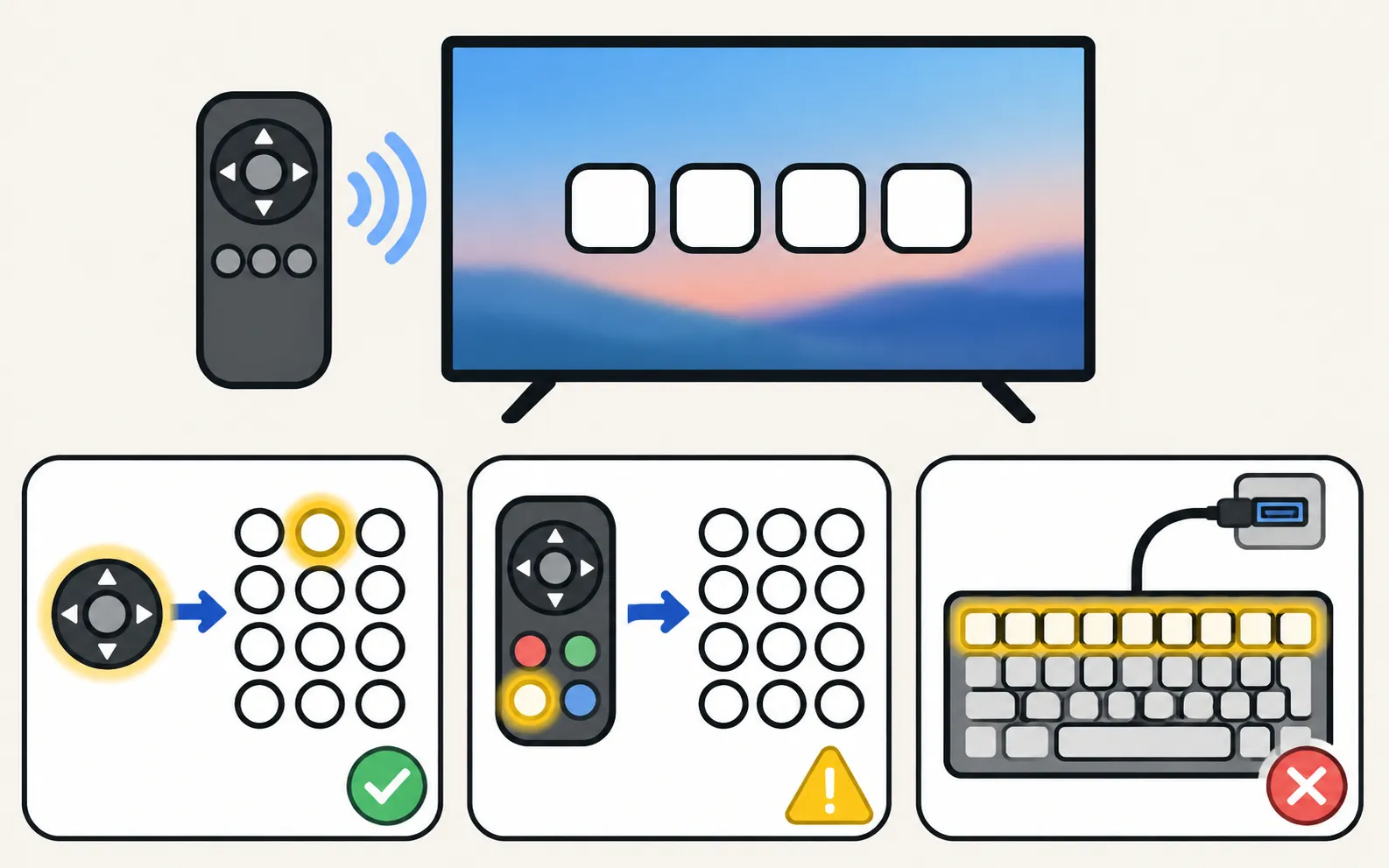
Smart Remotes have no number keys: use the on-screen pad, or press 123 to switch the remote’s colour window to a number pad (remote buttons explained). A USB keyboard also works.
Frequently asked questions
What's the default PIN on a Samsung TV?
0000, unless it was changed.
Where do I type the PIN if my remote has no number keys?
The TV shows an on-screen number pad, or press the 123 (Colour/Number) button on the Smart Remote.
Is the TV PIN the same as my Samsung account password?
No. The TV PIN is local to the TV; your Samsung account has its own password.
Can I bypass a forgotten PIN?
There's no documented bypass for users. Avoid service-menu tricks; contact Samsung support for help resetting it.
Sources
- How to reset your Samsung TV (ANS10005248) — Samsung US · Samsung · checked November 11, 2026
- How do I perform a factory reset on Samsung TV? (paths 2013–2020) — Samsung Philippines · Samsung · checked November 11, 2026
- Samsung UK support: TV apps won't open — Samsung UK · Samsung · checked November 10, 2026
- [2022] How to install apps and manage downloaded apps on your Samsung TV — Samsung UK · Samsung · checked November 11, 2026
- How to cold boot, reboot, restart or reset your Samsung Smart TV — Samsung UK · Samsung · checked November 11, 2026
Related guides

How-to
Factory reset
Factory reset a Samsung TV: the menu path for each year since 2013, default PIN 0000, what a reset erases, lighter resets first, and how without a remote.

How-to
Parental controls
Set up parental controls on a Samsung TV: Programme Rating Lock, App Lock and Channel Lock with paths for 2016–2026 models, the PIN, and what locks can't block.

Troubleshooting
Apps not working
Samsung TV apps won't open, crash or keep loading? Power-cycle, check the internet, update the TV, reinstall the app, then reset Smart Hub — in Samsung's order.
How-to
Install and delete apps
How to download apps on a Samsung Smart TV, keep them updated, delete or reinstall them, and what to do when Delete is greyed out — with Samsung's own steps.