
Reference
Multi View on Samsung TVs: which models and how to use it
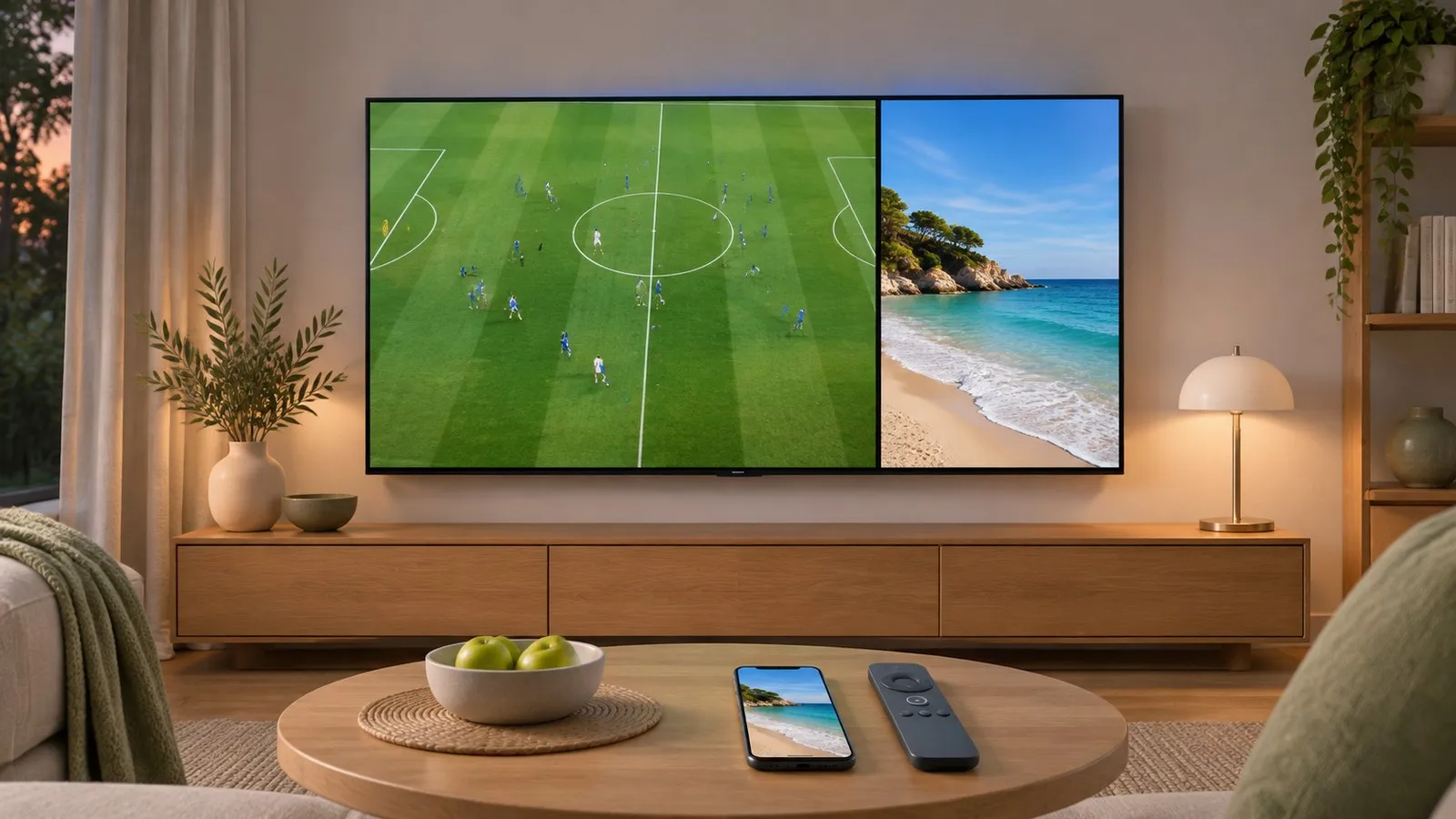
Multi View splits a Samsung TV's screen between live TV, apps, a console and your phone. Whether you get it — and how many screens — depends on the model.
Quick answer
Multi View is on selected Samsung TVs from 2020 onward. On 2023–2025 TVs open Settings and choose the Multi View icon; on 2021–2022 TVs use Home (or Menu) › Multi View or the Multi View button. Top models such as the 2025 QN990F and QN900F show up to four screens; many QLED, Neo QLED, OLED and lifestyle models show two. On 2020 TVs it starts when you mirror a phone.
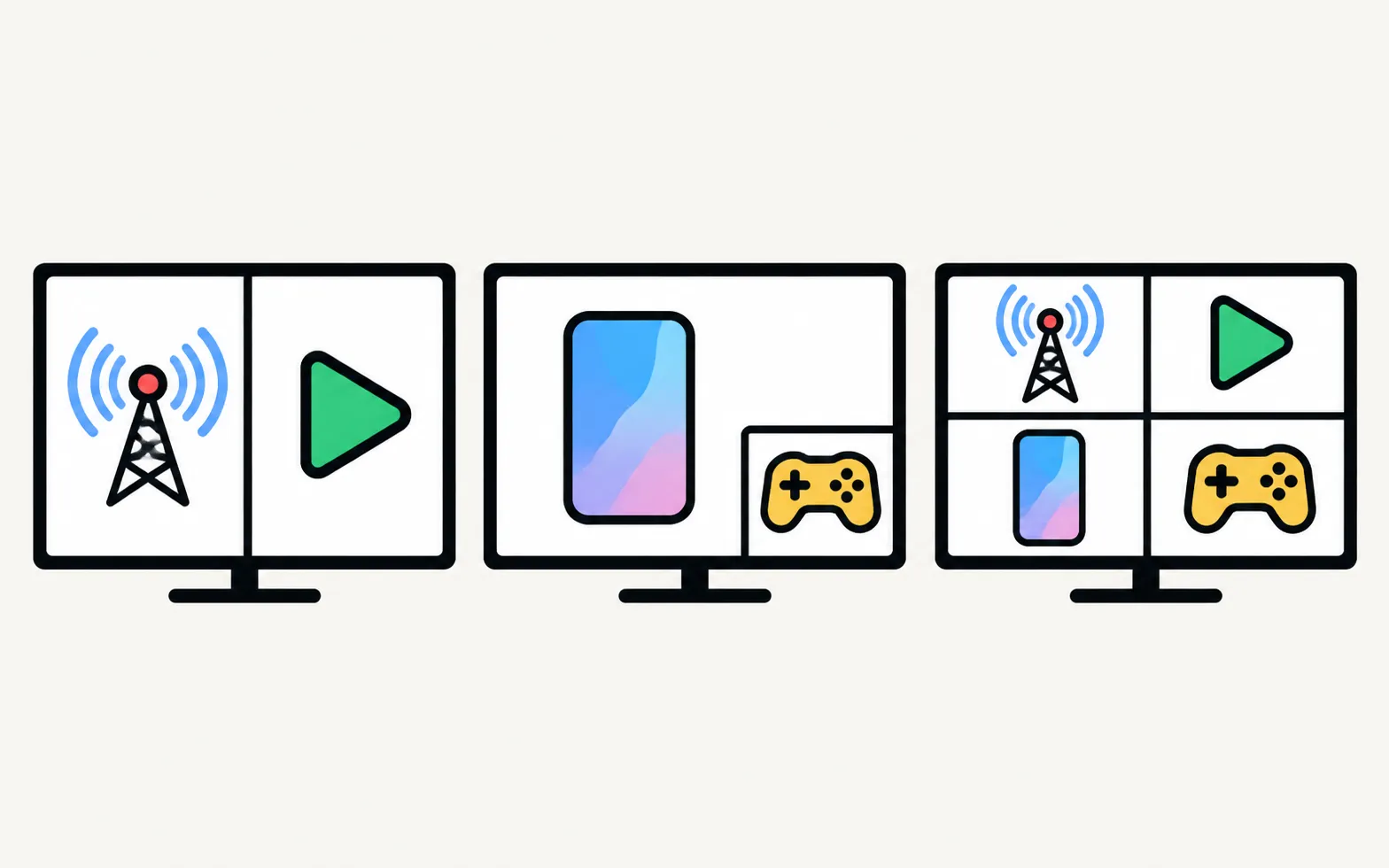
Which Samsung TVs have Multi View
From Samsung Australia’s support page — model availability can differ by country:
| Year | Up to 4 screens | 2 screens |
|---|---|---|
| 2025 | QN990F, QN900F | S95F, S90F, S85F, QN90F, QN80F, QN70F, QN1EF, LS03FW, LS03FAW, Q7F, QEF1, DU9000 |
| 2024 | QN900D, QN800D | S95D, S90D, QN90D, QN85D, LS03D, LS01D, Q60D, DU9000 |
| 2023 | QN900C | Q60C, Q70C, LS03C, QN85C, S90C, S95C |
| 2022 | QN800B, QN900B | Q60B, Q70B, Q80B, QN85B, QN90B, QN95B, QN700B, The Serif, The Frame (not 32-inch) |
| 2021 | QN800A, QN900A | Q60A, Q70A, Q80A, QN85A, QN90A, Q700A, LS03A |
| 2020 | Q800T, Q950T | Q70T, Q80T, Q95T, LS03T (not 32-inch), LS05T, LS01T |
Samsung’s support pages in other countries list slightly different models per tier, so if yours isn’t here, look for the Multi View icon on your TV. Not sure of your model? Decode the model number.
Open Multi View
TVs from 2023–2025
TVs from 2021–2022
On 2021–2022 TVs the remote’s Multi View button also works, where present. On 2020 TVs, Multi View starts when you share a phone’s screen with Smart View or AirPlay.
What you can put on each screen
- Live TV and apps — supported apps vary by region and can change without notice.
- HDMI devices such as a console or set-top box.
- Your phone: Android with screen casting or an iPhone with AirPlay 2 (Samsung lists Android 6.0 and iOS 11.4 as minimums). See mirror Android and mirror an iPhone.
- USB webcams from Samsung’s list only (such as the Samsung SC-FD100B and some Logitech C920-series models).
Press Select on a screen to change its source, make it full screen, resize or move it, connect a Bluetooth speaker to it, or remove it.
Sound in Multi View
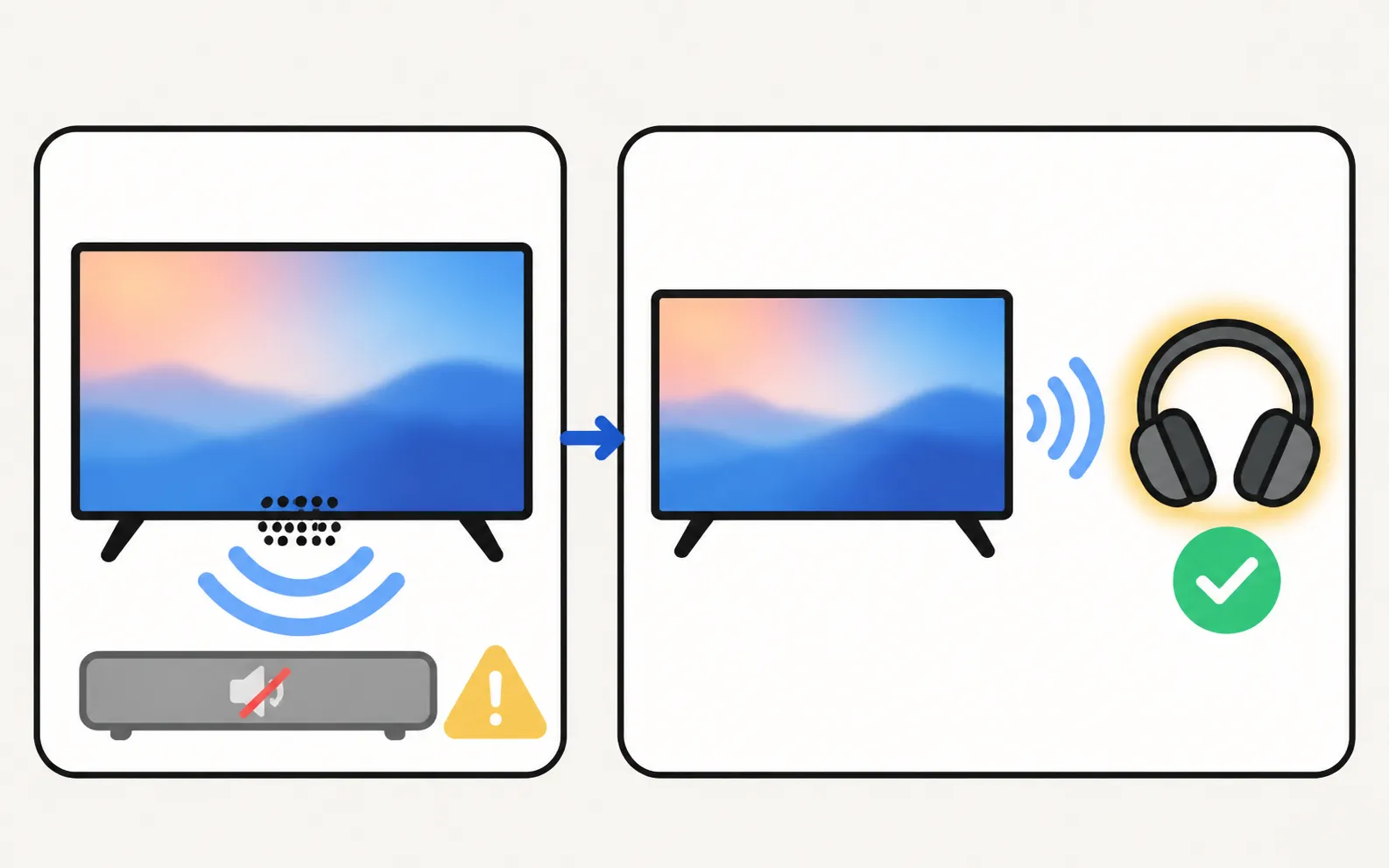
Samsung says devices connected through a receiver or soundbar play through the TV speaker in Multi View, and Q-Symphony isn’t supported. To hear a second screen privately, connect Bluetooth headphones to it — see Bluetooth headphones.
Frequently asked questions
Does my Samsung TV have picture-in-picture?
Recent models use Multi View instead. If your model isn't in Samsung's list below and there's no Multi View icon, it doesn't have it.
Why does Multi View sound come from the TV speakers, not my soundbar?
Samsung says that when an external device connected to a receiver or soundbar is used in Multi View, sound comes from the TV speaker. You can connect a Bluetooth speaker or headphones to one screen to hear it separately.
Can I mirror an iPhone into Multi View?
On most supported models, yes, with AirPlay 2. Samsung notes the Q60C, Q60B and Q60A support only Android phones in Multi View.
Does Q-Symphony work with Multi View?
No, Samsung says Q-Symphony isn't supported in Multi View.
Sources
- Use Multi View to watch TV and mirror your phone — Samsung Australia · Samsung · checked November 11, 2026
Related guides
How-to
Mirror Android
Mirror an Android phone to a Samsung TV: Smart View on Galaxy, Cast or Wireless display on other brands, a mirroring app with sound, or a USB-C to HDMI cable.
How-to
Mirror an iPhone
Mirror or stream an iPhone or iPad to a Samsung TV with AirPlay: which TVs support it, how to turn it on, the on-screen code, and what to do on older TVs.

How-to
PS5 and Xbox settings
Set up a PS5 or Xbox Series X|S on a Samsung TV: HDMI port, Game Mode, Input Signal Plus, 4K 120 Hz and VRR on capable models, HDR and audio settings.

How-to
Bluetooth headphones
Pair Bluetooth headphones, earbuds or AirPods with a Samsung TV: pairing mode, the Bluetooth Speaker List path by year since 2015, two at once, lip-sync fixes.
Tool
Features by year
Check which Samsung TV years support AirPlay, Google Cast, Bluetooth audio, eARC, 4K 120 Hz/VRR and Power On with Mobile — every cell sourced, unknowns marked.