
Reference
Samsung TV power consumption: watts, standby and energy saving
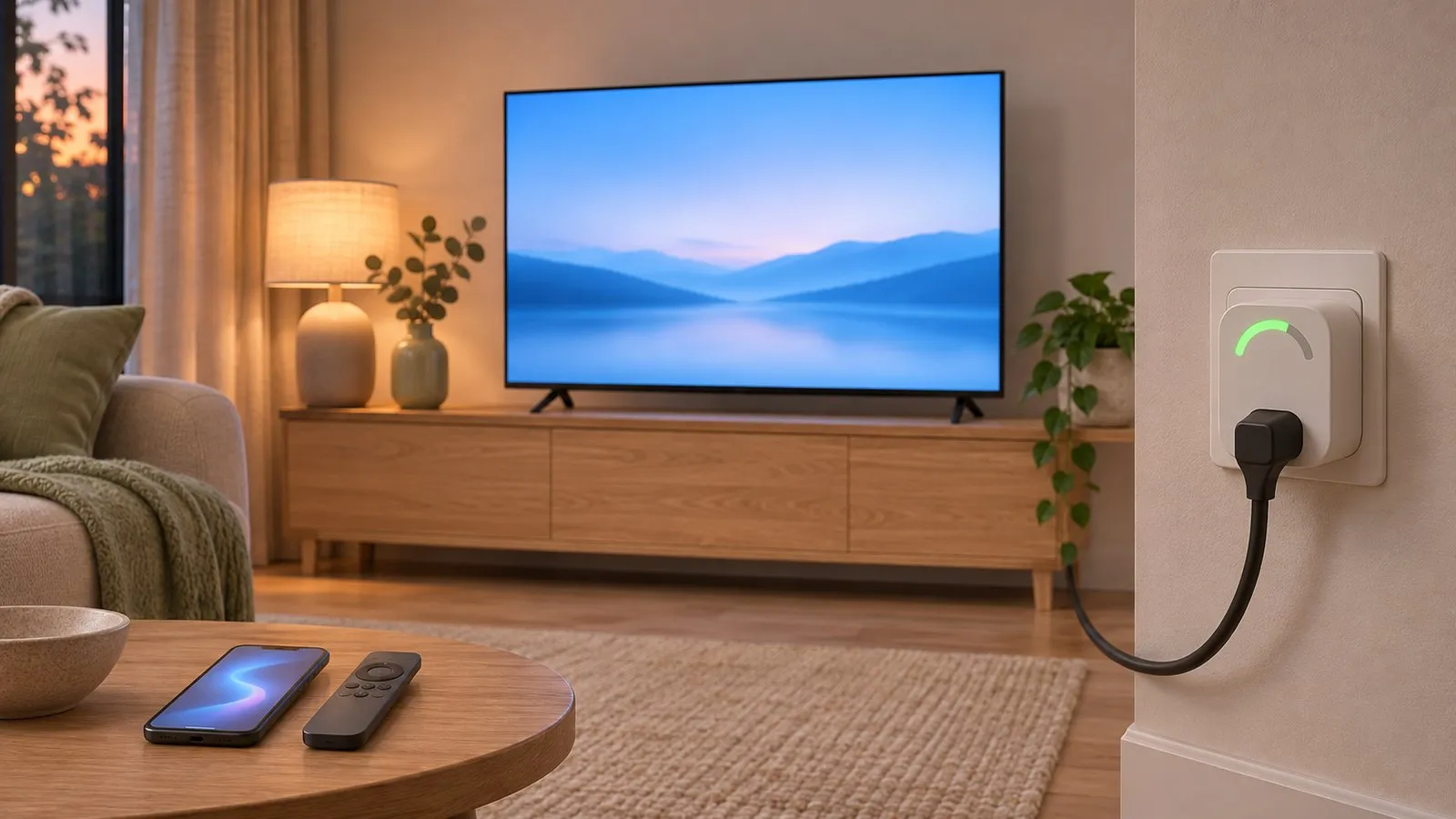
A TV's power use depends mostly on screen size, brightness and picture mode. Samsung's spec sheets give the real figures for each model, and a handful of settings bring them down.
Quick answer
Check your model's spec sheet on Samsung's website: it lists typical power, maximum power, standby power and, in Europe, yearly energy use. For example, Samsung Sweden lists the 55-inch U7000F at 79 W typical, 125 W maximum, 0.5 W standby and 110 kWh a year. To use less, open Power and Energy Saving (Eco Solution on 2017–2020 TVs) and turn on Energy Saving Solution, Brightness Optimisation and Auto Power Off.
Find your TV’s real figures
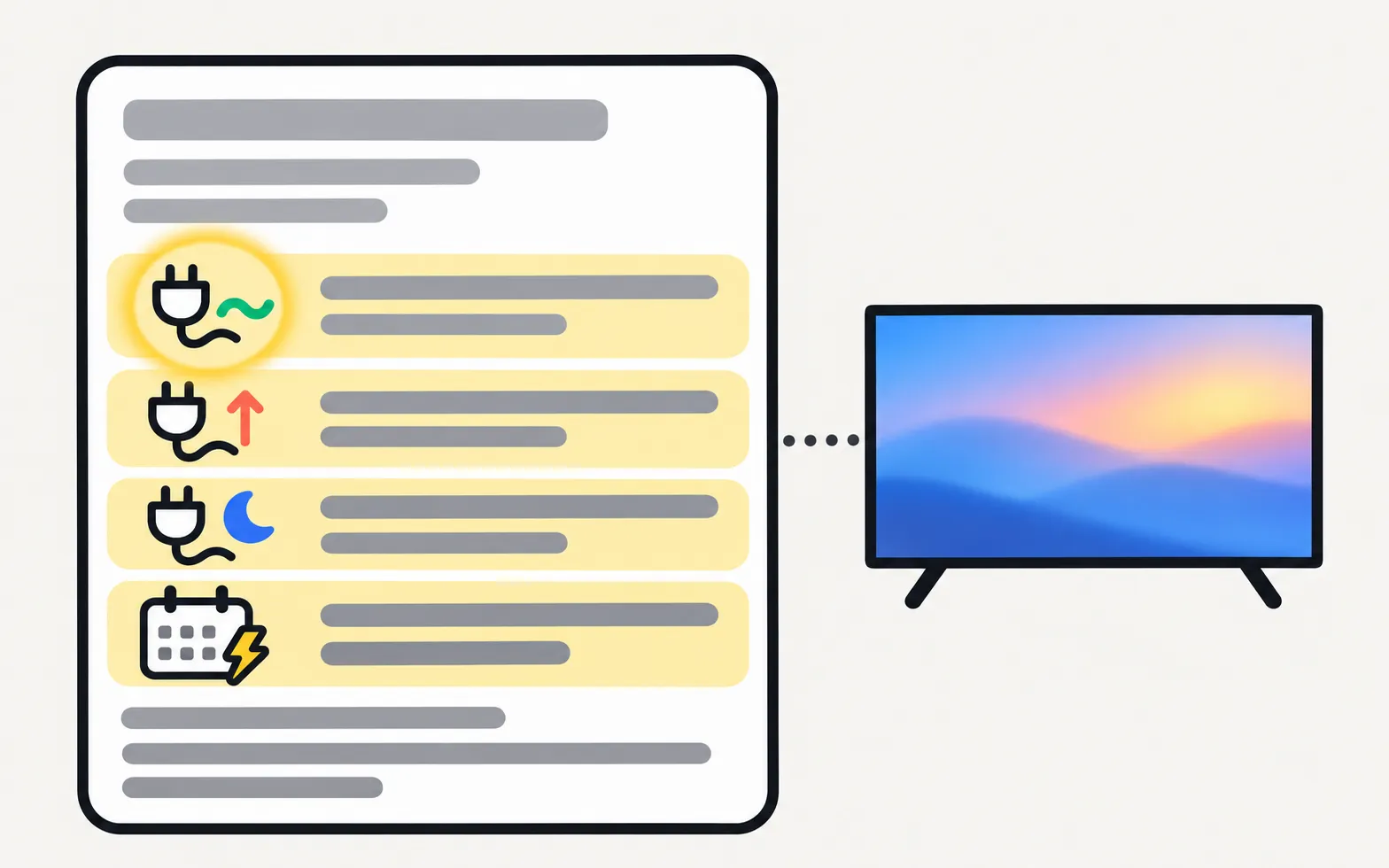
Every Samsung product page has a Power (or Power & Eco Solution) section in its specifications. Look for:
| Figure | What it means |
|---|---|
| Typical power | Average use during normal viewing in the default mode — the best figure for running costs |
| Maximum power | The peak the power supply is rated for (bright HDR, loud sound) |
| Standby power | Use while off but plugged in |
| Yearly energy use | European figures, based on a standard daily viewing time |
A real example
Samsung Sweden’s spec sheet for the 2025 55-inch U7000F (TU55U7005FKXXC) lists: 79.0 W typical, 125 W maximum, 0.50 W standby and 110 kWh per year (EU standard). That’s one model and size — larger screens, higher brightness and premium models use more, and your settings change the real figure.
To find your model’s page, decode the model number and search it on Samsung’s website for your country.
Settings that cut power use
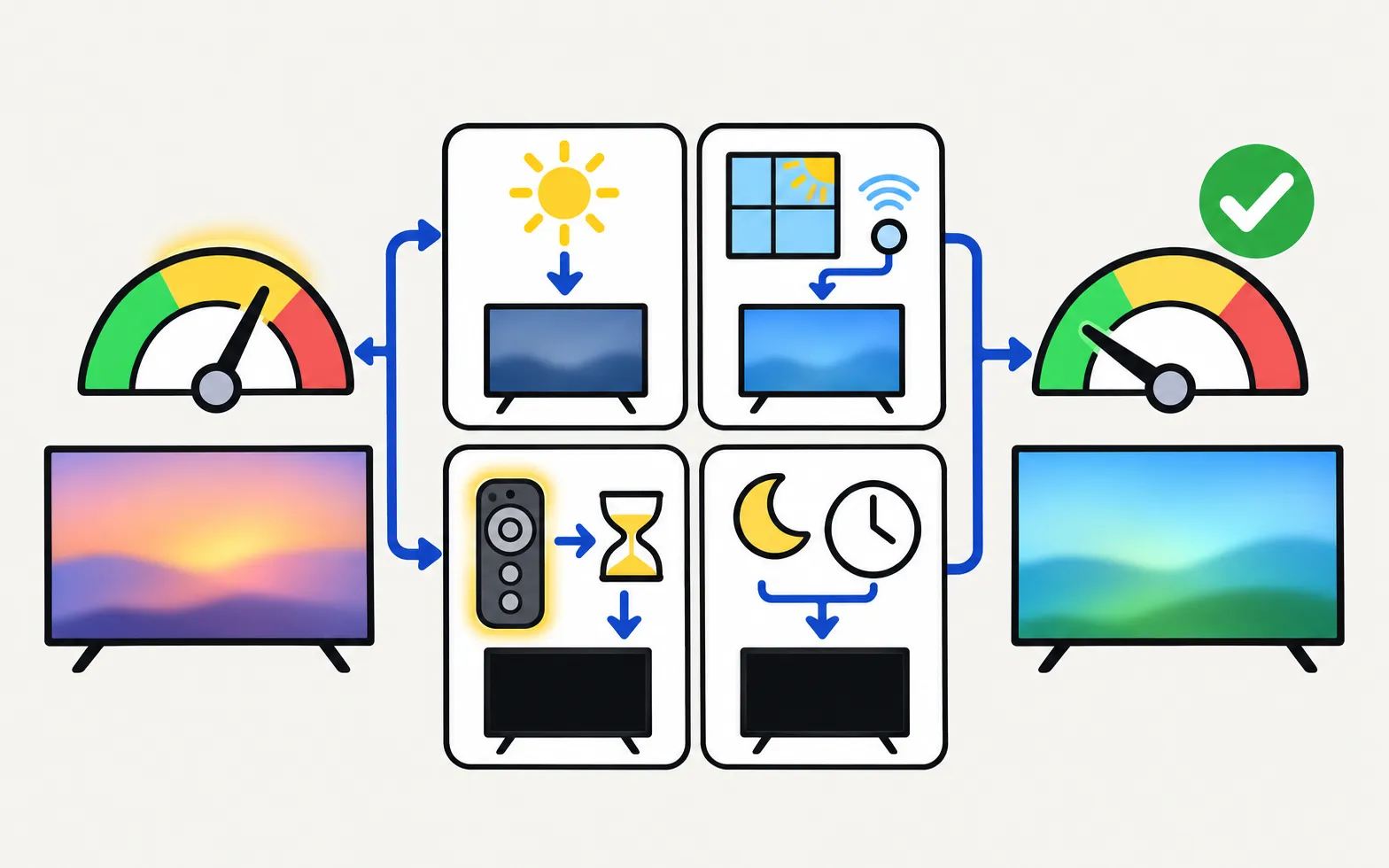
Samsung groups them under Power and Energy Saving on 2021 and newer TVs and Eco Solution on older ones.
TVs from 2025 and newer
TVs from 2024
TVs from 2022–2023
TVs from 2021
TVs from 2017–2020
TVs from 2014–2016
| Setting | What Samsung says it does |
|---|---|
| Energy Saving Solution (Brightness Reduction on some models) | Lowers power use by adjusting brightness |
| Brightness Optimisation | Adjusts brightness to the room’s light |
| Minimum Brightness | Sets the floor for Brightness Optimisation; only works if lower than the picture’s Brightness value |
| Motion Lighting | Adjusts brightness to on-screen movement; not with Adaptive Picture or Game Mode |
| Auto Power Saving | Turns the screen off when the TV seems idle (Wi-Fi and remote use); not on all models or routers |
| Auto Power Off | Turns the TV off after a set time with no remote or button use |
| Screen Saver | Starts after a still image has been on screen for two hours or more |
On 2025 TVs, Samsung says Energy Saving Solution, Brightness Optimisation, Minimum Brightness and Motion Lighting are unavailable while Adaptive Picture is on.
The trade-off is brightness: if the picture now looks dim or keeps changing, these same features are the usual cause — see Samsung TV picture too dark to find a balance.
Bigger savings than any setting
- Picture mode: brighter picture modes draw more power, since Samsung’s own savings settings work by lowering brightness — see picture settings.
- Turn it off, not just the screen: a sleep timer or Auto Power Off helps if you fall asleep in front of the TV.
If the TV switches off unexpectedly after you change these settings, see Samsung TV turns off by itself.
Frequently asked questions
How much power does a Samsung TV use in standby?
Spec sheets list it per model; for example, Samsung lists 0.5 W standby for the 55-inch U7000F.
Why can't I turn on Energy Saving Solution?
On 2025 models Samsung says Energy Saving Solution and Brightness Optimisation are unavailable while Adaptive Picture is on. Turn Adaptive Picture off first.
Does Energy Saving make the picture darker?
Yes — it saves power by lowering brightness. If the picture is too dim, turn it off; see the guide to a dark picture.
What's Auto Power Saving?
On 2022 and newer TVs, Samsung describes it as turning off the screen when the TV seems idle, judged by Wi-Fi signals and remote use. It may not be supported on every model or with every router.
Sources
- Reduce energy consumption of your Smart TV — Samsung Australia · Samsung · checked November 11, 2026
- How to use the energy saving mode on the Samsung Smart TV — Samsung Caribbean · Samsung · checked November 11, 2026
- 2025 U7000F 55" Crystal UHD 4K Smart TV (TU55U7005FKXXC) specifications — Samsung Sweden · Samsung · checked November 11, 2026
Related guides
Topic
Power
Fix Samsung TV power problems: a TV that won't turn on, a blinking red standby light, a TV that turns itself on or off, or one stuck restarting.

Troubleshooting
TV keeps restarting
Samsung TV stuck restarting or rebooting to the logo? Isolate power, HDMI and USB devices, check Anynet+, update or reset safely, and spot a board fault.
Troubleshooting
Picture too dark
Samsung TV too dark or dimming on its own? Turn off Brightness Optimization, Energy Saving Solution, Motion Lighting, Contrast Enhancer and Adaptive Picture.
How-to
Sleep timer and auto power off
Set a sleep timer on a Samsung TV, change or turn off Auto Power Off / Auto Power Saving, and understand the screen saver — with Samsung's menu paths.
Troubleshooting
TV turns on by itself
Samsung TV switching itself on at night or in the morning? Read the Event Log's power-on reason, then turn off Anynet+, Power On with Mobile or the trigger.