
Explainer
Samsung TV remote app without Wi-Fi: what works (IR vs Wi-Fi)
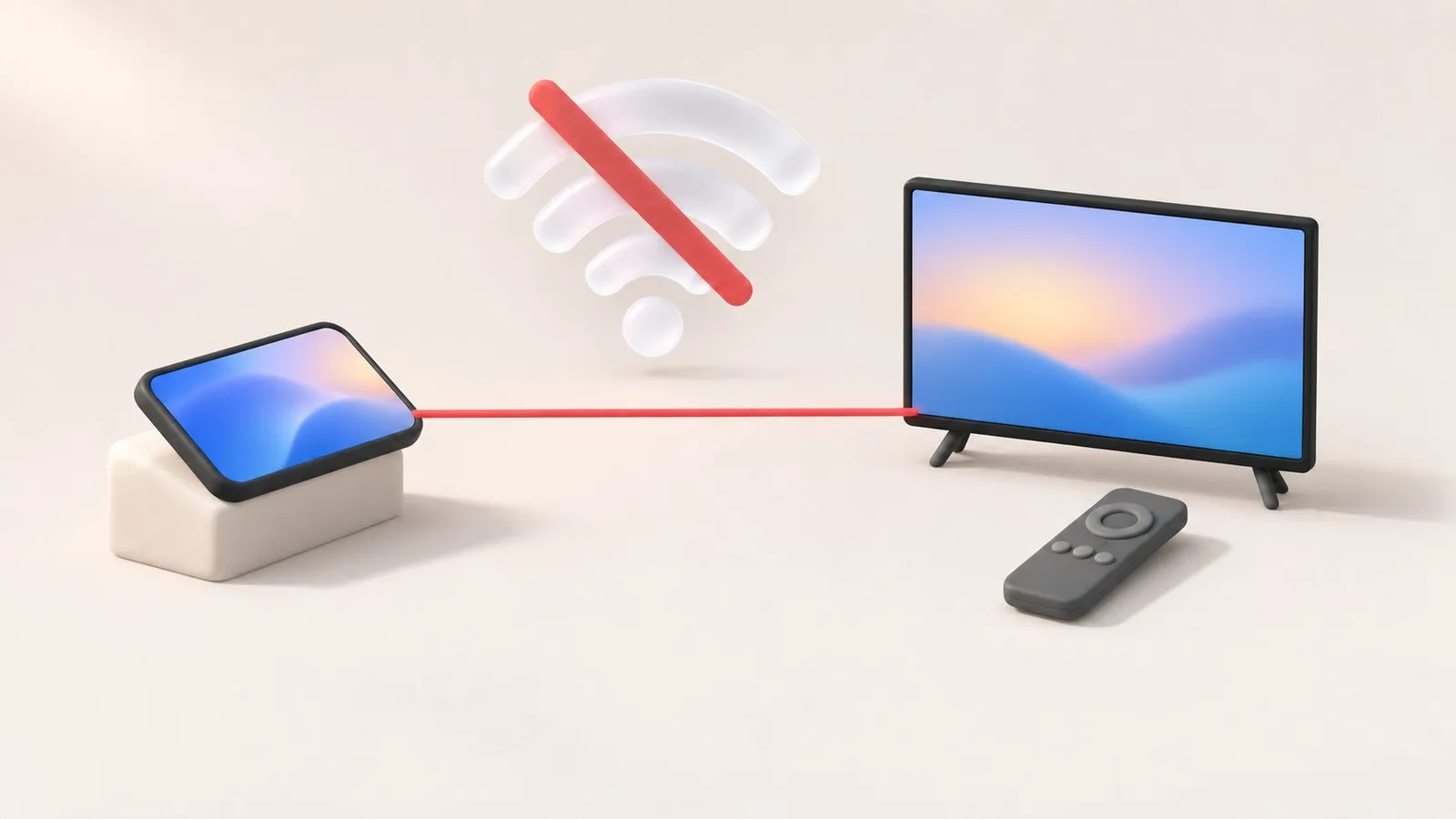
Most phone remote apps talk to the TV over your home network. Without Wi-Fi, only one kind of phone can still act as a remote.
Quick answer
Without a Wi-Fi network, a phone can control a Samsung TV only if the phone has a built-in infrared (IR) blaster and an IR remote app — the phone then works like a classic remote. Wi-Fi remote apps, SmartThings and Mobile Remote all need the TV and phone on a network. A phone's own hotspot can create a network in a pinch, but the TV must join it first.
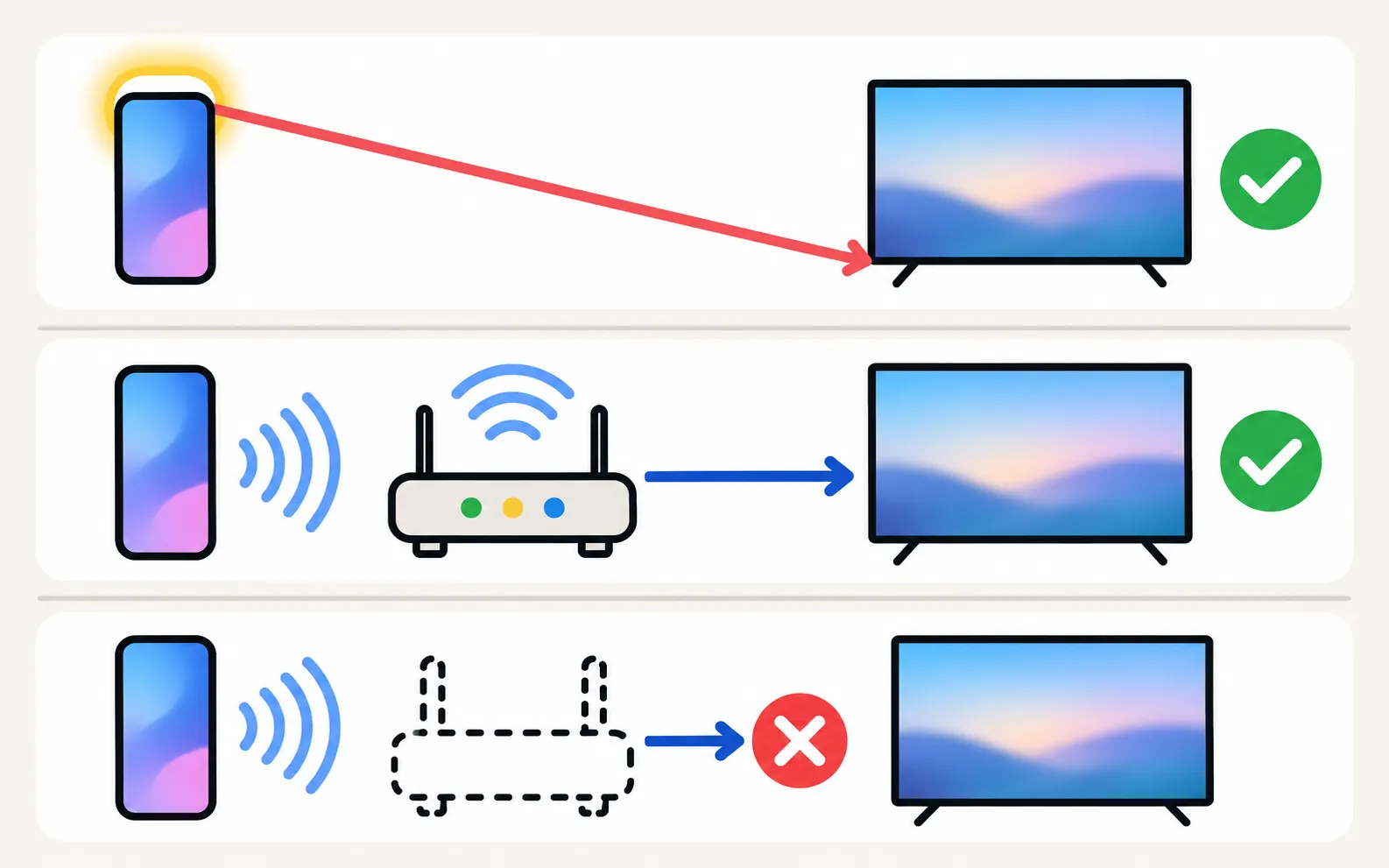
Two ways a phone can control a TV
| Infrared (IR) | Wi-Fi (network) | |
|---|---|---|
| How | The phone flashes invisible light at the TV’s sensor, like a normal remote | The phone sends commands over your home network |
| Needs | A phone with an IR blaster; line of sight | The TV and phone on the same network |
| Works on | Any TV with an IR sensor, smart or not | Smart TVs connected to the network |
| Can do | Remote buttons | Buttons plus, depending on app and TV: keyboard, touchpad, apps, casting, mirroring |
Wi-Fi remote apps don’t need internet — but they do need a local network connecting the phone and the TV. Phone and TV must be on the same home network (not a guest network). The phone uses Wi-Fi; the TV can use Wi-Fi or Ethernet. No internet is needed, and mobile data can't be used.
Option 1: a phone with an IR blaster
If your phone has an infrared emitter (a small dark window on the top edge), install an IR remote app, choose Samsung and point the phone at the TV. This is the only phone method that works with non-smart Samsung TVs. Check your phone’s specifications first — most current phones from the biggest brands don’t have IR.
Option 2: make a network
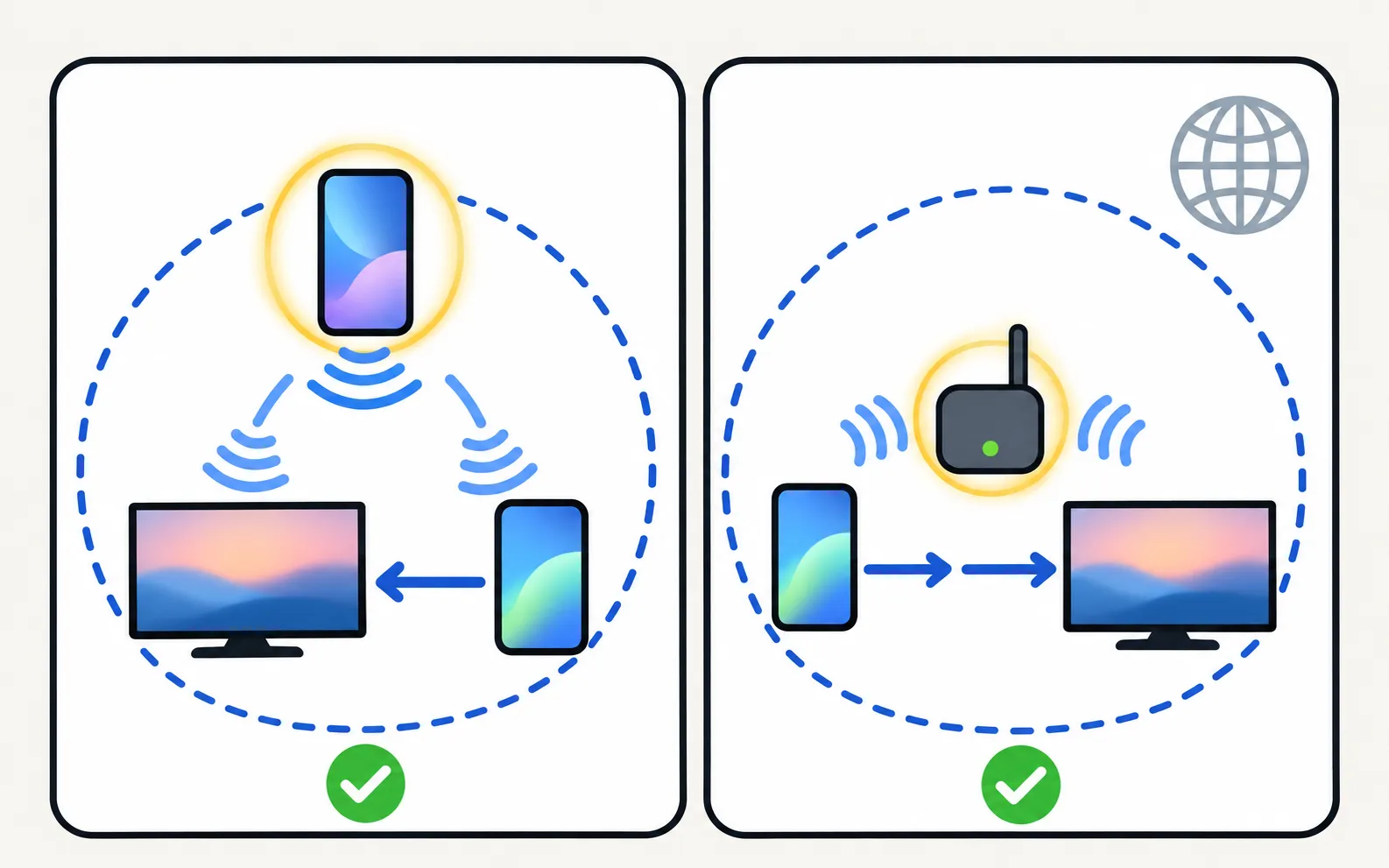
- Phone hotspot: turn on the hotspot on one phone, connect the TV to it (using the TV’s button or a USB keyboard), and use a Wi-Fi remote on a second phone joined to the same hotspot. Mobile data isn’t used for remote commands, but the TV may use it for streaming.
- A travel router: a small router creates a local network without internet, enough for phone remotes and casting on the same network.
Option 3: no phone at all
- The TV’s own control button — under the bottom edge or on the back (where the power button is).
- A USB keyboard for menus and typing.
- Another device’s remote over HDMI-CEC.
- A universal or replacement remote (replacement remotes).
All options: control a Samsung TV without a remote. Showing your phone’s screen without Wi-Fi is a separate topic: mirror a phone to a Samsung TV without Wi-Fi.
Frequently asked questions
Does my phone have an IR blaster?
Check the specifications for 'IR blaster' or 'infrared remote'. Historically many Xiaomi, Redmi, POCO and Huawei phones had one, as did some older Samsung Galaxy and LG flagships; most current phones from other brands don't.
Can I use Bluetooth instead of Wi-Fi?
Not with a phone app: Samsung TVs pair Bluetooth keyboards, headphones and their own Smart Remotes, but phone remote apps use the network or infrared.
Can I create a hotspot on my phone and connect the TV to it?
The TV can join a phone hotspot like any Wi-Fi network, which gives both devices a shared network. Whether a particular remote app works in that setup depends on the app; test before relying on it.
Does a Wi-Fi remote need internet?
Phone and TV must be on the same home network (not a guest network). The phone uses Wi-Fi; the TV can use Wi-Fi or Ethernet. No internet is needed, and mobile data can't be used.
Sources
- Samsung TV Remote product documentation (developer-supplied facts) — Smart App Craft · Developer · checked November 10, 2026
- How to control a Samsung TV without a Remote — Samsung UAE · Samsung · checked November 11, 2026
Related guides
Guide
Phone as a remote
Control a Samsung TV from your phone: Android remote apps, SmartThings, Samsung's 2025 Mobile Remote, IR-blaster phones and iPhone — what each needs and does.
How-to
Mirror without Wi-Fi
No Wi-Fi? Show your phone on a Samsung TV with a USB-C or Lightning to HDMI adapter, a phone hotspot or direct wireless mirroring — what works and what doesn't.
Guide
Without a remote
No remote? Control a Samsung TV with its own button, your phone, a USB keyboard, another remote via HDMI-CEC or a voice assistant, including volume and input.

How-to
Lost remote
Lost the Samsung TV remote? Where to look first, how to keep watching tonight with the TV's button or your phone, and how to get the right replacement.
Model year
Samsung TVs 2010–2016
How to read Samsung TV model codes from 2010 to 2016 (year letters C to K), and which Samsung TV Remote features work on these older Smart TVs.