
How-to
Turn off motion smoothing on a Samsung TV (soap-opera effect)
Samsung's motion processing makes films look like live TV — the 'soap-opera effect'. One setting controls it.
Quick answer
Open Settings, Picture, Expert Settings and select Auto Motion Plus Settings (called Picture Clarity Settings on some models). Change it from Auto to Off for a natural film look, or to Custom and lower Judder Reduction while keeping some Blur Reduction for sport. Filmmaker Mode turns motion smoothing off automatically.
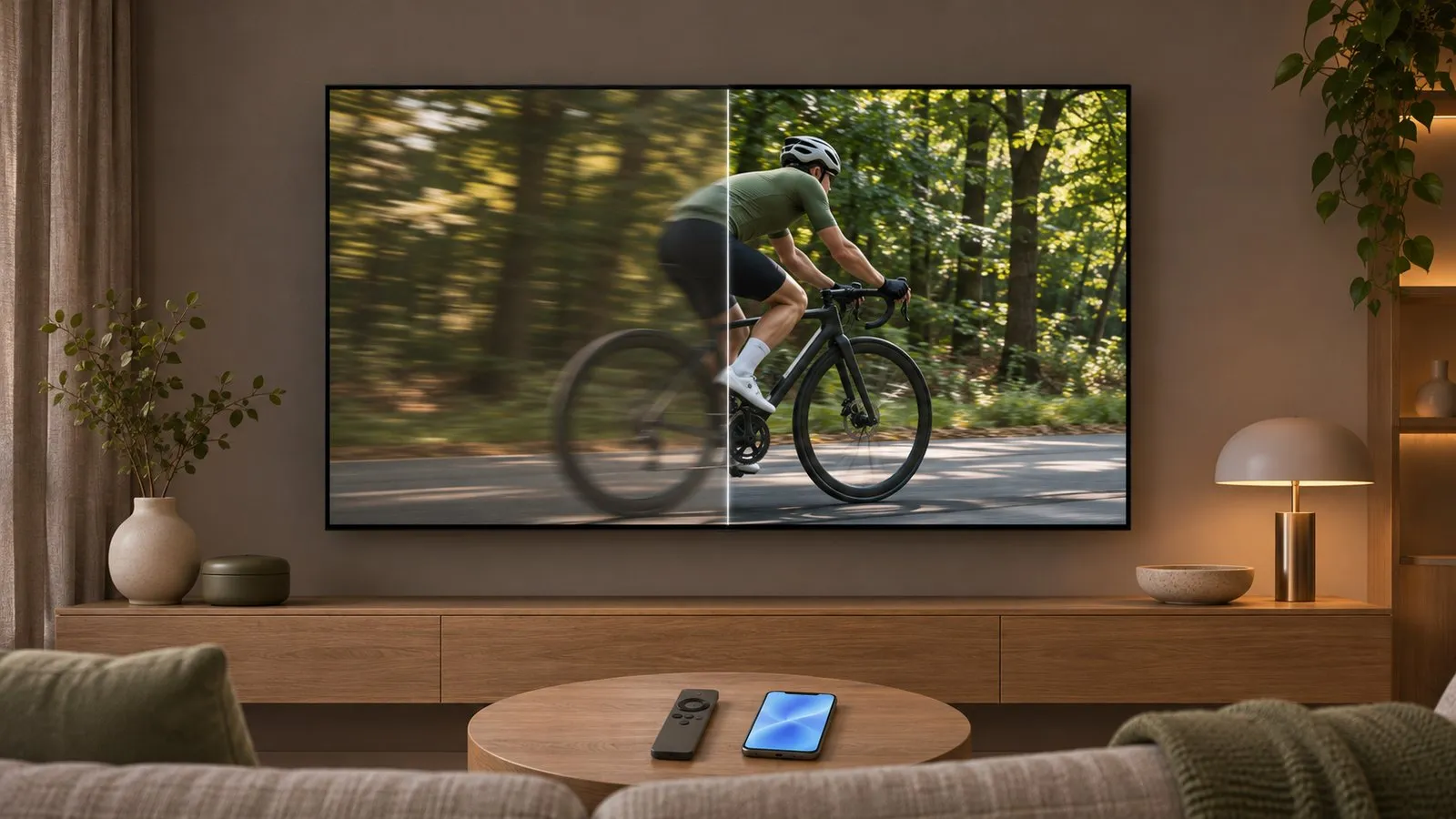
Turn it off
On some models the item is called Picture Clarity Settings. Samsung’s default is Auto, which switches the processing on and off depending on the programme type. Select Auto Motion Plus (or Picture Clarity) and choose:
| Option | What it does |
|---|---|
| Off | No motion interpolation — the natural film look |
| Auto | The TV decides per programme (default) |
| Custom | You set the strengths yourself (below) |
Custom: the middle way
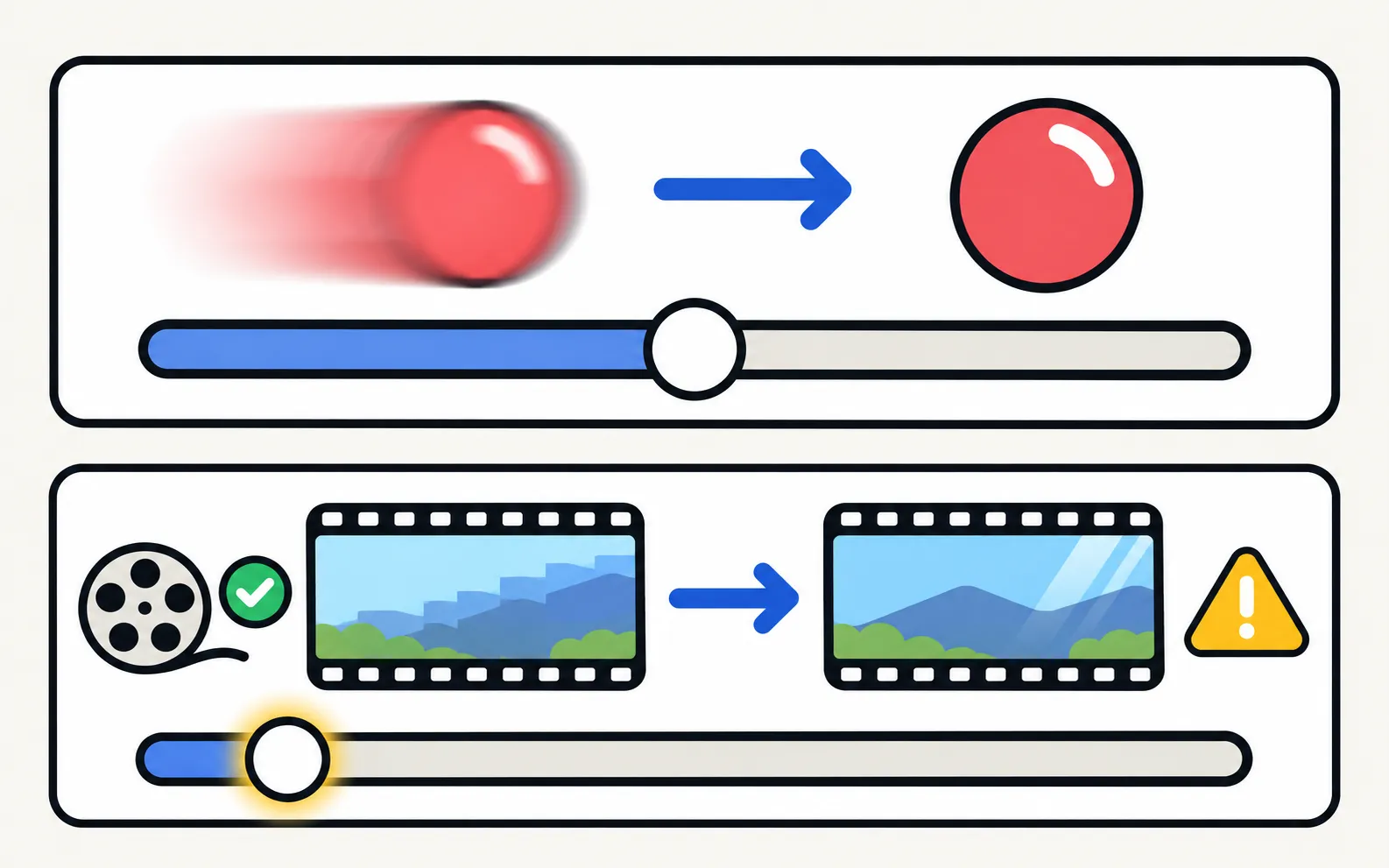
With Custom selected, Samsung offers:
- Blur Reduction: sharpens fast motion. Moderate values help sport without much soap-opera effect.
- Judder Reduction: smooths stutter in slow pans — this one causes most of the soap-opera look. Keep it low or at 0 for films.
- LED Clear Motion (On/Off, on LED models): sharpens motion by pulsing the backlight. It can add visible flicker and makes the picture dimmer.
A shortcut: Filmmaker Mode
Filmmaker Mode (on supported models) switches off motion smoothing and other processing in one go. It’s in Picture Mode — see best picture settings.
Settings that come back
Picture settings are stored per picture mode and sometimes per input. If smoothing returns, check that you changed it in the mode and input you use, or apply the change to all sources if your TV offers it.
Frequently asked questions
What is the soap-opera effect?
Motion interpolation adds frames to make motion smoother. On films shot at 24 frames per second, that removes the natural film look and makes them look like video.
Should I turn it off for sport?
Some people like a little smoothing for fast sport. Use Custom with a low Judder Reduction and some Blur Reduction, and compare.
Is Auto Motion Plus the same as Picture Clarity?
Yes — Samsung uses both names depending on the model.
Does Game Mode use motion smoothing?
Game Mode reduces processing to cut input lag. Some models offer a game motion option; leave it off for the lowest lag.
Sources
- Motion smoothing and the soap opera effect on Samsung TVs (ANS10006969) — Samsung US · Samsung · checked November 11, 2026
Related guides
How-to
Best picture settings
The Samsung TV picture settings that matter: Movie or Filmmaker Mode, motion smoothing, automatic dimming and brightness for your room, and what to leave alone.

How-to
Game Mode
Turn on Game Mode on a Samsung TV (paths 2016–2025), make it switch on automatically, open the Game Bar and cut input lag without ruining the picture.

Troubleshooting
Screen flickering
Samsung TV flickering? Turn off auto-brightness features and LED Clear Motion, check the HDMI cable and source, run the Picture Test and spot backlight faults.

Explainer
HDR and Dolby Vision
Samsung TVs play HDR10, HDR10+ and HLG but not Dolby Vision. How to get HDR from a console, player or PC with Input Signal Plus and the right picture mode.