
Explainer
Does a Samsung TV support Dolby Vision? HDR formats and settings
Samsung backs HDR10+ instead of Dolby Vision. Your TV still plays Dolby Vision titles — in HDR10 — so the setting to get right is usually the HDMI port, not the format.
Quick answer
Samsung TVs don't support Dolby Vision: RTINGS' reviews of Samsung's 2025 Q7F, QN90F and S90F all list HDR10+ but no Dolby Vision. Dolby Vision titles still play, typically in standard HDR. Newer Samsung TVs support HDR10+, which adjusts brightness scene by scene. For HDR from a console, player or PC, turn on Input Signal Plus for that HDMI port; streaming apps on the TV switch to HDR automatically.
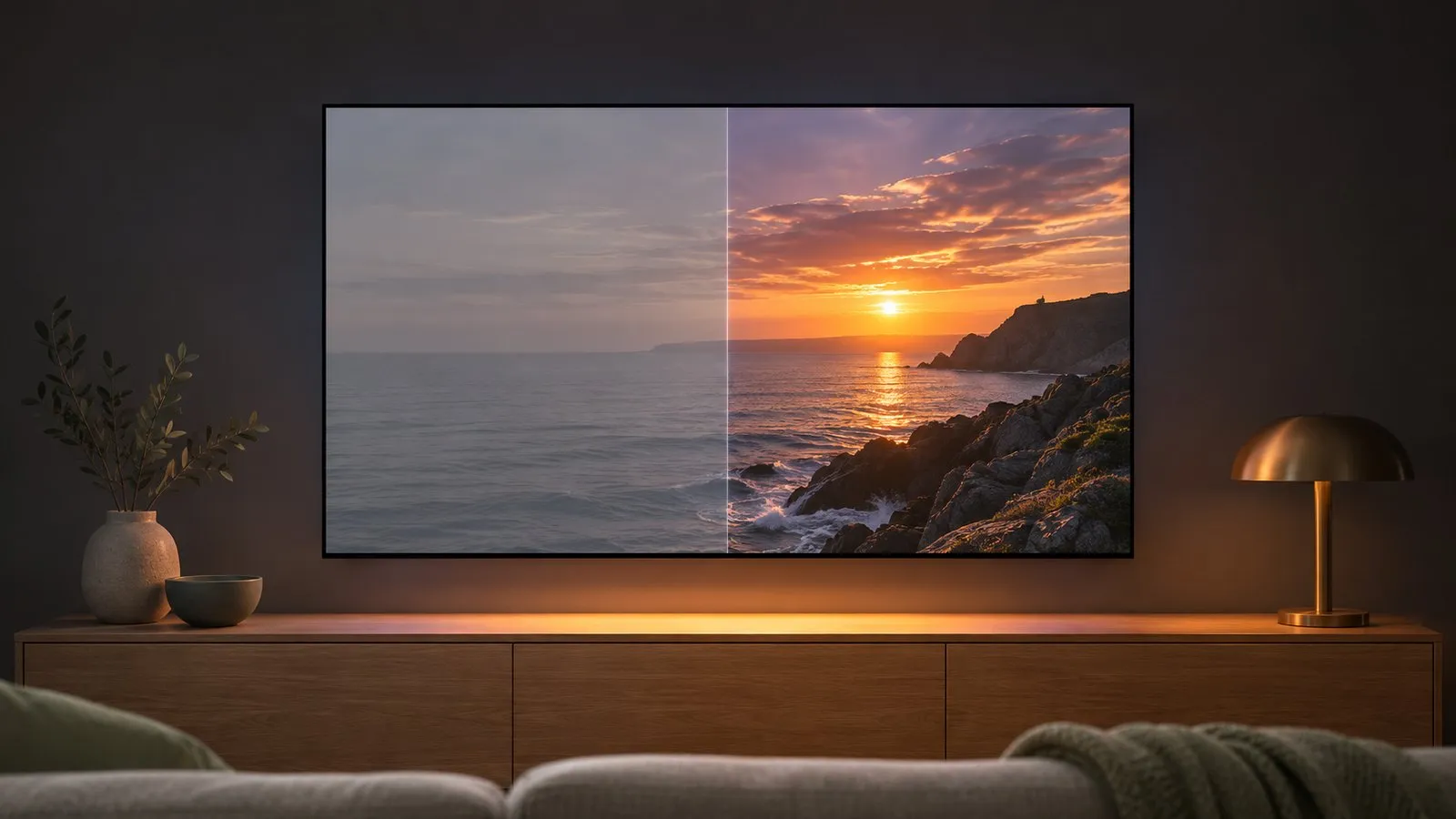
Which HDR formats Samsung TVs play
| Format | On Samsung TVs |
|---|---|
| HDR10 | The basic HDR format — listed even on entry 4K models such as the 2020 TU7000 (RTINGS) |
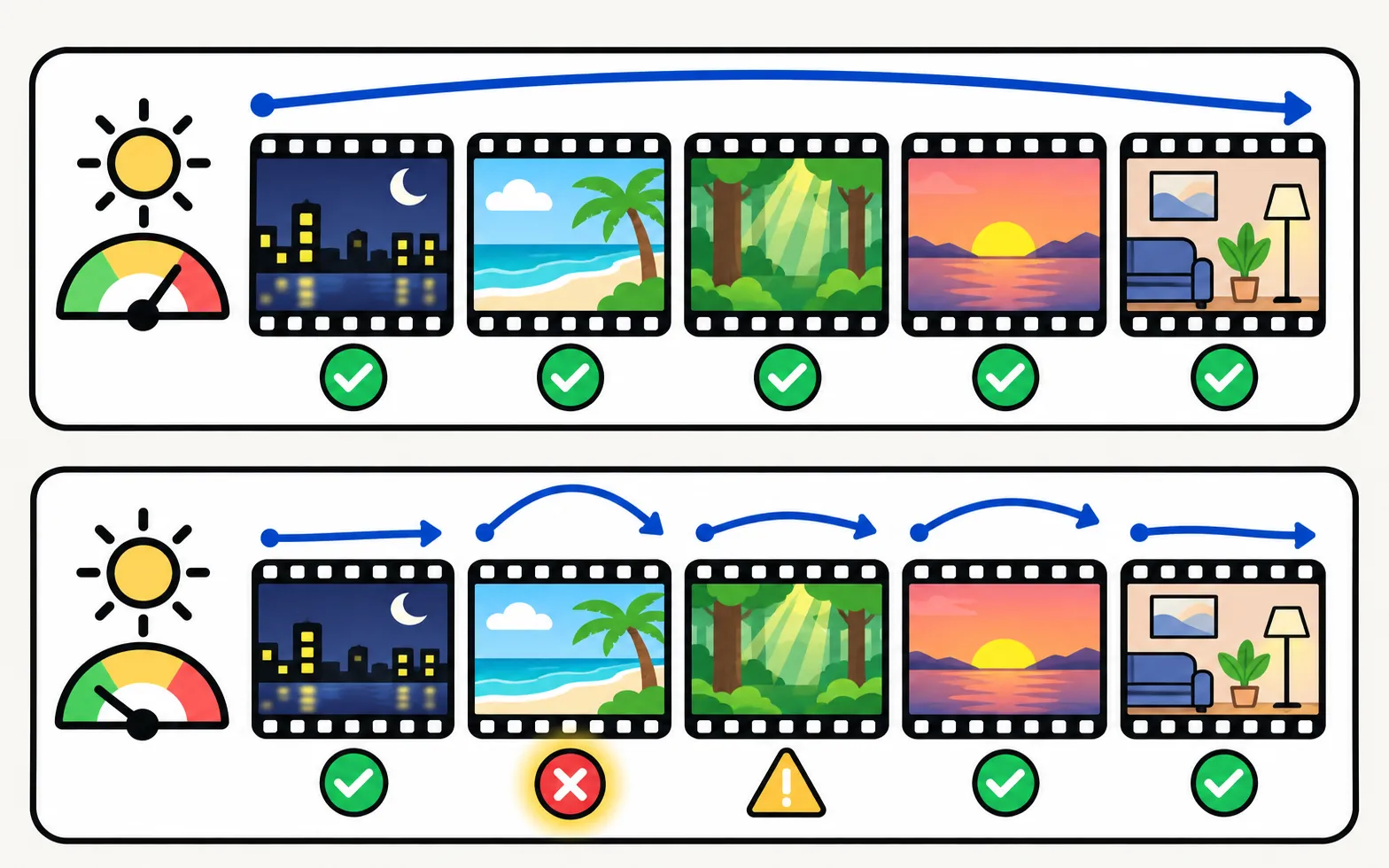
| HDR10+ | Samsung’s choice of dynamic HDR; Samsung says newer TVs support it and it adjusts colour and brightness scene by scene |
| HLG | Broadcast HDR; listed on Samsung spec sheets such as the 2021 AU7000’s |
| Dolby Vision | Not supported — RTINGS lists no Dolby Vision on Samsung’s 2025 Q7F, QN90F and S90F |
Samsung says an HDR10+ TV detects HDR10+ video automatically. A Blu-ray player that doesn’t support HDR10+ plays the same disc in standard HDR10.
Get HDR from a console, player or PC
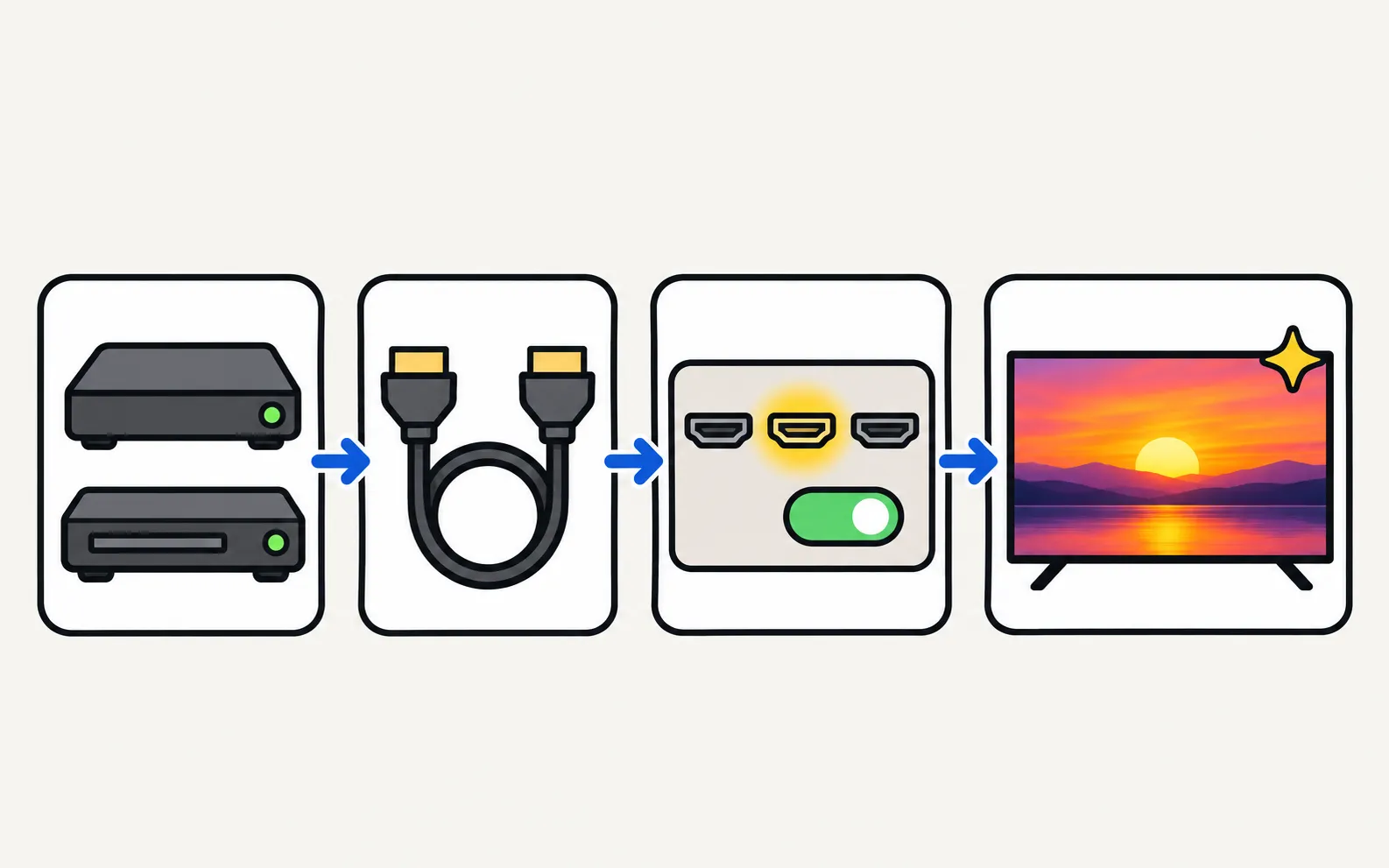
The usual reason HDR “doesn’t work” over HDMI is that the port is in standard mode. Turn on Input Signal Plus (called HDMI UHD Color on older TVs) for the port your device uses:
Samsung says 2022 and newer TVs recognise HDR content automatically, but still lists this step for HDMI devices. Then:
- Use a cable rated for the signal — Ultra High Speed for 4K 120 Hz on capable TVs.
- Turn on HDR in the device: console video settings, Blu-ray player output, or Windows’ HDR setting.
- On consoles, run the console’s HDR calibration after Game Mode is on — see PS5 and Xbox setup.
If the screen goes black or says no signal after you turn Input Signal Plus on, the device or cable can’t keep up — try another cable, or turn it off for that port and see HDMI no signal.
HDR in apps
Streaming apps on the TV generally switch to HDR by themselves when the title, your subscription plan and your internet speed allow it. Samsung UK recommends at least 25 Mbps for 4K streaming — see buffering. For app availability, see streaming apps on Samsung TVs.
HDR+ Mode and dark HDR
HDR+ Mode (Picture › Expert Settings, or Special Viewing Mode on some models) lifts SDR content towards an HDR look. It’s a matter of taste; turn it off for accurate colour.
HDR looking too dark is a common complaint, especially on entry models with limited brightness. Try the Movie or Filmmaker picture mode with brightness raised, and see picture too dark and picture settings.
Frequently asked questions
Does any Samsung TV support Dolby Vision?
Not the TVs covered on this site: RTINGS' reviews of Samsung's 2025 models list HDR10+ and no Dolby Vision, and our series pages note the same for older models. Samsung promotes HDR10+ instead.
Will Netflix or Disney+ Dolby Vision titles play?
Yes — they play, typically in a standard HDR format the TV supports such as HDR10, so you won't see a Dolby Vision badge.
Does my entry-level Samsung TV support HDR?
Most 4K Samsung TVs accept HDR signals; RTINGS lists HDR10 and HDR10+ even on the entry 2020 TU7000. Entry models are much less bright, so HDR looks only slightly different from SDR on them.
What's HDR+ Mode?
A Samsung picture setting that makes SDR content look more like HDR and boosts contrast on HDR content. It's an effect, not real HDR.
Sources
- Understanding HDR technology for Samsung TVs — Samsung Canada · Samsung · checked November 11, 2026
- Samsung QN90F review — RTINGS.com · Reference · checked November 11, 2026
- Samsung S90F OLED review — RTINGS.com · Reference · checked November 11, 2026
- Samsung Q7F 2025 review — RTINGS.com · Reference · checked November 11, 2026
- Samsung TU7000 review — RTINGS.com · Reference · checked November 11, 2026
- 55-inch Crystal UHD 4K AU7000 (UN55AU7000PXPA) specifications — Samsung Caribbean · Samsung · checked November 11, 2026
Related guides
How-to
Best picture settings
The Samsung TV picture settings that matter: Movie or Filmmaker Mode, motion smoothing, automatic dimming and brightness for your room, and what to leave alone.

How-to
PS5 and Xbox settings
Set up a PS5 or Xbox Series X|S on a Samsung TV: HDMI port, Game Mode, Input Signal Plus, 4K 120 Hz and VRR on capable models, HDR and audio settings.

Troubleshooting
Picture too dark
Samsung TV too dark or dimming on its own? Turn off Brightness Optimization, Energy Saving Solution, Motion Lighting, Contrast Enhancer and Adaptive Picture.

Explainer
Samsung TV types
What Crystal UHD, QLED, Neo QLED, OLED, The Frame and the 2026 M series mean on a Samsung TV, how the picture technology differs and how to tell from the code.
Reference
Streaming apps
Get Disney+, Apple TV, Max, Prime Video or Crunchyroll on a Samsung TV: how to install them, which TV years each supports, and what to do if an app is missing.