
How-to
Samsung TV web browser: how to find and use the Internet app
Samsung Smart TVs include a web browser. With the remote it's slow going; with a keyboard, mouse or phone it's genuinely usable.
Quick answer
Samsung Smart TVs have a built-in browser, usually called Internet, in the Apps list or on the home screen. Open it, select the address bar and type a web address. Typing and scrolling are much easier with a USB or Bluetooth keyboard and mouse, or with a phone app that sends your phone keyboard and a mouse pointer to the TV.
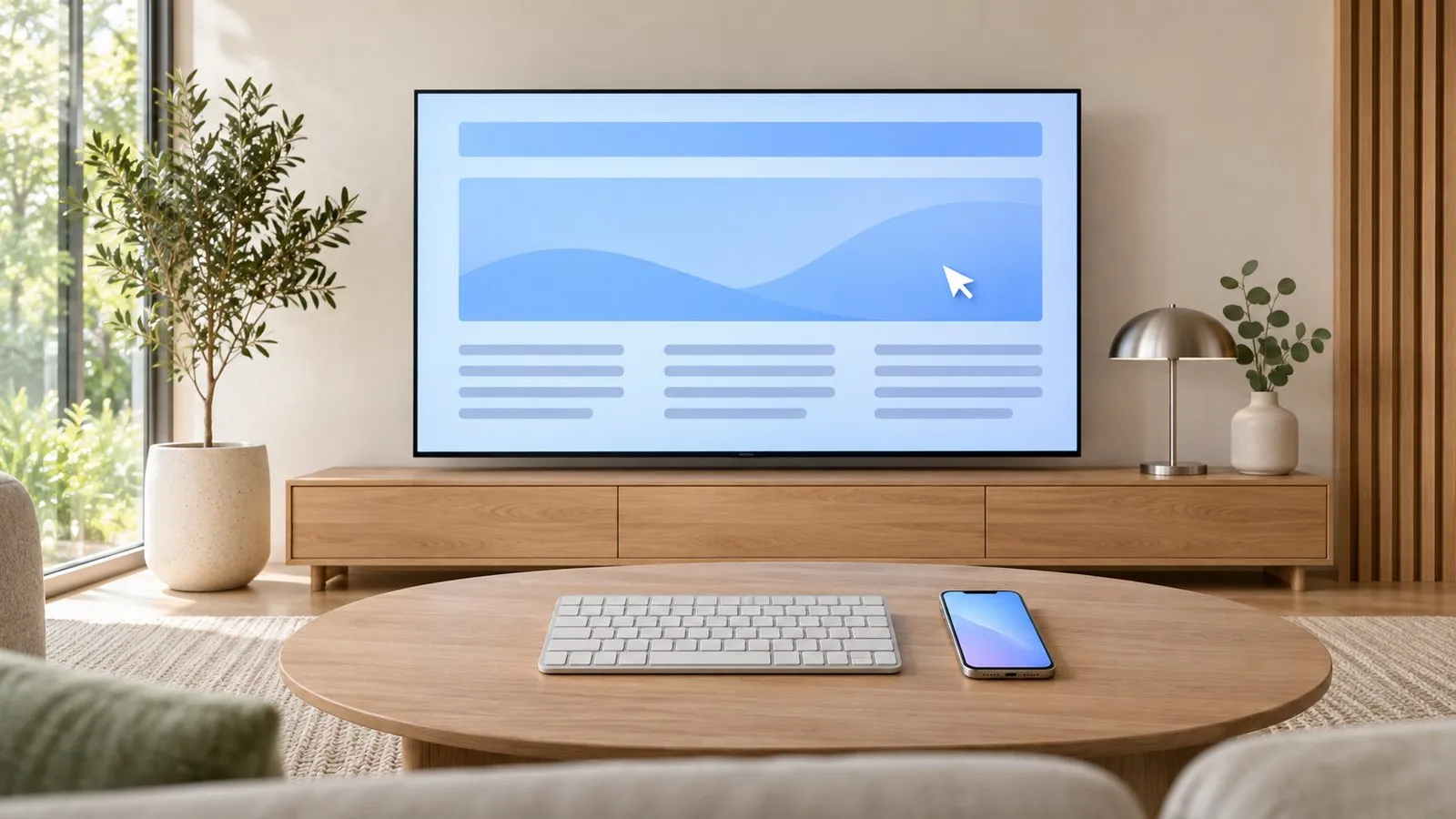
Open the browser
Press Home, go to Apps (or scroll the home row) and open Internet. If it isn’t on the home screen, search for it in Apps and add it (organise the home screen). Samsung lists a web browser among the smart features in its spec sheets, from small HD models to premium Neo QLEDs.
Make browsing bearable
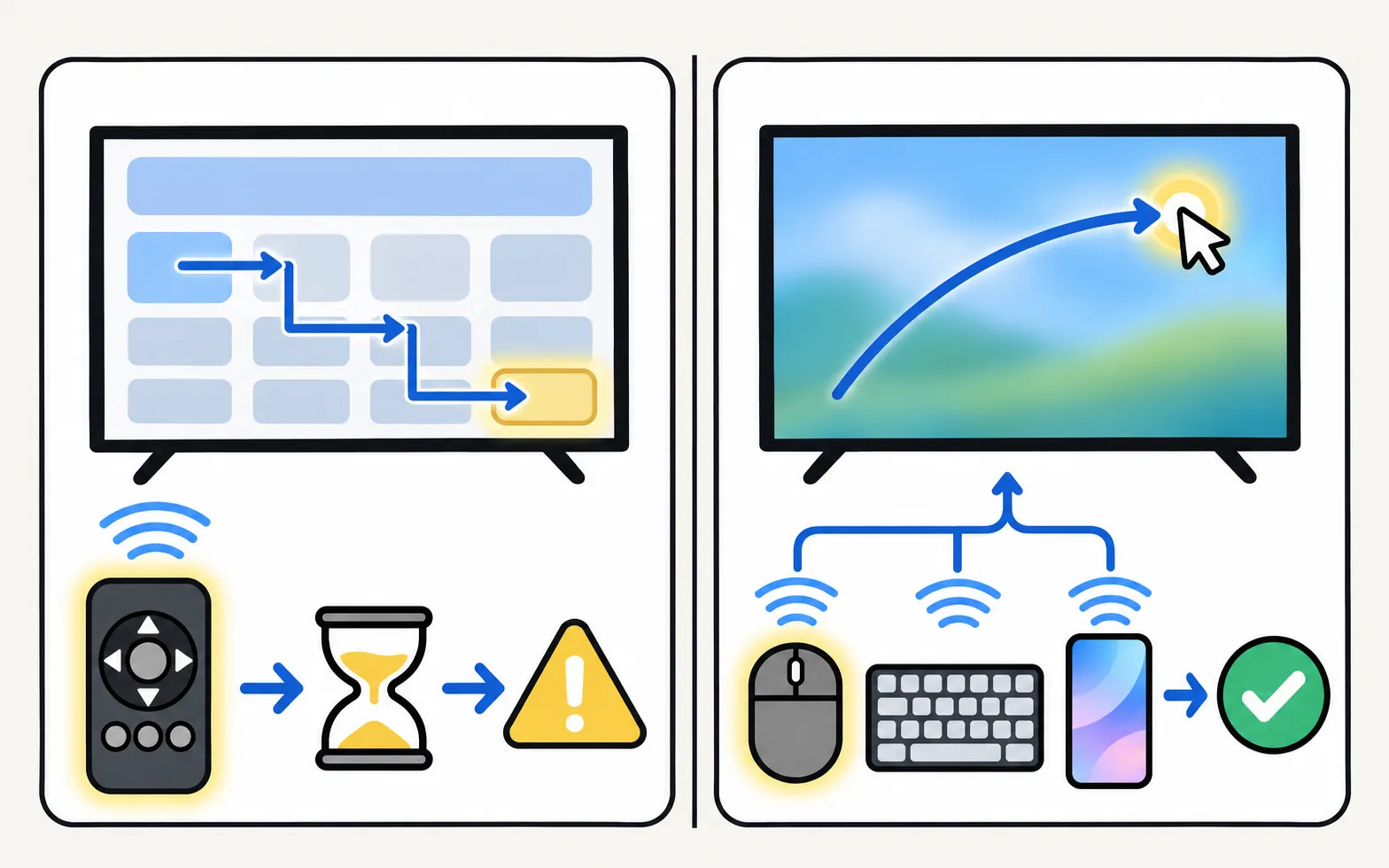
| Tool | What it fixes |
|---|---|
| USB or Bluetooth keyboard | Fast typing of addresses and searches (keyboard and mouse) |
| Mouse | A pointer for links, menus and scroll bars |
| Phone remote app | Your phone keyboard and a touchpad/pointer, no extra hardware |
| TV remote | Works, slowly: arrows move between links, Select opens them |
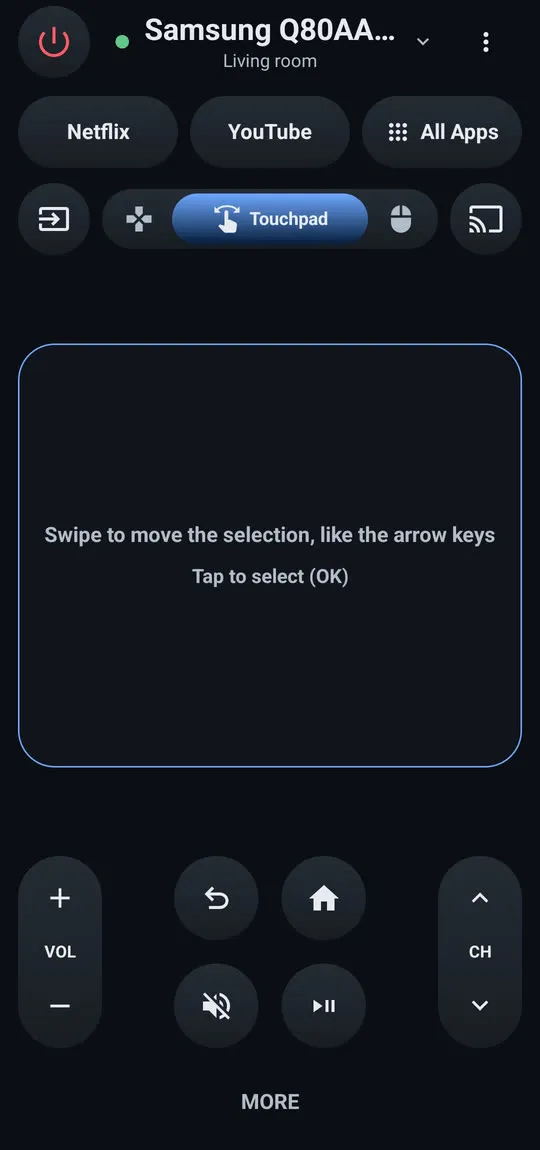
With Samsung TV Remote
Phone keyboard: type into the selected TV field with your normal Android keyboard, including voice typing and autocorrect.
Mouse pointer: a pointer on the TV follows your finger in the TV browser and in apps that show a pointer. In the app, tap to click, tap with two fingers for a right click and move two fingers up or down to scroll.
Tips
- Bookmarks: save sites you use often from the browser’s menu.
- Zoom: TV browsers render pages large; use the browser’s zoom if text is too big or small.
- Privacy: clear browsing data in the browser’s settings if others use the TV.
- Video: prefer the TV’s dedicated apps — they handle streaming and DRM properly.
What the TV browser can’t do
It can’t install extensions or desktop apps, downloads are limited, and some sites (especially video sites) block TV browsers. For full browsing, mirror a laptop (Windows laptop, Mac). To lock the browser for children, see parental controls.
Frequently asked questions
Where is the browser on my Samsung TV?
Look for the Internet app in Apps or on the home screen. Samsung's spec sheets list a web browser among the smart features of its TVs.
Can I watch Netflix or YouTube in the TV browser?
Use the dedicated apps instead: streaming sites often block or limit playback in TV browsers, and the apps give better quality.
Can I install Chrome or Firefox on a Samsung TV?
No. Samsung TVs run Tizen and use Samsung's own browser; desktop browsers aren't available.
Can I block websites for children?
The TV's parental controls can lock the Internet app with a PIN. Router-level filtering covers all devices.
Sources
- 55-inch Crystal UHD 4K AU7000 (UN55AU7000PXPA) specifications — Samsung Caribbean · Samsung · checked November 11, 2026
- 32-inch LED HD T4300 (UN32T4300APXPA) specifications — Samsung Caribbean · Samsung · checked November 11, 2026
- Samsung QN90F review — RTINGS.com · Reference · checked November 11, 2026
- Connect a Keyboard & Mouse to your Samsung TV — Samsung Australia · Samsung · checked November 11, 2026
Related guides
How-to
Keyboard and mouse on a Samsung TV
Stop typing passwords letter by letter. Use your phone's keyboard, a USB keyboard and mouse, or a Bluetooth keyboard on a Samsung TV — with paths by year.
How-to
Install and delete apps
How to download apps on a Samsung Smart TV, keep them updated, delete or reinstall them, and what to do when Delete is greyed out — with Samsung's own steps.

How-to
Parental controls
Set up parental controls on a Samsung TV: Programme Rating Lock, App Lock and Channel Lock with paths for 2016–2026 models, the PIN, and what locks can't block.
Topic
Apps
Samsung TV apps explained: install and delete apps, fix apps that won't load, find streaming, live and free TV apps, IPTV and Plex — and why APKs won't install.