
Comparison
Samsung TV remote apps for Android compared: which to choose
The criteria that separate a good Samsung TV remote app from an annoying one — and an honest look at Samsung's own options next to ours.
Quick answer
For a Samsung Smart TV on your Wi-Fi, choose between Samsung's SmartThings (free, Android and iPhone, needs a Samsung account), Samsung's Mobile Remote on select 2025+ TVs, and third-party Wi-Fi remote apps. Compare them on ads, account, keyboard and touchpad, power-on, mirroring and the permissions they request. Infrared remote apps only help on phones with an IR blaster.
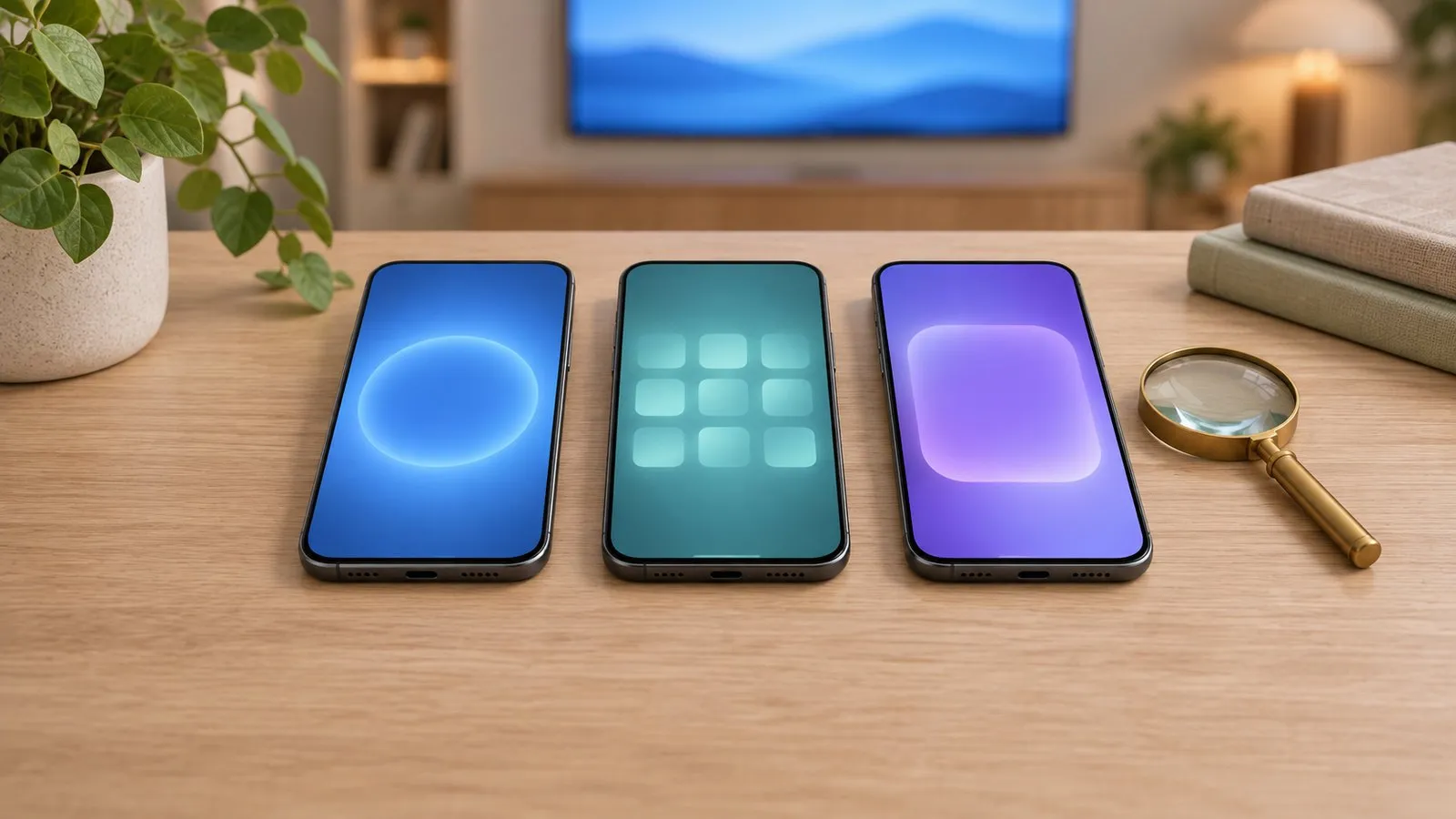
This site is published by the developer of Samsung TV Remote, one of the apps in this space. We describe Samsung’s own options fairly and don’t make claims about other developers’ apps that we can’t verify; instead, this page gives you the criteria to judge any app in a minute.
The options at a glance
| SmartThings (Samsung) | Mobile Remote (Samsung) | Third-party Wi-Fi remote apps | IR remote apps | |
|---|---|---|---|---|
| Phone | Android, iPhone | Android 11+, iOS 16+ (in SmartThings) | Usually Android or iPhone | Android phones with an IR blaster |
| TV | SmartThings-compatible Samsung Smart TV | Select 2025+ TVs (U8000F and above) | Samsung Smart TV on your network | Any TV with an IR sensor |
| Account | Samsung account required | Via SmartThings | Varies | Usually none |
| How it connects | Home network and Samsung’s cloud | QR code → SmartThings | Home network | Infrared beam |
| Price model | Free | Free | Varies: free with ads, subscriptions, or free | Varies |
What to compare
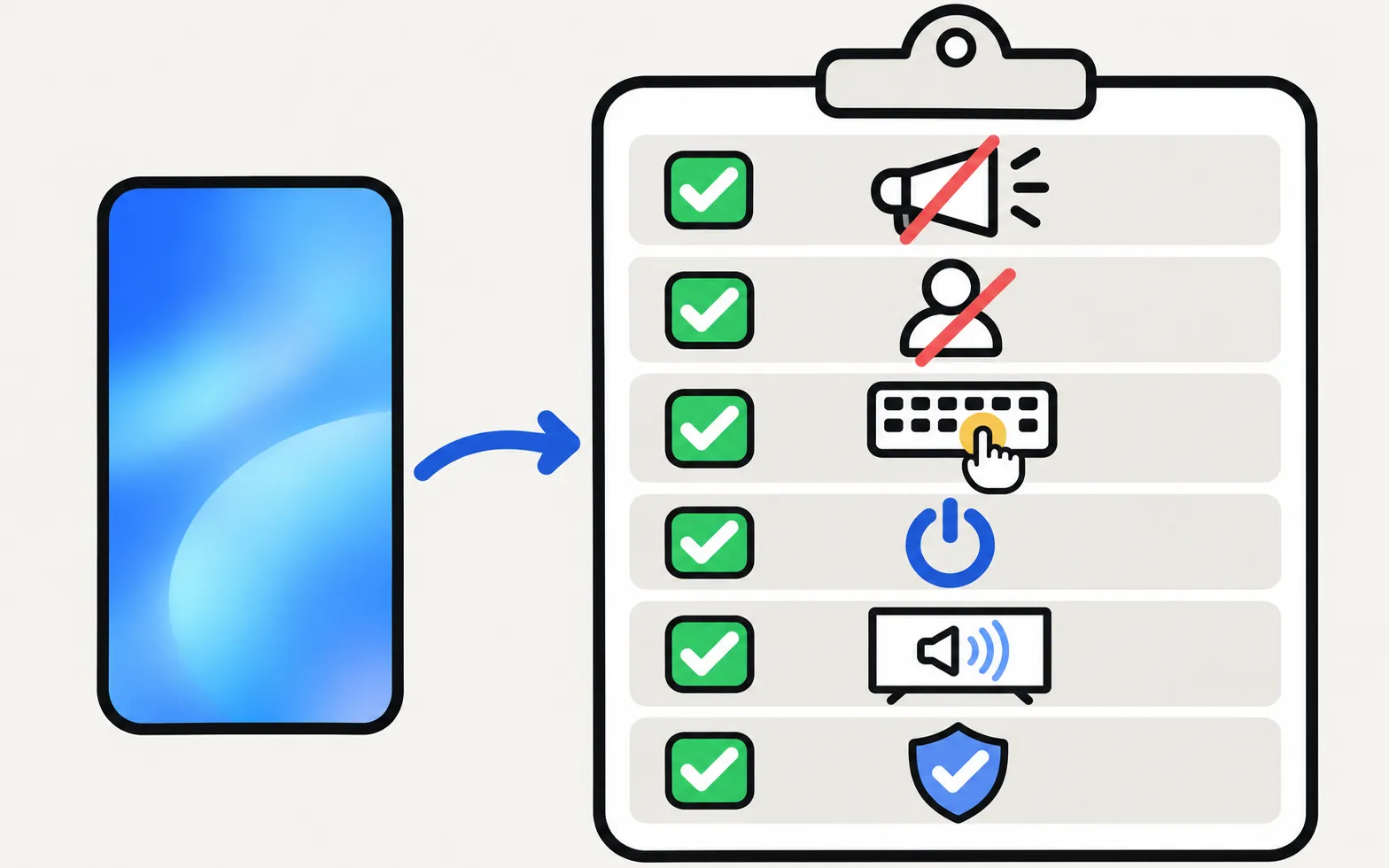
1. Ads and payments
Google Play shows “Contains ads” and “In-app purchases” under an app’s install button. Full-screen ads in a remote app interrupt exactly when you want to pause or change the volume, and some apps lock the keyboard or mirroring behind a subscription.
2. Account
A sign-in adds a dependency: if the account or cloud service has a problem, the remote may show your TV as offline. Apps that work purely on the home network need no account. SmartThings needs a Samsung account — fine if you already use Samsung’s ecosystem.
3. Keyboard, touchpad and pointer
Typing passwords and searches is where a phone beats any remote. Check whether the app sends text from your phone keyboard and has a touchpad or pointer for the TV browser. All such features depend on the TV: Samsung TVs from 2016 onwards accept text and pointer commands; older Smart TVs accept buttons only.
4. Turning the TV on
Turning a TV off is easy; turning it on needs the TV’s Power On with Mobile setting (2016+ TVs) and an app that sends a wake signal. SmartThings supports it on 2017+ SmartThings-compatible TVs. See turn on your Samsung TV with your phone.
5. Mirroring and casting
Galaxy phones have Samsung’s Smart View built in. Other Android phones need an app that mirrors to the TV’s own media player. Look for sound support and honest limits (delay, protected apps).
6. Privacy and permissions
A remote app needs network access — and for mirroring, screen capture and audio capture. It doesn’t need your location, contacts or camera. Read the Play Store Data safety section: it lists what the app collects and shares.
Samsung’s own apps
SmartThings is a capable, free choice, especially on iPhone and for people who already use Samsung’s smart-home features. Samsung lists a Samsung account, an internet connection and the TV added to SmartThings as requirements. Setup and fixes: add a Samsung TV to SmartThings and SmartThings TV remote not working.
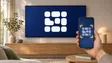
Mobile Remote (select 2025 TVs) starts from the TV: its control button shows a QR code that opens a remote in SmartThings. It is a great rescue when the remote is lost. See Mobile Remote and the QR code.
Our app, measured against the same criteria
| Criterion | Samsung TV Remote |
|---|---|
| Ads and payments | Free, with no ads, no in-app purchases and no subscription. |
| Account | No account or sign-up needed. |
| Keyboard and touchpad | Phone keyboard: type into the selected TV field with your normal Android keyboard, including voice typing and autocorrect. Three control modes — navigation pad, touchpad and mouse — switched with one tap. |
| Power-on | Power on over Wi-Fi with a wake-up signal (Wake-on-LAN) for 2016 or newer TVs with Power On with Mobile enabled. |
| Mirroring and casting | Screen mirroring with sound, using the TV's own media player — nothing is installed on the TV. Cast photos and videos picked in Android's photo picker; videos play with sound and can be paused and seeked. |
| Privacy | The app collects, stores, shares and sells no personal or usage data: no analytics, ads, trackers, accounts or crash reporting. All traffic stays on your local network between phone and TV; the app connects to no internet server. |
| Requirements | Requires Android 9 or newer (phones and tablets). No Chromecast, HDMI cable, extra hardware, SmartThings or Samsung account is needed. |
And its limits, stated plainly:
There is no iPhone version. iPhone owners: see control a Samsung TV with an iPhone.
If you try it, getting started walks through the first connection.
Which should you choose?
- You have an iPhone: SmartThings, or Mobile Remote on a 2025+ TV.
- You use Samsung’s smart-home ecosystem: SmartThings.
- You want a dedicated Android remote with no sign-in and no ads: a home-network remote app such as Samsung TV Remote — check your model on the compatibility page.
- Your TV isn’t a Smart TV, or has no network: an IR remote app on a phone with an IR blaster (remote apps without Wi-Fi).
Frequently asked questions
Is SmartThings Samsung's own TV remote app?
SmartThings is Samsung's own app for its TVs and smart-home devices, and it includes a TV remote. It needs a Samsung account and the TV added to SmartThings.
Why do some remote apps ask for so many permissions?
A Wi-Fi remote needs network permissions and, for mirroring, screen capture and audio. Location, contacts or camera access are not needed for remote control. Check the app's Play Store Data safety section before installing.
Do remote apps work with old Samsung TVs?
Wi-Fi remote apps need a Smart TV on the network, and older generations (2010–2015) accept fewer commands. Non-smart Samsung TVs can only be controlled by an infrared app on a phone with an IR blaster.
Is Samsung TV Remote made by Samsung?
Samsung TV Remote is an independent app developed by Smart App Craft. It is not affiliated with, endorsed by or sponsored by Samsung Electronics Co., Ltd.
Sources
- Control your Samsung TV or projector with your phone using SmartThings — Samsung US · Samsung · checked November 11, 2026
- Samsung UK support: use Mobile Remote on your 2025 Samsung Smart TV — Samsung UK · Samsung · checked November 10, 2026
- Samsung Australia support: power on the TV with the SmartThings app (Power On with Mobile) — Samsung Australia · Samsung · checked November 10, 2026
- Samsung TV Remote product documentation (developer-supplied facts) — Smart App Craft · Developer · checked November 10, 2026
Related guides
Guide
Phone as a remote
Control a Samsung TV from your phone: Android remote apps, SmartThings, Samsung's 2025 Mobile Remote, IR-blaster phones and iPhone — what each needs and does.
Troubleshooting
SmartThings remote not working
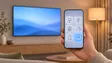
SmartThings shows your Samsung TV as offline or the remote does nothing? Check the account, network and updates, enable Power On with Mobile and re-add the TV.
How-to
Add a TV to SmartThings
What SmartThings does for a Samsung TV, what you need, how to add the TV automatically or with the PIN, and fixes when SmartThings can't find it.
App
Compatible TVs
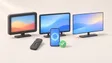
Check your Samsung TV model code against 389 developer-tested models, and see which app features work on each Samsung Smart TV generation from 2010 on.
Explainer
Mobile Remote and the QR code
The QR code on a 2025 Samsung TV opens Mobile Remote, a phone remote in SmartThings: supported TVs, phone requirements, setup and the Quick Remote setting.
Explainer
Remote apps without Wi-Fi
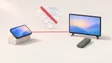
Can a phone control a Samsung TV without Wi-Fi? Only with an infrared (IR) blaster — here's why Wi-Fi remotes can't, which phones have IR, and the alternatives.