
How-to
Samsung TV remote app for iPhone: how to control your TV
An iPhone can control most Samsung Smart TVs from the last several years — mainly through Samsung's own SmartThings app.
Quick answer
Install Samsung's SmartThings app on the iPhone, sign in with a Samsung account, and add your TV while both are on the same Wi-Fi; the TV then appears in SmartThings with an on-screen remote. On select 2025 and newer TVs you can also scan the Mobile Remote QR code the TV shows. To show iPhone content on the TV, use AirPlay on 2018 and newer Samsung TVs.
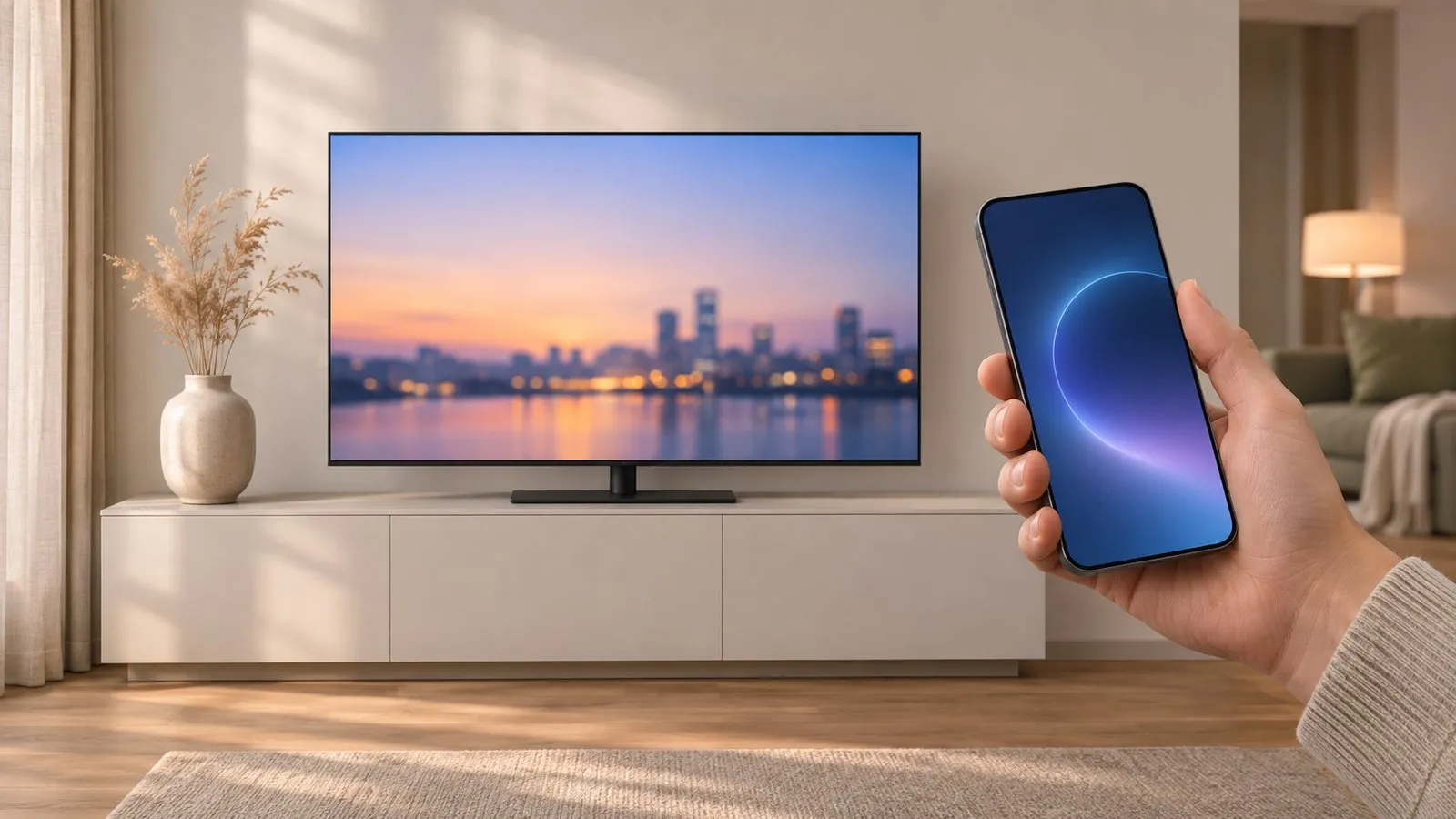
There is no iPhone version. This guide covers the iPhone options that do exist — mostly Samsung’s own.
Option 1: SmartThings (most Samsung Smart TVs)
-
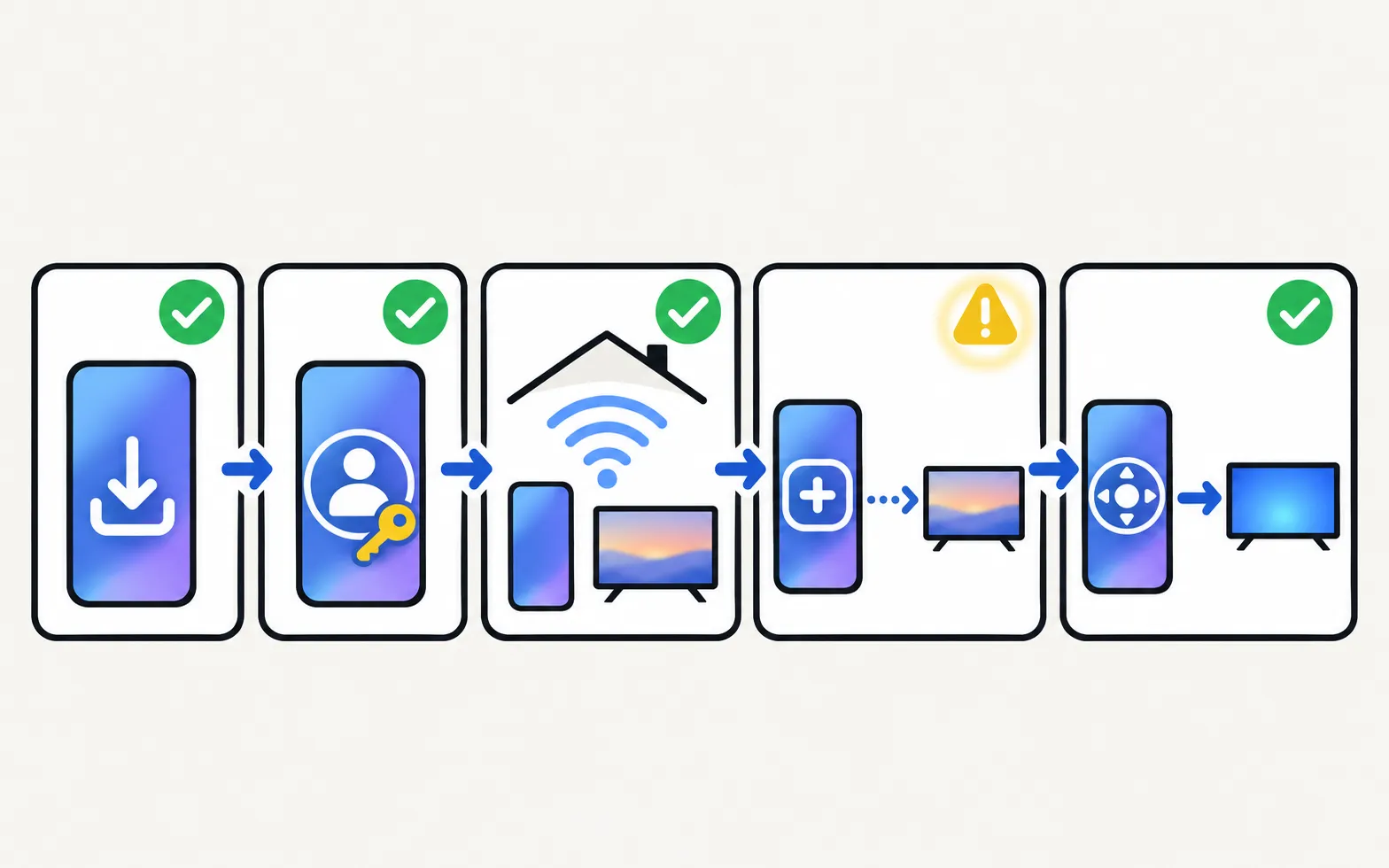
Install SmartThings
From the App Store. Samsung’s Canadian guide lists iOS 12 or later for the app. -
Sign in with a Samsung account
The TV is registered to this account. -
Put the iPhone on the TV's Wi-Fi
Both must be on the same network, and the TV must be on. -
Add the TV
SmartThings may pop up and offer to add the TV. If not, open Devices, tap Add, choose By brand, Samsung, TV, then follow the steps and enter the PIN the TV shows. -
Open the remote
Tap the TV tile in SmartThings to get the on-screen remote. Available buttons vary by TV.
More detail and fixes: add a Samsung TV to SmartThings and SmartThings remote not working.
Turning the TV on from the iPhone
SmartThings can switch the TV on if Power On with Mobile is enabled on the TV. Samsung lists these requirements: a 2017 or later SmartThings-compatible TV, iOS 15 or later, and the TV and phone registered to the same Samsung account. Menu paths by year: turn on your Samsung TV with your phone.
Option 2: Mobile Remote (select 2025+ TVs)
On select 2025 TVs (Samsung lists the U8000F and above), press the TV’s own control button to reach the Mobile Remote icon and scan the QR code with the iPhone camera. It opens the remote in SmartThings (iOS 16 or later). Samsung says that on iPhone the remote can also appear as a Live Activity on the lock screen or in the Dynamic Island. Details: Mobile Remote and the QR code.
Option 3: show the iPhone screen with AirPlay
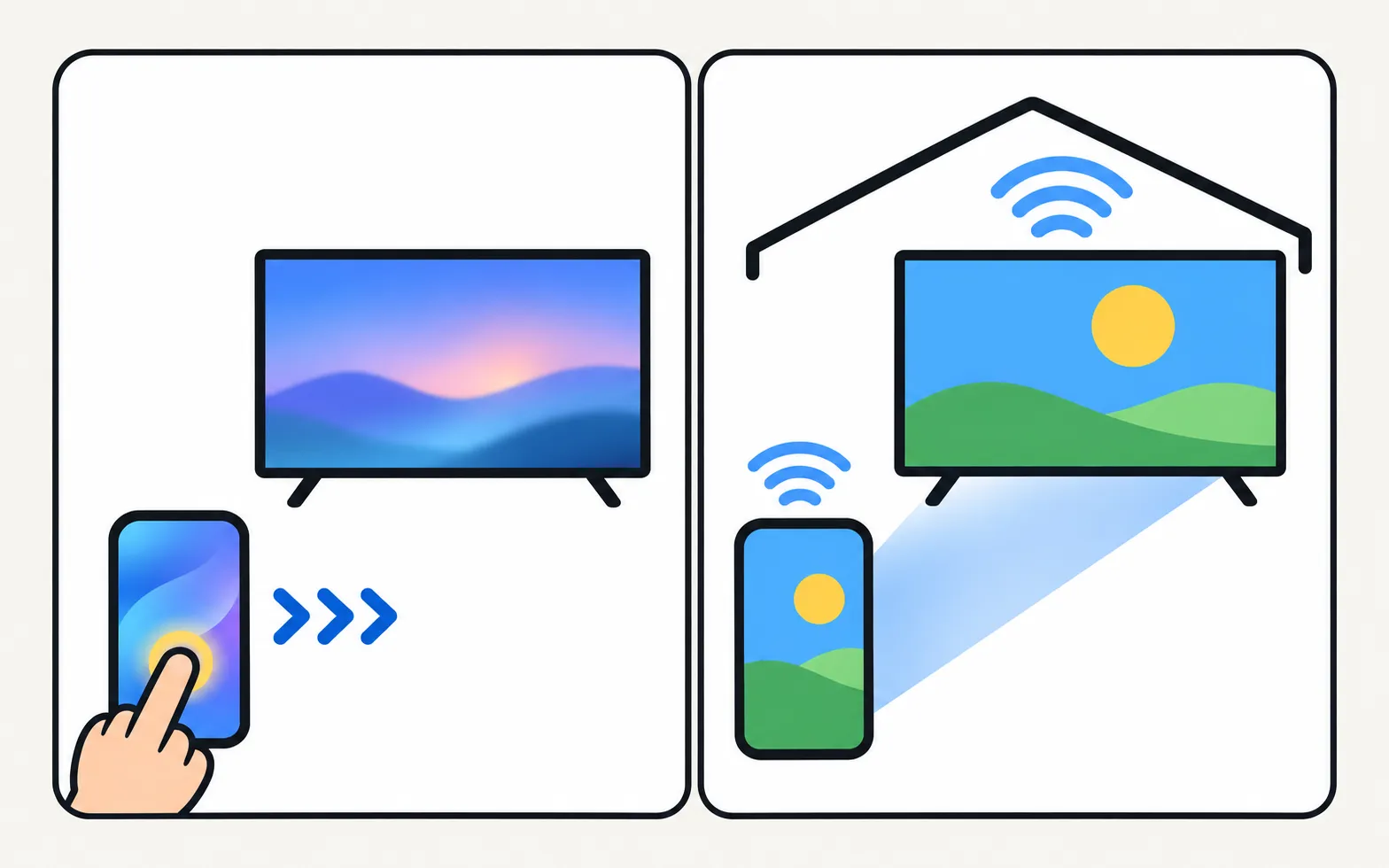
Controlling the TV and showing your iPhone on it are different things. For photos, videos and mirroring, Samsung TVs from 2018 onward support AirPlay on many models — see mirror an iPhone to a Samsung TV.
Option 4: a third-party iPhone remote app
The App Store has independent Samsung TV remote apps. Before installing, check:
- whether it needs an account, shows ads or charges a subscription;
- that it works on your TV’s model year (older TVs accept fewer commands);
- that the iPhone and TV are on the same Wi-Fi — network remotes can’t work over mobile data.
When the iPhone can’t find the TV
The same network rules apply to every phone: same Wi-Fi, no guest network or VPN, TV fully on, and the TV allowing the phone the first time. The checklist is in Samsung TV not showing up on your phone and the Allow prompt explained.
Frequently asked questions
Is there an iPhone version of Samsung TV Remote?
There is no iPhone version.
Can an iPhone turn on my Samsung TV?
With SmartThings, yes, if the TV supports it and Power On with Mobile is enabled. Samsung lists 2017 or later SmartThings-compatible TVs, the TV and phone on the same Samsung account, and iOS 15 or later for this.
Can I use an iPhone as a remote without a Samsung account?
SmartThings and Mobile Remote both run in the SmartThings app, which uses a Samsung account. Third-party iPhone remote apps exist; check their account and ad requirements before installing.
Can I type on the TV from my iPhone?
SmartThings offers a keyboard on many TVs. A USB or Bluetooth keyboard connected to the TV is another option.
Sources
- Control your Samsung TV or projector with your phone using SmartThings — Samsung US · Samsung · checked November 11, 2026
- How to use SmartThings on your TV (add a TV to SmartThings) — Samsung Canada · Samsung · checked November 11, 2026
- Samsung UK support: use Mobile Remote on your 2025 Samsung Smart TV — Samsung UK · Samsung · checked November 10, 2026
- How to stream to your TV using AirPlay — Samsung Ireland · Samsung · checked November 11, 2026
- Samsung Australia support: power on the TV with the SmartThings app (Power On with Mobile) — Samsung Australia · Samsung · checked November 10, 2026
Related guides
Guide
Phone as a remote
Control a Samsung TV from your phone: Android remote apps, SmartThings, Samsung's 2025 Mobile Remote, IR-blaster phones and iPhone — what each needs and does.
How-to
Mirror an iPhone
Mirror or stream an iPhone or iPad to a Samsung TV with AirPlay: which TVs support it, how to turn it on, the on-screen code, and what to do on older TVs.
How-to
Add a TV to SmartThings
What SmartThings does for a Samsung TV, what you need, how to add the TV automatically or with the PIN, and fixes when SmartThings can't find it.
Explainer
Mobile Remote and the QR code
The QR code on a 2025 Samsung TV opens Mobile Remote, a phone remote in SmartThings: supported TVs, phone requirements, setup and the Quick Remote setting.
Comparison
Remote apps compared
How Samsung TV remote apps for Android differ: SmartThings, Mobile Remote, IR apps and Wi-Fi remotes, compared on ads, accounts, keyboard, power-on and privacy.