
Troubleshooting
Samsung TV green, purple or pink tint and other colour problems
A tint on everything is usually a cable or a setting; a tint only in the Picture Test is hardware. Washed-out colours are almost always a mismatch between the source and the TV.
Quick answer
Run the Picture Test first (Support, Self Diagnosis). If the test image looks normal, the problem is the source: reseat or replace the HDMI cable, check the device's colour or HDR settings, and reset the TV's picture (Settings, Picture, Expert Settings, Reset Picture). If the test image has the tint, the TV needs service. Washed-out colours usually mean an HDMI black-level or colour-space mismatch.
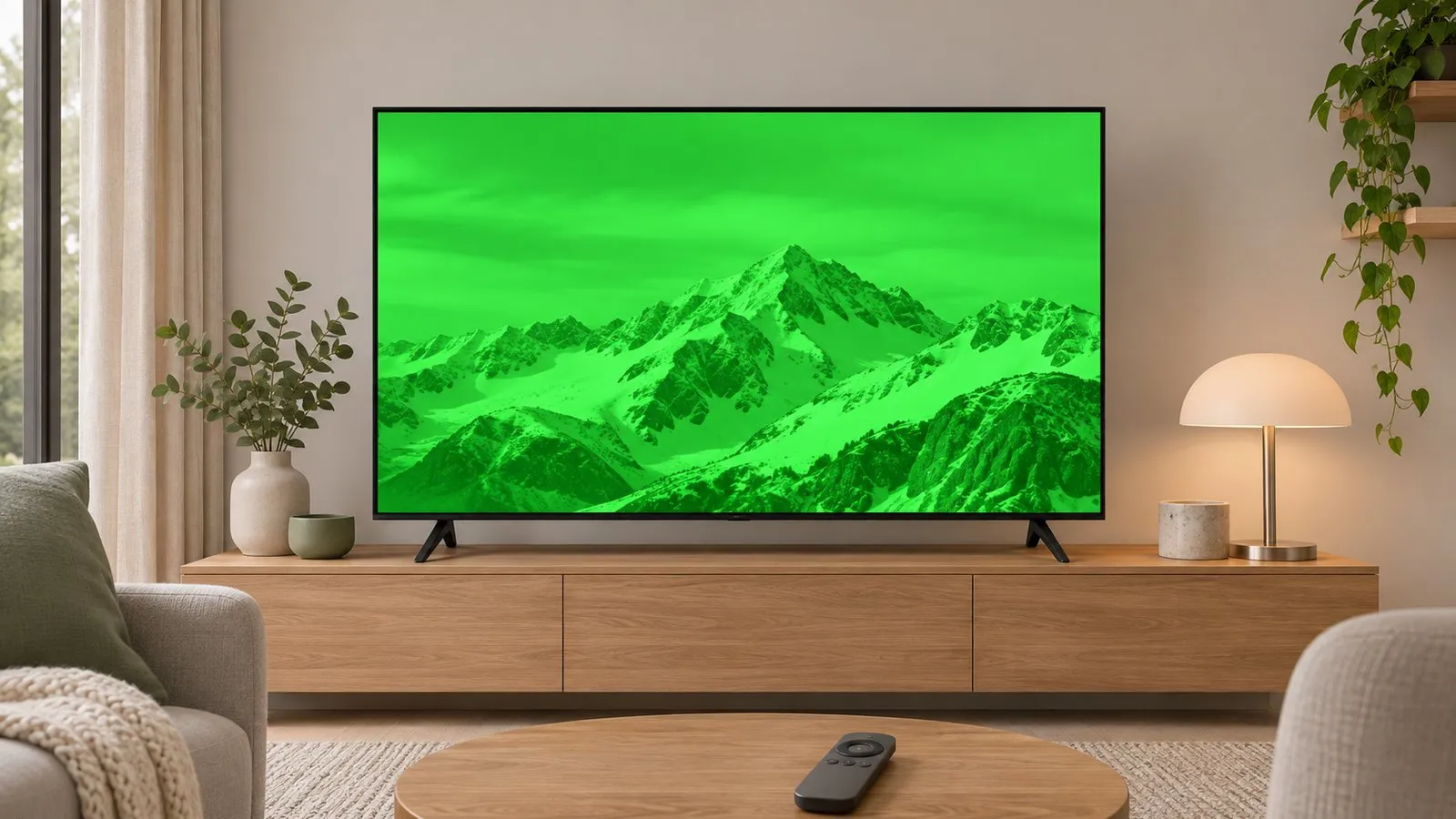
Step 1: is it the TV or the source?
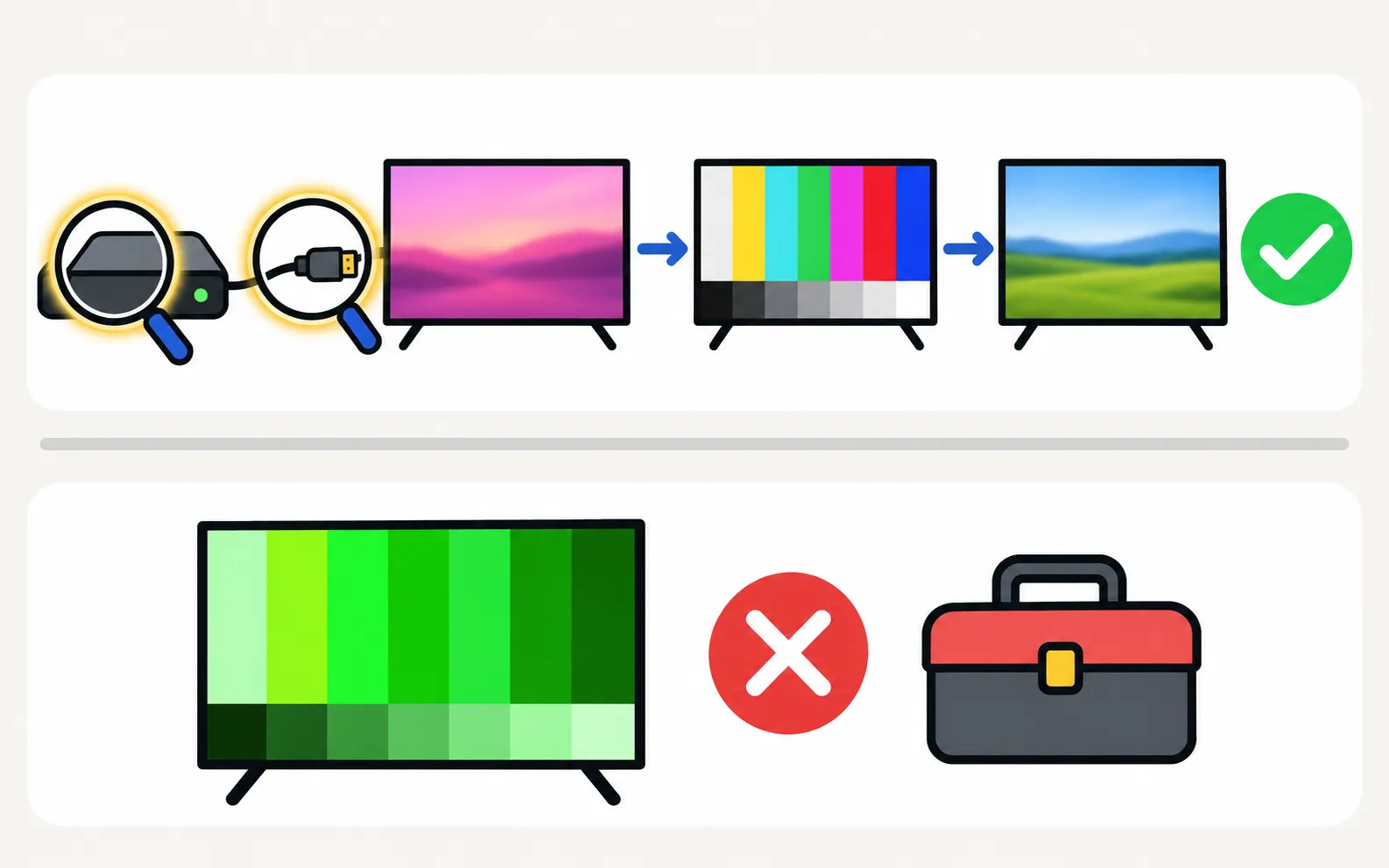
Run Samsung’s Picture Test, which shows a test image stored in the TV. On 2023–2025 TVs: (other years in lines on the screen).
| In the test image | Meaning |
|---|---|
| Colours look normal | The TV is fine — fix the source, cable or settings (below) |
| The same tint or patches | Hardware fault — contact Samsung support |
Green, purple or pink tint from a source
-
Reseat and swap the HDMI cable
Damaged cables commonly cause colour casts. Try another cable and port. -
Check the device's video settings
Set colour format and HDR to automatic; turn off any manual colour space such as YCbCr 4:2:2 or RGB limited/full mismatches. -
Power-cycle both
Unplug the TV and the device for 30 seconds.
Washed-out or dull colours
- Picture mode: Eco or energy-saving modes and Dynamic modes can distort colour. Try Movie or Filmmaker Mode (best picture settings).
- Black level mismatch: if blacks look grey on one HDMI input, set the device’s RGB range to automatic and the TV’s HDMI Black Level to Auto (in the picture expert settings, where available).
- HDR content looking flat: see HDR on Samsung TVs.
- Energy saving: automatic dimming also mutes colour — picture too dark.
Reset the picture
Samsung’s US guide gives: , then Yes to confirm. This undoes custom colour, tint and white-balance changes made by anyone in the house.
If the Picture Test shows the tint
A tint, colour bands or patches in the test image mean a hardware fault in the panel or its electronics. Samsung advises contacting support; check the warranty and see is a Samsung TV worth repairing?.
Frequently asked questions
Why is the picture green or purple only from my console or cable box?
A damaged or loose HDMI cable, or a colour-format mismatch between device and TV, can tint the picture. Swap the cable and set the device's video output to automatic.
Why do colours look washed out?
Often the TV and the source disagree on the black level or colour range, or an HDR signal is shown with SDR settings. Matching the device's RGB range with the TV's HDMI Black Level (or setting both to Auto) usually fixes it.
Can a magnet or speaker cause colour patches?
Not on modern flat-panel TVs; that was a CRT problem. Patches on an LED or OLED TV point to the panel or backlight.
Sources
- Lines on Samsung TV screen (Picture Test paths 2015–2026) — Samsung Australia · Samsung · checked November 11, 2026
- How to reset your Samsung TV (ANS10005248) — Samsung US · Samsung · checked November 11, 2026
- Samsung TV has no picture or shows a black screen (TSG10002233) — Samsung US · Samsung · checked November 11, 2026
Related guides
How-to
Best picture settings
The Samsung TV picture settings that matter: Movie or Filmmaker Mode, motion smoothing, automatic dimming and brightness for your room, and what to leave alone.
Troubleshooting
Lines on the screen
Lines on a Samsung TV screen? Find out in two minutes if it's a cable or a panel fault: see if the lines move, check the TV's own menu and run the Picture Test.
Explainer
HDR and Dolby Vision
Samsung TVs play HDR10, HDR10+ and HLG but not Dolby Vision. How to get HDR from a console, player or PC with Input Signal Plus and the right picture mode.
Troubleshooting
HDMI no signal
Samsung TV says No Signal or won't detect HDMI? Wake the device, pick the right source, reconnect in Samsung's order, run HDMI Troubleshooting, check 4K 120 Hz.
Troubleshooting
Picture too dark
Samsung TV too dark or dimming on its own? Turn off Brightness Optimization, Energy Saving Solution, Motion Lighting, Contrast Enhancer and Adaptive Picture.